
Upvotes
0
Pricing
Freemium
Category
Video Generators
In the database since
Nov 2026
Overview
About AiCut
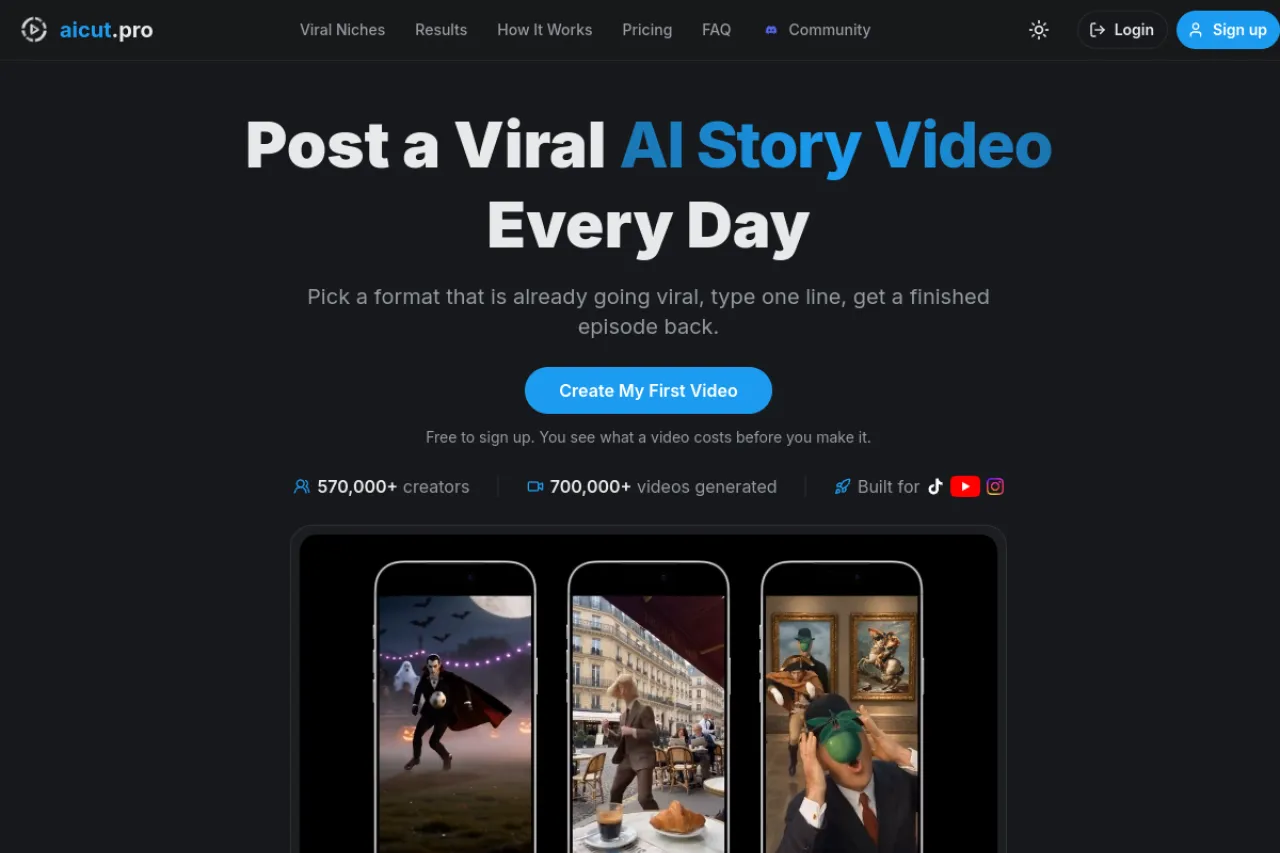
AiCut is an AI video generator built for faceless channels on TikTok, YouTube Shorts, and Instagram Reels. You pick a story format that is already going viral, type one line about what should happen, and get a finished episode back. The AI writes the script, builds the scenes, adds the voiceover, and times the captions. You never film, record your voice, or edit on a timeline. It suits creators who want to post every day without showing their face. Check the official site for current plans and model lists.
Key Features
1. Viral Story Formats
Choose from 20+ story series built on formats that already work. Type one line and the AI writes the full episode.
2. 24 AI Video Models
One account gives you 24 AI video models, including Veo 3.1, Kling 3, and Seedance 2.5. Switch models from a dropdown as new versions ship.
3. Consistent Characters
Your cast is made once and saved to your account. Every scene and later episode reuses the same faces, outfits, and art style.
4. Voiceovers in 29 Languages
Stories are voiced in 29 languages, with word-timed captions burned in. Premium voices are available for image story videos.
5. One-Click Posting and Scheduling
Connect TikTok, YouTube, and Instagram once, then publish any finished video in one click. You can also schedule posts in advance.
6. Automation Campaigns
On the Automate plan, campaigns write, render, and post new episodes for you on a schedule. Your channel keeps posting without daily work.
7. Full Video Editor
Every video opens in a built-in editor. Add captions, music, or a logo, extend a clip, or upscale it before you post.
8. Clear Token Costs Up Front
Every generator shows the exact token cost before you press generate. Nothing is spent by browsing, and failed generations are refunded in tokens.
Frequently Asked Questions
What is AiCut used for?
AiCut is used to run faceless short-video channels on TikTok, YouTube Shorts, and Instagram Reels. It turns a one-line idea into a finished story video with scenes, voices, and captions, so creators can post daily without filming or showing their face.
How does AiCut work?
You pick a story format, type one line about what should happen, and the AI writes the script, builds the scenes, adds the voiceover, and times the captions. The finished vertical video opens in the editor, and you can download it or post it in one click.
Can I turn a photo into a video with AiCut?
Yes. Upload a photo as the start frame and describe the motion, or set both a start and an end frame on models that support it. The AI keeps the subject and animates the scene into a short clip.
How long does it take AiCut to generate a video?
Most videos take about 1 to 3 minutes to render, and AiCut emails you when the video is ready to download or publish. Videos made in AI Video Mode take longer, around 10 minutes, because the process uses more computing power.
Will my characters look the same in every scene?
Yes. Your cast is generated once and saved to your account, and every scene of the episode, and every later episode, reuses the same saved character. The face, outfit, and art style stay the same instead of changing between shots.
Can AiCut post videos to TikTok, YouTube, and Instagram for me?
Yes. Connect your accounts once and publish any finished video from inside AiCut in one click, or schedule it for later. On the Automate plan, campaigns also generate and post new episodes on a schedule by themselves.
Conclusion
AiCut suits creators who want a daily faceless channel without filming, recording, or editing by hand. Its viral formats, steady characters, and one-click posting cover the full path from idea to published short. Generation runs on tokens, so check the token cost of your usual format on the official pricing page before you pick a plan.
Keep exploring
Similar AI tools
Ranked by the job they do, their capabilities, and how closely they fit this workflow.