
Upvotes
0
Pricing
Freemium
Category
Text-to-Video
In the database since
Oct 2026
Overview
About Akool
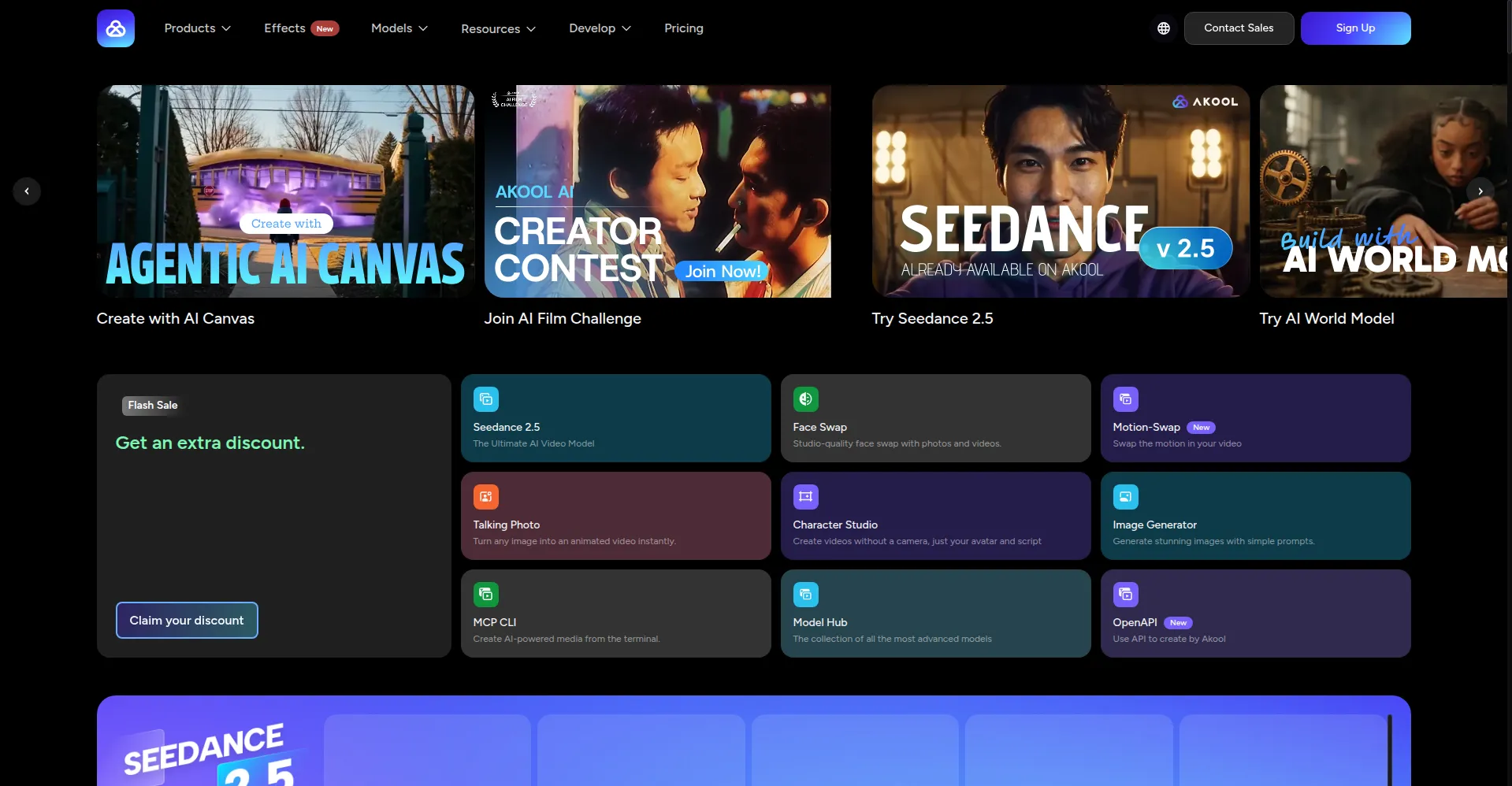
Akool is an AI video platform that turns text and images into realistic videos. Type a script, pick an AI avatar, and get a talking-head video with natural lip-sync and expression. It also offers face swaps, voice cloning, video translation, and background changes. Marketers, educators, and teams use it to make training videos, ads, and localized content without cameras, actors, or editing skills. Users start with free credits and scale up as production needs grow, adding avatars, voices, and languages along the way.
Key Features
AI Talking Avatars
Choose a realistic AI presenter from the library, or create a custom avatar from your photo, to deliver any script with natural expressions and lip-sync.
Voice Cloning
Clone a voice from a short audio sample and use it to narrate videos in multiple languages while preserving tone and personality.
Face Swap for Video and Images
Swap faces in photos, GIFs, and video clips with high fidelity, useful for creative campaigns and personalized content.
Video Translation and Lip-Sync
Translate existing videos into other languages with AI dubbing that matches lip movements for a natural viewing experience.
Background Changer
Replace or remove video backgrounds automatically without a green screen, placing subjects in any virtual environment.
Talking Photo Animation
Upload a portrait and make it speak any text with realistic mouth movements and subtle head motion.
API Access for Automation
Integrate Akool's generation engine into your own apps and workflows through a developer API for bulk video production.
Frequently Asked Questions
How does Akool generate avatar videos?
You enter a script, select an avatar and voice, and Akool's AI renders a video of the avatar speaking your text with synchronized lip movements and natural gestures.
Can I create a custom avatar of myself on Akool?
Yes, you can upload photos or a short video of yourself to create a personalized AI avatar that you can reuse across projects.
What languages does Akool support?
Akool supports 155+ languages for both text-to-speech narration and video translation, making it suitable for global content localization.
Does Akool offer a free plan?
Akool provides free credits to try the platform, and paid plans add higher limits, watermark removal, and commercial usage rights.
Is Akool suitable for commercial marketing videos?
Yes, paid plans include commercial usage rights, making Akool a practical choice for agencies and brands producing client-facing video content.
How realistic are Akool's AI avatars?
Akool's avatars offer detailed facial rendering and expressive delivery, though results vary by avatar and script length.
Conclusion
Akool packs talking avatars, face swaps, and multilingual dubbing into one platform. Its credit-based system makes it easy to test, while the API and commercial licenses serve teams producing video at scale. For creators who need fast, personalized video without a production crew, it is a strong option for polished, professional video at any volume.
Keep exploring
Similar AI tools
Ranked by the job they do, their capabilities, and how closely they fit this workflow.