
Upvotes
0
Pricing
Freemium
Category
Text-to-Video
In the database since
Oct 2026
Overview
About Fliki
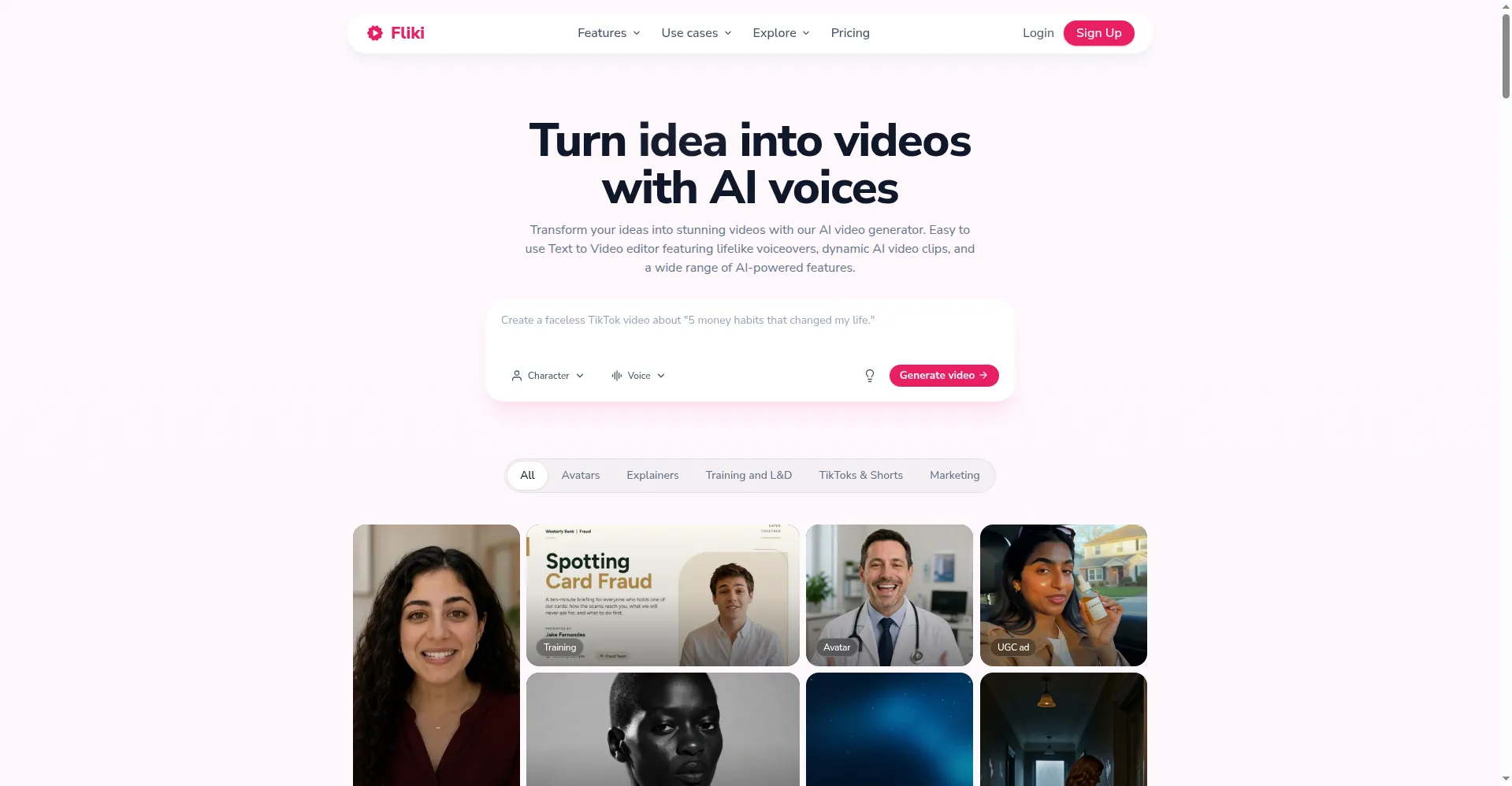
Fliki is an AI video tool that turns scripts, blog posts, and ideas into finished videos. It suits creators, teachers, and marketers who want videos without filming or editing. You paste text, pick from 2,000+ AI voices in 80+ languages, and Fliki adds visuals, music, and captions. It can even build videos from blog URLs and slide decks. The free plan gives 5 minutes of content per month. Paid plans unlock voice cloning, AI avatars, and longer videos. Check fliki.ai for current features and limits.
Key Features
1. Script-to-Video
Paste a script or idea and Fliki builds scenes with visuals and voiceover. It picks matching stock clips and adds captions automatically.
2. 2,000+ AI Voices
Choose from over 2,000 lifelike voices in 80+ languages and dialects. You can tune pauses, pitch, and tone for each voice.
3. Blog and PPT to Video
Turn a blog post, PDF, or slide deck into a narrated video. Fliki reads your content and rebuilds it as watchable scenes.
4. AI Video Clips
Generate video clips with leading AI models like Veo and Kling. This adds original footage when stock clips do not fit.
5. Voice Cloning
Clone your own voice from a short recording. Your videos can then speak in your voice in many languages.
6. Digital Twin Avatars
Create an AI avatar of your face and voice. It presents videos for you, so you never need to film yourself.
7. Auto Captions and Translation
Add accurate captions in one click and translate videos into 80+ languages. This helps your content reach global viewers.
Frequently Asked Questions (FAQ)
What is Fliki used for?
Fliki is used to turn text into videos fast. Creators make TikToks, YouTube videos, and training content without filming or editing skills.
How does Fliki turn a blog post into a video?
You paste a blog URL or text, and Fliki splits it into scenes. It adds matching visuals, an AI voiceover, music, and captions automatically.
Can Fliki clone my voice?
Yes, on paid plans you can clone your voice from a short sample. Fliki can then narrate any script in your voice, even in other languages.
What is a Fliki digital twin avatar?
A digital twin is an AI copy of your face and voice. It appears on camera in your videos, so you can present content without recording yourself.
Which AI video models does Fliki use?
Fliki can generate clips with leading models such as Veo, Kling, and Seedance. The available models may change, so check the site for the current list.
Conclusion
Fliki turns scripts, blogs, and ideas into finished videos with AI voices and visuals. It suits creators and teams who need fast video content without filming. The free plan covers small tests, while paid plans add voices, avatars, and minutes. Its blog-to-video tool makes repurposing old content simple. Check fliki.ai for current limits and features.
Keep exploring
Similar AI tools
Ranked by the job they do, their capabilities, and how closely they fit this workflow.