Pixverse
Turn text or images into short AI videos with styles, effects, and audio
Upvotes
0
Pricing
Freemium
Category
Text-to-Video
In the database since
Oct 2026
Overview
About Pixverse
What is Pixverse?
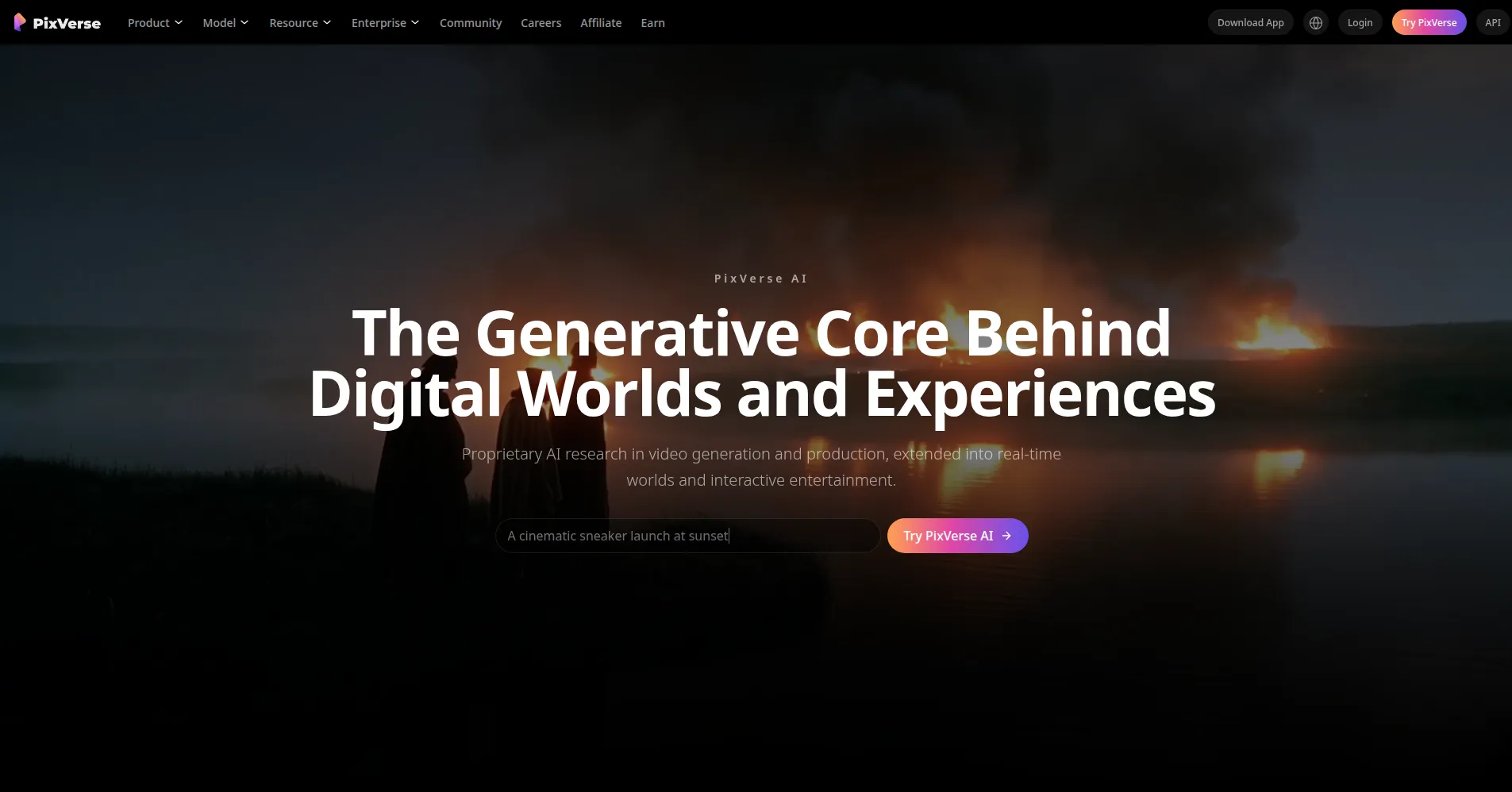
Pixverse is an AI video generation platform that turns text prompts and still images into short video clips. Its current model generation, V6, supports text-to-video, image-to-video, first-and-last-frame transitions, video extension, and reference-to-video workflows, producing clips from 1 to 15 seconds long at resolutions between 360p and 1080p, with native audio controls built in.
The platform positions itself as a full production workspace rather than a single prompt box: when a text prompt is not enough, you can move into image-to-video, reference, transition, extension, or editing paths without changing tools. Generation runs in the cloud through the web app and mobile apps, and the company also offers an API platform for developers and businesses. It runs on a credit-based freemium model — a free tier with daily credits for testing, and paid subscriptions for higher resolution, watermark-free output, and larger credit allowances.
Key Features
1. Text-to-video generation
Describe a scene in plain words and receive a video clip up to 15 seconds long.
2. Image-to-video animation
Upload a still image and bring it to life with AI-generated motion.
3. First-and-last-frame transitions
Set a start frame and an end frame, and Pixverse generates the motion connecting them.
4. Video extension
Lengthen an existing clip by generating a seamless continuation beyond its original ending.
5. Magic Brush
Paint over specific areas of an image to dictate exactly where motion should occur in the resulting video.
6. Character reference
Upload a single reference image to keep the same face, body proportions, and wardrobe consistent across separate generations and camera angles.
7. Speech and lip sync
Upload audio — dialogue, singing, or voiceover — and the character's mouth movements are matched to it across multiple languages.
Frequently Asked Questions
How long can Pixverse videos be?
Each generation produces clips from 1 to 15 seconds long, and the video extension feature can continue a clip beyond its original ending for longer sequences.
What is Magic Brush in Pixverse?
Magic Brush lets you paint directly over regions of an image to control precisely where motion appears, so you can animate one element of a scene while the rest stays still.
How does Pixverse keep a character looking the same across shots?
The Character Reference feature takes one uploaded reference image and reuses the face, body, and wardrobe across separate generations, while MultiShot can generate continuous multi-angle sequences from a single prompt.
Can I add dialogue to a Pixverse video?
Yes. The Speech feature analyzes your uploaded audio and syncs the character's lip movements to it, working with spoken dialogue, singing, and voiceovers in multiple languages.
What resolution do Pixverse videos export at?
Quality options range from 360p to 1080p depending on plan and settings; higher resolutions and watermark-free exports require a paid tier, while the free tier is capped at lower resolution with a watermark.
Does Pixverse offer an API for developers?
Yes. Pixverse provides a developer API platform with its own separate credit plans for businesses that want to build video generation into their products or pipelines.
Conclusion
Pixverse is a strong pick for creators who want fast, controllable short-form video without leaving one workspace. Text-to-video, image-to-video, transitions, extension, and character consistency cover most social and marketing use cases, and the lip-sync and Magic Brush tools give it an edge in directed, character-driven clips. The free tier is genuinely usable for testing, though serious work will want a paid plan for full resolution and watermark-free exports.
Keep exploring
Similar AI tools
Ranked by the job they do, their capabilities, and how closely they fit this workflow.