
Animoto
Turn photos and clips into polished promo videos with templates and music.
Upvotes
0
Pricing
Freemium
Category
Video Generators
In the database since
Oct 2026
Overview
About Animoto
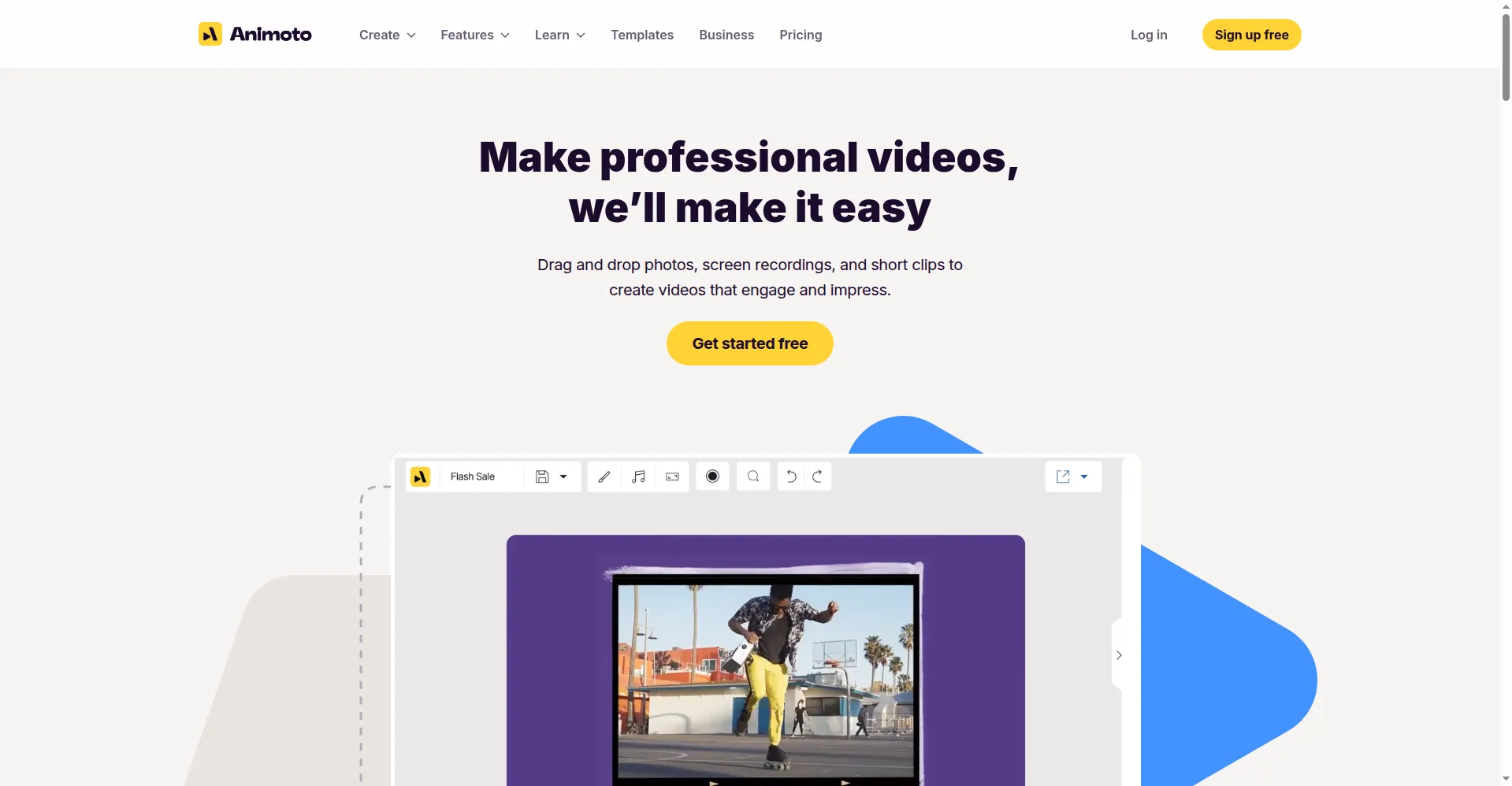
Animoto is an online video maker that turns your photos and short clips into finished videos in minutes. It is built for people who are not video editors — marketers, real estate agents, teachers, and small business owners. You pick a template, add your media and text, choose a song from the built-in music library, and export. There is no timeline to learn and no software to install. The free tier lets you try it with a watermark. Check the official site for the latest plans and feature limits.
Key Features
1. Drag-and-Drop Video Builder
You build videos by dragging photos and clips into pre-made blocks. With no complex timeline, a finished video can be ready in under 15 minutes.
2. Template Library
Hundreds of ready-made templates cover promos, real estate listings, event recaps, and social ads, giving you a finished look without design skills.
3. Licensed Music Library
Thousands of licensed music tracks are included, and the video auto-paces your photos and cuts to the beat, which suits slideshows and event recaps.
4. Stock Photo and Video Library
Paid tiers unlock large stock libraries, including over a million Getty Images photos on Professional, to fill gaps when you lack your own footage.
5. Brand Customization
You can save your logo, brand colors, and fonts and apply them to any video, keeping every promo consistent with your business identity.
6. Text Overlays and Voice-Over
Add captions, headlines, and call-to-action text over your scenes, and record a voice-over track on higher tiers to narrate tutorials or listings.
7. Direct Social Sharing
Exported videos can be shared directly to platforms like YouTube, Facebook, and Instagram, or downloaded as files for use in ads and emails.
Frequently Asked Questions (FAQ)
Do I need video editing skills to use Animoto?
No. Animoto is built for non-editors. You choose a template, drop in your photos and clips, add text and music, and export — no timeline or editing experience needed.
Can I use my own photos, clips, and music?
Yes. You can upload your own photos and video clips. For music, you pick from Animoto's licensed library, which avoids copyright problems on social platforms.
Will my videos look like everyone else's?
They can if you use templates as-is. Adding your own footage, brand colors, logo, and custom text makes the output feel unique to your business.
Can Animoto handle client work or team projects?
Yes, the Professional Plus tier supports up to three users with collaboration tools, team workspaces, and a resell license for agency client work.
Does Animoto offer discounts for nonprofits or schools?
Yes. Animoto provides special pricing for nonprofits and educators, which fits its strong use in classrooms, school events, and charity campaigns.
Conclusion
Animoto suits beginners and small teams who need polished promo or slideshow videos fast, without learning an editor. The free tier is watermarked, so real published posts need a paid plan. Paid tiers add branding, stock media, voice-over, 4K exports, and team features with collaboration tools, making it a complete package for business-ready video results.
Keep exploring
Similar AI tools
Ranked by the job they do, their capabilities, and how closely they fit this workflow.