

BG Remover
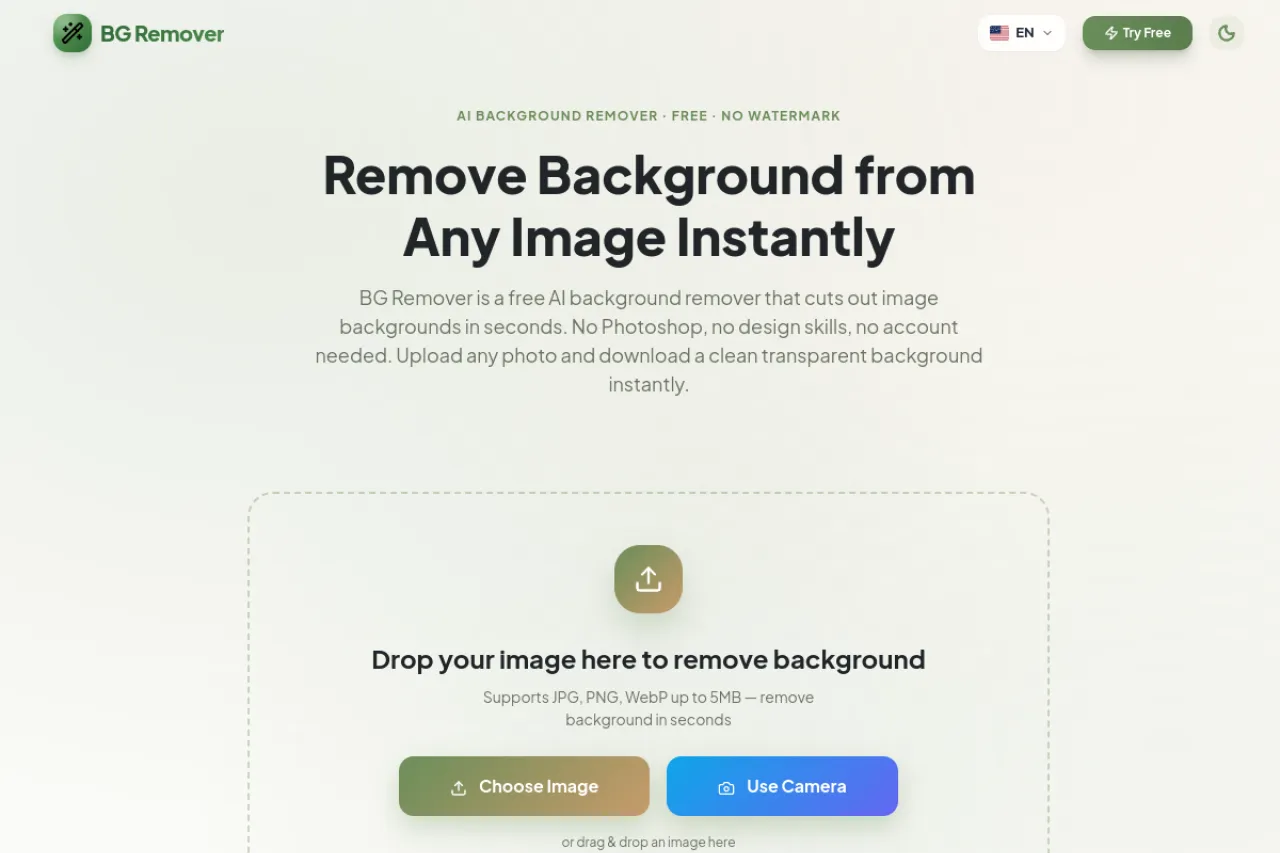
Remove any photo background in seconds and download a transparent PNG.
Upvotes
0
Pricing
Free
Category
Image Editing
In the database since
Nov 2026
Overview
About BG Remover
BG Remover cuts the background out of a photo in seconds, with no account, no watermark, and no cost for the basic result. Upload a JPG, PNG, or WebP file, and the AI finds the subject and removes the rest. The transparent result is ready for product listings, thumbnails, profile pictures, and marketing images. You can also add a color or a background image before downloading. It suits sellers who need clean product photos, designers who build marketing images, and creators who make thumbnails and profile pictures.
Key Features
Free with no account
Remove backgrounds without signing up, paying, or accepting a watermark on the finished transparent image.
Transparent PNG output
Every result downloads as a transparent PNG, the standard format for background-free images across design tools.
JPG, PNG, and WebP support
Upload JPG, JPEG, PNG, or WebP files up to 5MB per image for fast background removal.
Results in seconds
The AI separates the subject from its background in seconds, with no manual masking or editing steps.
Custom background color
After removal, add a custom color behind the subject or upload a background image of your own.
Works with common tools
Transparent results drop into Canva, Photoshop, Figma, PowerPoint, Google Slides, Shopify, and WordPress without conversion.
Frequently Asked Questions (FAQ)
What is BG Remover?
A free AI tool that removes the background from a photo in seconds and returns a clean transparent PNG, with no account and no watermark.
Which formats can I upload?
JPG, JPEG, PNG, and WebP, up to 5MB per file. The output is always a transparent PNG.
Do I need an account?
No. The tool needs no account, no payment, and no design skills — upload a photo and download the result.
Can I add a background color?
Yes. After removal, you can add a custom color behind the subject or upload a background image.
Where can I use the result?
Anywhere transparent PNGs work, including Canva, Photoshop, Figma, PowerPoint, Google Slides, Shopify, and WordPress.
Conclusion
BG Remover suits anyone who needs a clean cutout fast — sellers, designers, and creators alike. No account, no watermark, and no cost remove the usual friction, while transparent PNG output fits straight into common tools. Upload a photo, download the cutout, and move on to the design itself, with no editing steps in between at all.
Keep exploring
Similar AI tools
Ranked by the job they do, their capabilities, and how closely they fit this workflow.


