PicWish
One-click background removal, enhancement and batch photo editing
Upvotes
0
Pricing
Freemium
Category
Image Editing
In the database since
Oct 2026
Overview
About PicWish
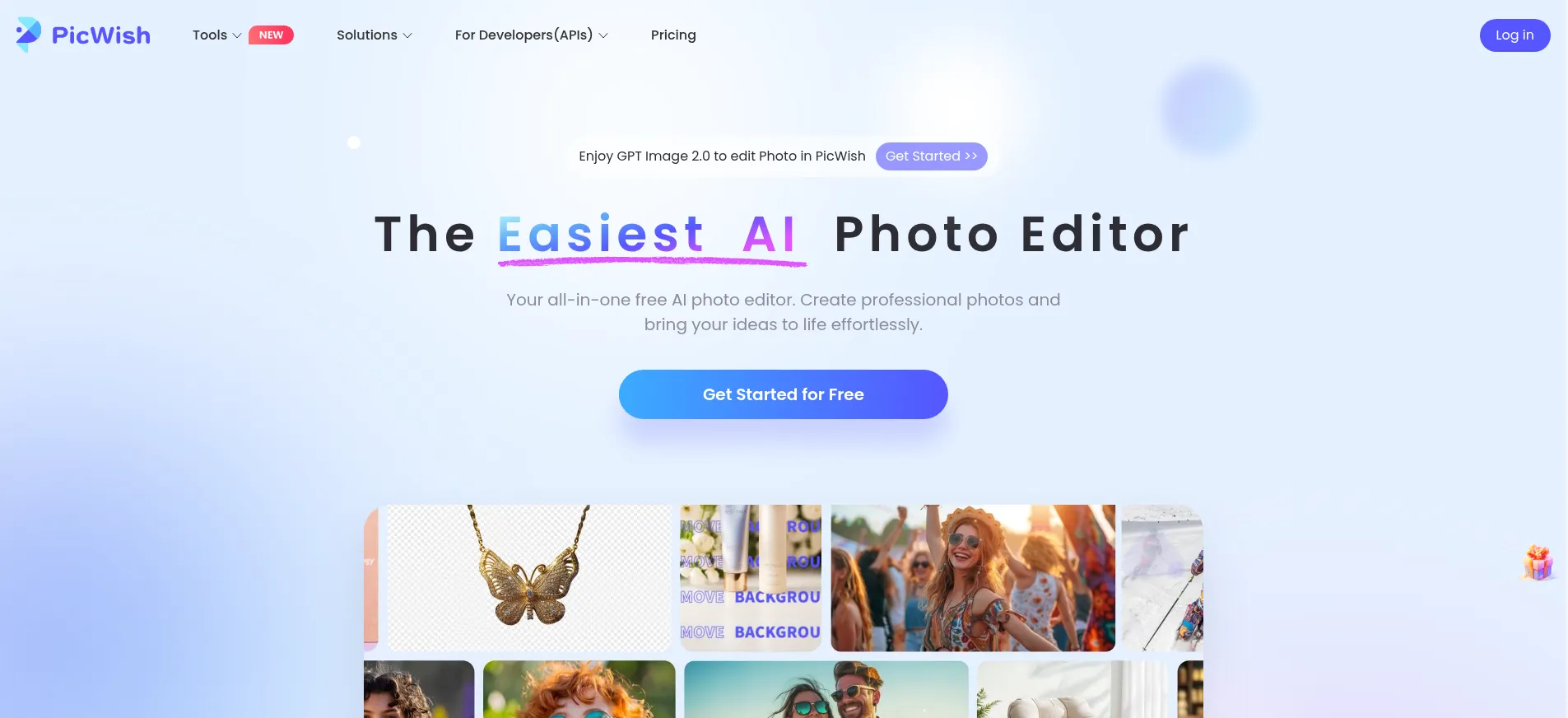
PicWish is a browser-based AI photo editor for quick fixes and batch jobs. It removes backgrounds, erases unwanted objects, sharpens blurry photos, and colorizes black-and-white images in seconds. E-commerce sellers use it to clean up product photos, while casual users fix everyday pictures. The web app needs no install, and desktop and mobile apps handle bulk work. A free tier covers light use, and Pro unlocks HD exports and monthly credits. Check picwish.com for current limits, since they change over time.
Key Features
1. One-click background removal
Upload a photo and the AI cuts out the subject with clean edges. Swap in a solid color, a template, or a transparent background.
2. Object and watermark eraser
Brush over people, text, or blemishes you want gone. The AI fills the area with matching background in seconds.
3. Photo enhancer and unblur
Fix blurry, dark, or low-quality shots with one click. Portraits come out sharper while skin tones stay natural.
4. Black-and-white colorization
Give old family photos natural-looking color. The AI picks realistic tones for skin, clothes, and backgrounds.
5. Batch processing
Edit up to 30 images at once on mobile, or 100 on desktop. Great for sellers with big product catalogs.
6. Face cutout and retouch
Isolate faces for ID photos or polish portraits. Tools smooth skin and adjust light without heavy editing.
FAQ
What is PicWish used for?
PicWish is used to remove backgrounds, erase objects, enhance blurry photos, and colorize old pictures. Online sellers rely on it for product images, and everyday users fix personal photos. It works in the browser, so nothing needs installing.
How does the background remover work?
Upload an image and the AI finds the main subject automatically, then deletes the background. You can replace it with a color, a template, or keep it transparent. Edge cleanup around hair and fur is handled by the model.
Can PicWish process many images at once?
Yes. The mobile app handles up to 30 images per batch. The desktop app handles up to 100. This suits e-commerce sellers who need consistent edits across a catalog. Free accounts face lower batch limits.
Does PicWish work on phones?
Yes. PicWish has iOS and Android apps with the same core tools as the website. The mobile app adds a chat-style editing flow for quick changes. Desktop apps cover Windows and Mac.
What is the difference between PicWish and remove.bg?
Both remove backgrounds, but PicWish bundles more tools: enhancement, object erasing, colorization, and batch editing. Remove.bg focuses on one thing — background removal — with deeper API options for developers.
Conclusion
PicWish suits anyone who needs fast, simple photo fixes without learning Photoshop. Sellers, marketers, and casual users get a lot done in the browser. The free tier handles light work, while Pro adds HD exports and monthly AI credits. Quality is dependable rather than stunning. For quick cleanups at scale, it earns its spot on your bookmarks.
Keep exploring
Similar AI tools
Ranked by the job they do, their capabilities, and how closely they fit this workflow.