
Upvotes
0
Pricing
Open Source
Category
Transcription
In the database since
Oct 2026
Overview
About Buzz
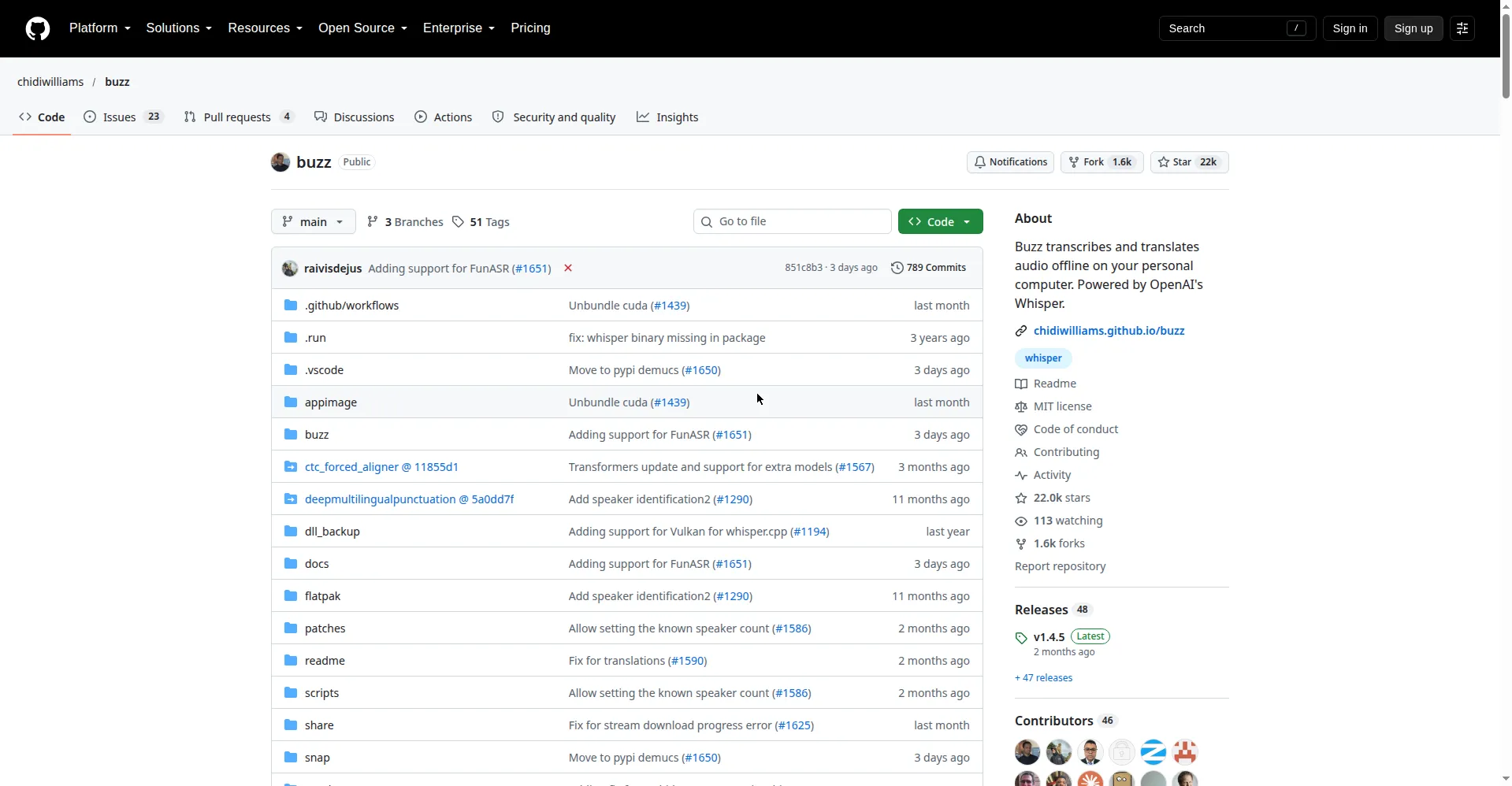
Buzz is a free, open-source desktop app that turns speech into text on your own computer. It is powered by Whisper, an AI model that converts spoken words to written text, and it works fully offline so your recordings never leave your device. It can transcribe audio and video files, YouTube links, and live microphone input. It suits journalists, students, researchers, and anyone who needs private, no-cost transcription at any time, with no sign-up needed. Get it from the official GitHub page.
Key Features
1. Fully Offline Transcription
Every transcription runs locally on your machine. Your audio files are never uploaded to the cloud, which keeps private recordings private.
2. Multiple Whisper Backends
Choose the engine that fits your hardware: Whisper, Whisper.cpp, Faster Whisper, Hugging Face models, or the OpenAI Whisper API.
3. GPU Acceleration
Buzz uses your graphics chip to run faster. It supports CUDA on Nvidia cards, Apple Silicon on Macs, and Vulkan on most other GPUs.
4. Live Microphone Transcription
Transcribe speech from your microphone in real time. A presentation window shows the text big and clear during events and talks.
5. Speaker Identification
Buzz can label who is speaking in a recording. It also separates speech from noisy audio first, which improves accuracy.
6. Export and Automation Tools
Save transcripts as TXT, SRT, or VTT subtitle files. A watch folder auto-transcribes new files, and a command-line tool supports scripting.
7. Free and Open Source
Buzz is MIT-licensed open-source software, free forever. It runs on macOS, Windows, and Linux with no account or sign-up needed.
Frequently Asked Questions (FAQ)
What does Buzz do?
Buzz converts spoken audio into written text. Point it at an audio or video file, a YouTube link, or your microphone, and it produces a transcript you can read, search, and export.
Does Buzz send my audio to the cloud?
No. Buzz processes everything on your own computer using local Whisper models. Nothing is uploaded, which makes it safe for sensitive interviews and private meetings.
What is Whisper?
Whisper is an AI model built by OpenAI that turns speech into text. It can also translate speech from other languages into English, which is why Buzz offers both transcription and translation.
Which computers can run Buzz?
Buzz runs on macOS, Windows, and Linux. New Mac versions require Apple Silicon; the last version for Intel Macs is 1.4.5. Windows users get an unsigned-installer warning to click through.
What formats can Buzz export?
Buzz exports transcripts as plain TXT, SRT subtitles, and VTT subtitles. Its advanced viewer also lets you search the text and change playback speed while reviewing.
How is Buzz different from paid transcription tools?
Paid tools charge per minute and upload your audio to their servers. Buzz is free, open-source, and offline, so you pay nothing and your files stay on your machine.
Conclusion
Buzz is the private, no-cost way to transcribe audio: open-source, offline, and powered by Whisper on your own hardware. It fits journalists, students, and teams handling sensitive recordings they cannot upload. Pick the backend that matches your GPU, export subtitles in one click, and visit the GitHub page to download the latest release.
Keep exploring
Similar AI tools
Ranked by the job they do, their capabilities, and how closely they fit this workflow.