Upvotes
0
Pricing
Freemium
Category
Transcription
In the database since
Oct 2026
Overview
About Notta
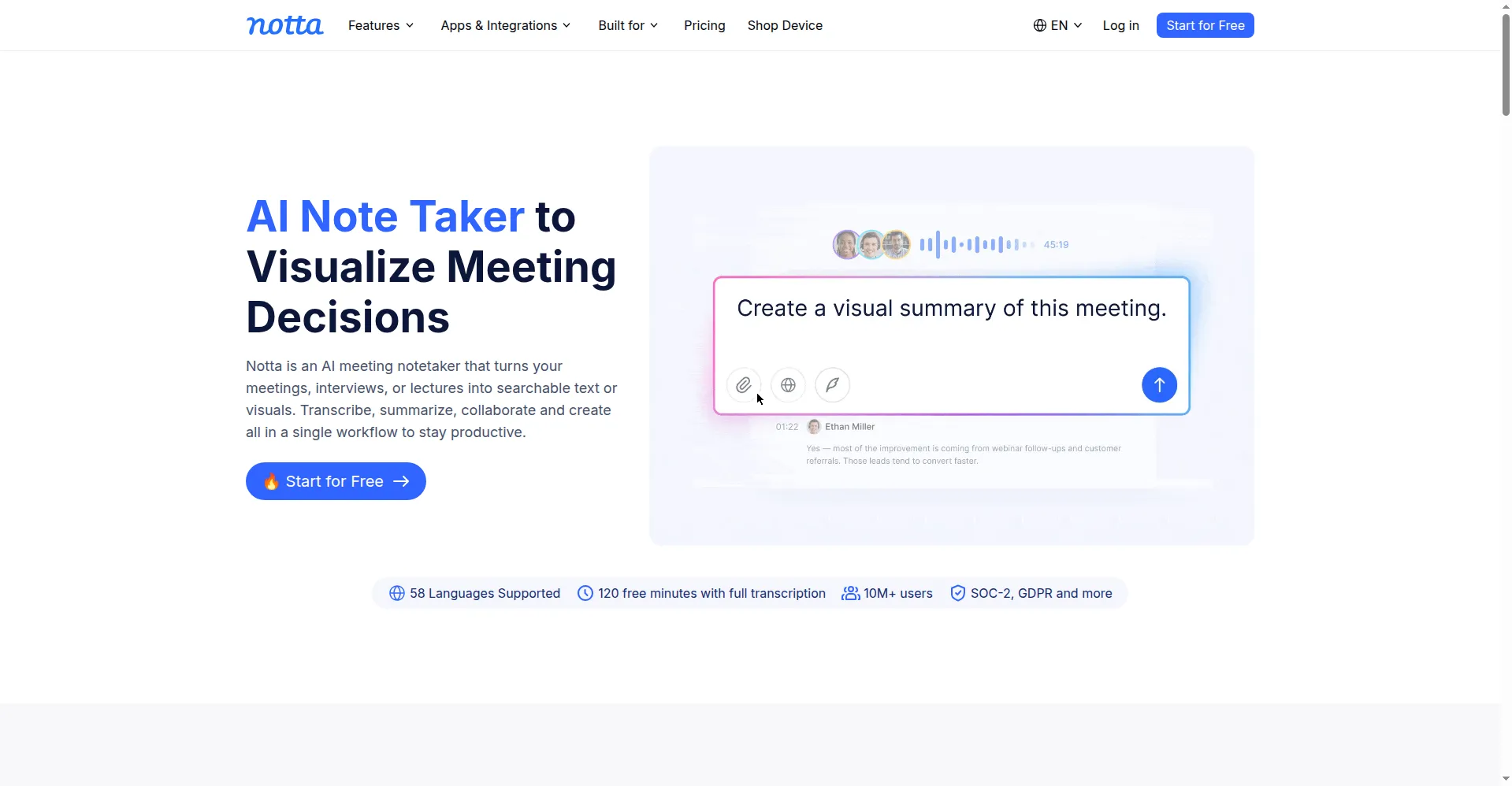
Your team speaks five languages, your client calls switch between two mid-sentence, and the lecture you need is in a third. Most transcription tools handle English and stop there. Notta was built for this messy reality: it transcribes meetings and recordings in 58 languages, translates transcripts into 42 languages, and turns the result into summaries your whole team can read. A bot joins your calls, or you upload files and record on your phone, so notes land minutes after the meeting ends.
Key Features
1. 58-Language Transcription — Notta transcribes live meetings and uploaded files in 58 languages, with up to 98 percent accuracy on clean audio.
2. Bilingual Transcription and Translation — Bilingual mode transcribes two languages in one conversation, and any transcript can be translated into 42 languages.
3. Meeting Bot — The Notta bot joins scheduled Zoom, Google Meet, Teams, and Webex calls automatically and delivers notes minutes after they end.
4. Notta Brain AI Assistant — Notta Brain summarizes recordings with action items, answers questions about them, and turns transcripts into slides and mind maps.
5. Screen and In-Person Recording — Record your screen for walkthroughs or capture live conversations on mobile, and every recording is transcribed automatically.
6. Speaker Identification — Notta labels each speaker in multi-participant calls automatically, and you can correct any misattribution while editing the transcript.
7. Cross-Platform Sync — Web, desktop, iOS, and Android apps sync through the cloud, so you can record on your phone and review on your laptop.
Frequently Asked Questions
How accurate is Notta? — Notta reports up to 98 percent accuracy on clean audio, while noise, accents, and overlapping speech lower the result.
Can it handle meetings in two languages? — Yes. Bilingual transcription mode handles two languages in the same conversation at the same time.
What does the free plan include? — The free plan gives 120 transcription minutes a month, with each conversation capped at 3 minutes, plus 10 AI summaries a month.
Can I upload existing recordings? — Yes. Audio and video files in most formats can be uploaded and transcribed.
Does it work on mobile? — Yes. iOS and Android apps record and transcribe on the go, with full cloud sync to the web and desktop.
Can I edit transcripts? — Yes. You can edit text, rename speakers, highlight sections, and add bookmarks, with collaborative editing for teams.
Conclusion
Notta treats transcription as table stakes and focuses on what happens after the words are captured. By pairing strong multilingual transcription with summaries, translation, and visualization, it serves the teams and classrooms where English-only tools quietly fail. For global work, that is not a feature. It is the whole point. The free plan alone covers short meetings well.
Keep exploring
Similar AI tools
Ranked by the job they do, their capabilities, and how closely they fit this workflow.