Otter.ai
Records meetings and turns conversations into searchable, shared notes.
Upvotes
0
Pricing
Freemium
Category
Transcription
In the database since
Oct 2026
Overview
About Otter.ai
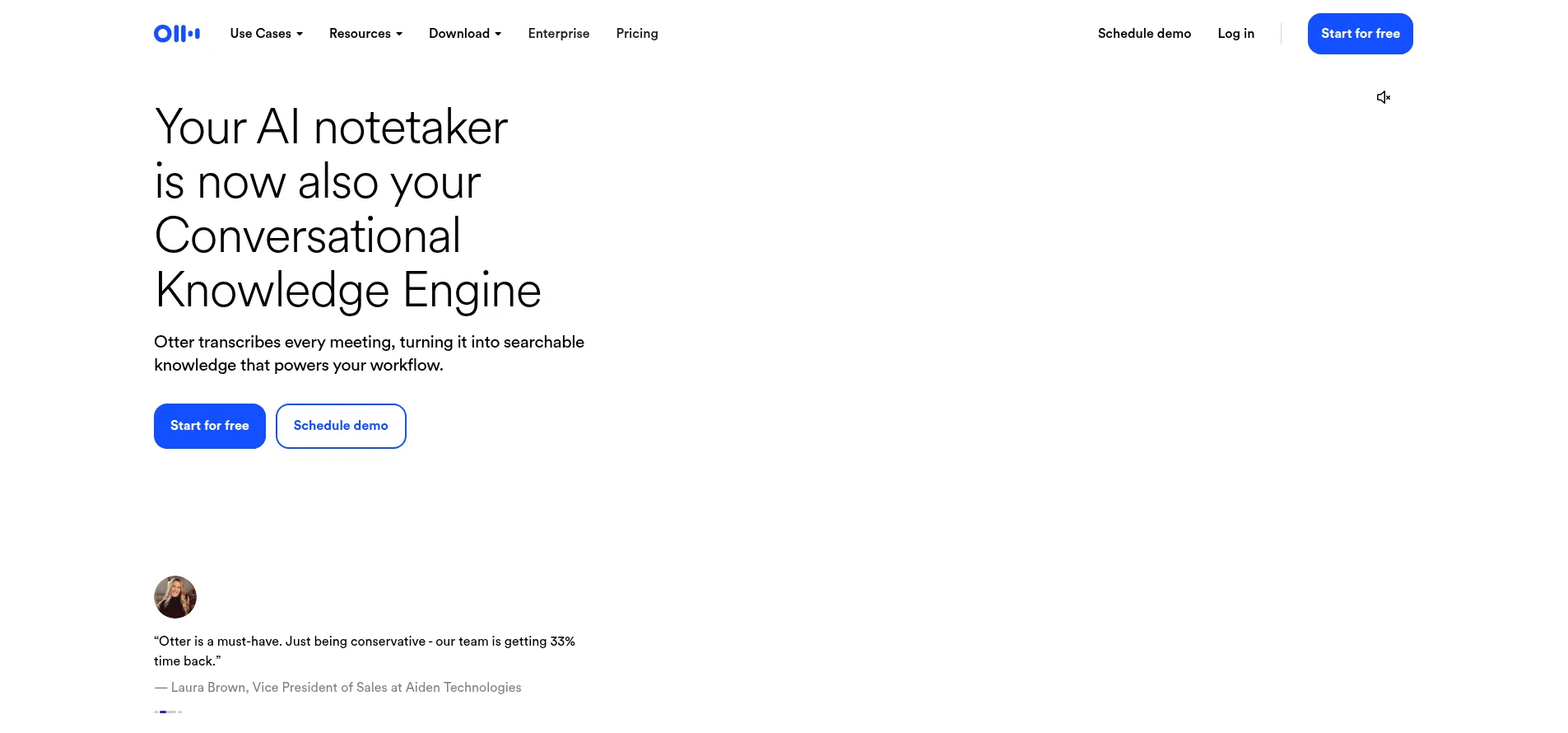
Otter.ai is an AI meeting assistant that records conversations, transcribes them in real time, and turns them into structured, searchable notes. Its Notetaker automatically joins scheduled Zoom, Google Meet, and Teams calls, while a desktop app records bot-free on Mac and Windows. After each meeting, Otter creates a summary with decisions and action items, and its AI Chat answers questions across your meeting history. Free and paid plans exist, with the free plan covering 300 transcription minutes per month. Sales teams also get CRM sync and live coaching tips.
Key Features
1. AI Notetaker that auto-joins meetings
Connect your calendar once and the Otter Notetaker automatically joins scheduled Zoom, Google Meet, and Teams calls to record and transcribe them.
2. Live transcription with speaker recognition
See the words as they are spoken, with automatic identification of who said what. Transcription works in six languages, selected before each meeting.
3. Instant meeting summaries
Every meeting is distilled into a clear summary covering the decisions made, the action items, and the key insights.
4. Automatic action-item capture
Next steps are detected in the conversation and assigned to owners, so follow-ups stop slipping through the cracks.
5. Otter AI Chat across all meetings
Ask questions in plain language and get answers drawn from your past meetings and connected apps, plus help drafting follow-ups and reports.
6. Bot-free desktop recording
Record conversations directly from the Mac or Windows desktop app without a bot participant joining the call.
7. Sales CRM sync and Channels
Deal details and next steps from sales calls are extracted and pushed to your CRM. Channels group meetings by team or project for shared collaboration.
FAQ
How does the Otter Notetaker join my meetings?
Once connected to your calendar, the Notetaker joins scheduled Zoom, Google Meet, or Microsoft Teams calls automatically as a meeting participant. If you prefer no visible bot, you can record bot-free from the desktop app or Chrome extension, or capture in-person conversations on mobile.
What languages does Otter transcribe?
Six: English, Spanish, French, German, Japanese, and Mandarin Chinese — German and Chinese are still in beta. You pick one language per meeting before it starts, so set it up first.
Can Otter summarize a meeting I did not attend?
Yes. As long as the Notetaker was invited or someone recorded the session, you get the full transcript plus the summary, decisions, and action items afterward — many teams use this to stay current on meetings they skip.
What is Otter AI Chat?
It is a chat interface over your meeting data: ask questions like what was decided about a project, and it answers from your transcripts and connected apps. It can also draft follow-up emails, reports, and other content from what was discussed.
Does Otter work with Salesforce or HubSpot?
Yes. Otter's sales offering captures call notes, surfaces live coaching tips during calls, automates follow-ups, and syncs key deal details and next steps to your CRM.
Can I use Otter for lectures or interviews instead of business meetings?
Yes. Education users capture lectures, discussions, and study sessions as searchable notes and summaries, and media users turn interviews and production meetings into searchable transcripts with key quotes and draft-ready notes.
Conclusion
Otter.ai is the most established name in AI meeting transcription: the Notetaker removes manual note-taking, summaries are genuinely usable, and AI Chat turns old meetings into a searchable knowledge base. The free plan covers 300 minutes a month, with a 30-minute cap per meeting. For teams drowning in meetings, the paid tiers pay for themselves in recovered hours.
Keep exploring
Similar AI tools
Ranked by the job they do, their capabilities, and how closely they fit this workflow.