

Upvotes
0
Pricing
Freemium
Category
Image Editing
In the database since
Oct 2026
Overview
About Erase.bg
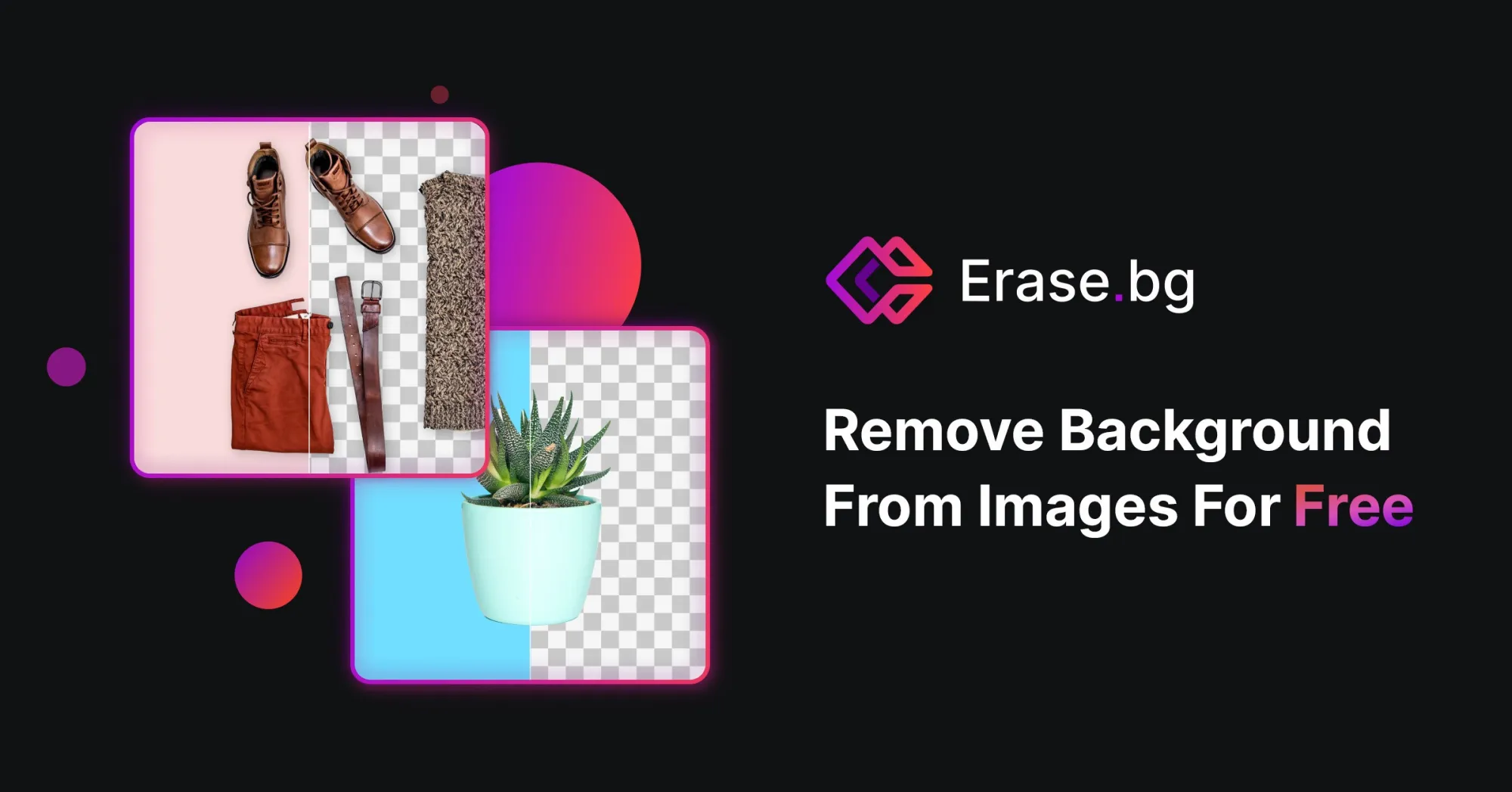
Erase.bg is a one-click background remover for photos of people, products, animals, and objects. Upload an image and the AI isolates the subject in seconds, with HD output up to 4K on credits. Single-image edits are free with no signup. Bulk processing and heavy use run through PixelBin, its sister platform, on paid credits. It also offers watermark removal, upscaling, and background templates for quick social and marketplace images. An Android app covers editing on the go. Results download as PNG with transparency preserved.
Key Features
1. One-click removal
Upload and the background disappears automatically. No manual masking or edge cleanup is required, even around tricky hair.
2. 4K HD output
Paid credits export cutouts up to 4K resolution. Free single edits still look sharp for web and social use.
3. Bulk processing
Process thousands of images at once through PixelBin after signup. Catalog teams automate their whole pipeline.
4. Background templates
Swap the removed background for colors, gradients, or ready-made scenes. Marketplace sellers get product-ready images fast.
5. Watermark remover and upscaler
The same platform erases watermarks and upscales images 2x or 4x. Three free uses of each land monthly.
6. Android app
Edit on the go with the Android app. Upload from your gallery and share cutouts straight to social apps.
Frequently Asked Questions (FAQ)
Do I need an account to use Erase.bg?
No. Single-image background removal works free with no signup. Accounts only matter for bulk jobs, which redirect to PixelBin, and for tracking monthly credits.
How many free images do I get?
Single edits are free and unlimited at standard resolution. You also get 3 free HD credits per month for full-resolution downloads. Paid credit packs raise both limits.
What is the difference between Erase.bg and PixelBin?
Erase.bg is the simple one-image-at-a-time tool. PixelBin is the sister platform for bulk processing, APIs, and storage, aimed at teams. Bulk buttons on Erase.bg send you there after signup.
How good is it with hair and fur?
Strong for a one-click tool — edges around hair, fur, and transparent objects come out clean in most tests. Very fine flyaway strands can still need manual touch-up.
Can I use the cutouts commercially?
Yes, images you process are yours to use, including for products you sell. The usual rule applies: you must own the rights to the source photo.
Conclusion
Erase.bg suits anyone who needs fast cutouts without signing up or learning software. Free single edits cover casual use; credits and PixelBin serve catalog teams. Output quality punches above its simple interface. For quick background removal at any scale, it is a dependable pick. Keep the Android app handy for edits away from your desk.
Keep exploring
Similar AI tools
Ranked by the job they do, their capabilities, and how closely they fit this workflow.


