
FlexClip
Online video maker with templates, AI tools, and stock assets
Upvotes
0
Pricing
Freemium
Category
Video Generators
In the database since
Oct 2026
Overview
About FlexClip
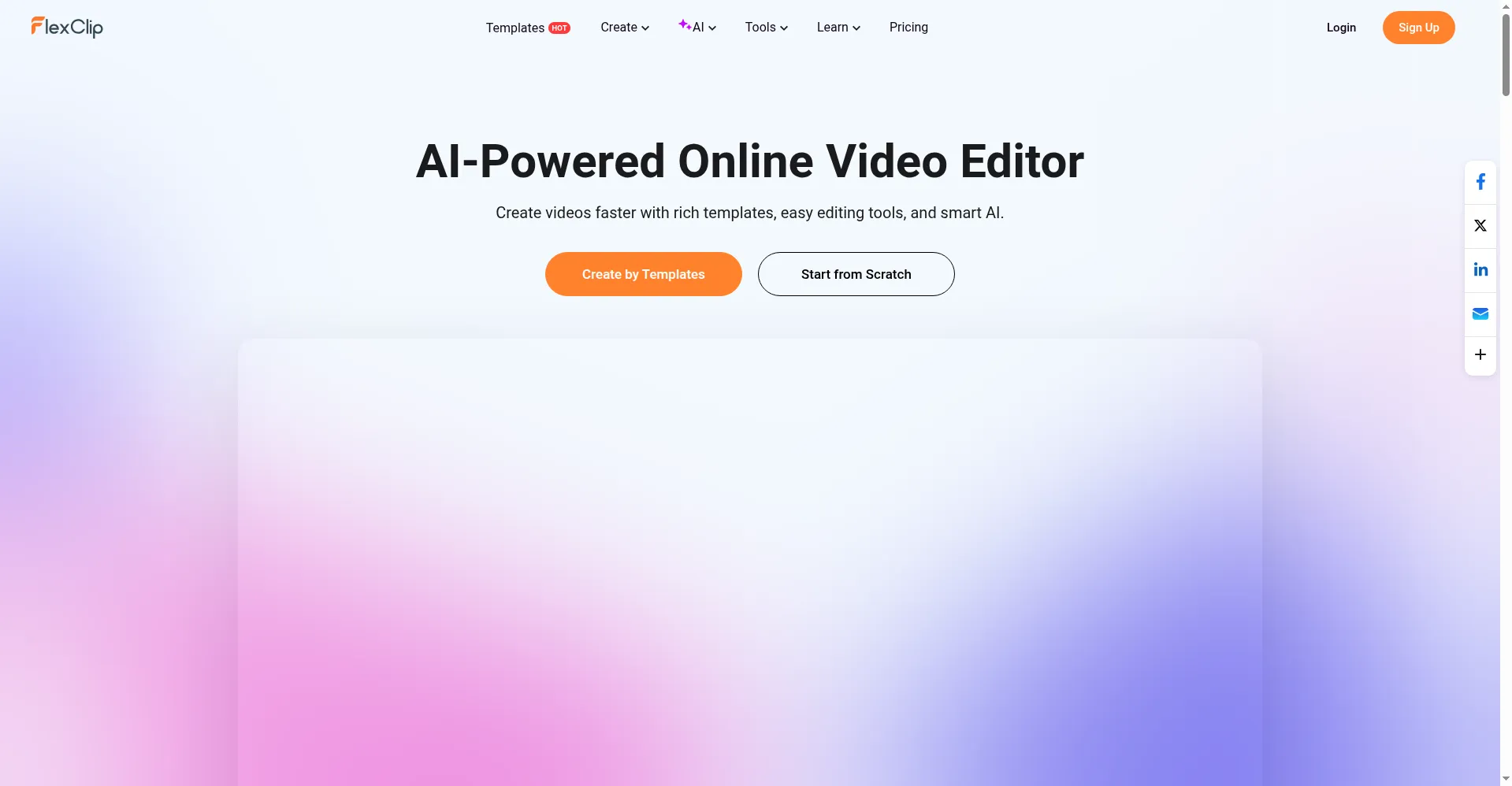
FlexClip is an online video maker and editor that runs in your browser. It turns text, images, or scripts into finished videos with ready-made templates, editing tools, and AI features. Its AI tools generate video from a prompt. They turn text into speech, write scripts, remove backgrounds, and make subtitles on their own. You also get thousands of templates plus millions of stock videos, photos, and music tracks. The free plan lets you test the basics. Paid plans add higher-quality exports and more stock assets. Check flexclip.com for current pricing.
Key Features
1. AI Video Generator
Make videos from a text prompt, an article, or a web link. The AI builds scenes, picks visuals, and adds motion for you.
2. 6,000+ Ready Templates
Start from thousands of templates for marketing, social posts, weddings, intros, and slideshows. Customize every text and scene.
3. 4M+ Stock Videos and Photos
Search millions of stock videos and photos right inside the editor. They are licensed for commercial use in your videos.
4. AI Text-to-Speech
Turn any script into a natural-sounding voiceover. Pick from many voices to match your video's tone and style.
5. AI Auto Subtitles
Create accurate subtitles in a few clicks. Subtitles make videos easier to watch and boost views on social feeds.
6. AI Background Remover
Remove the background from videos or images without a green screen. It works in one click with smart AI cutouts.
7. Screen Recorder
Record your screen and webcam together. Great for tutorials, demos, and course videos with a personal touch.
8. Cloud Storage and 4K Export
Projects save online so you can edit from any device. Teams can work together, and finished videos export up to 4K.
FAQ
How much does FlexClip cost?
FlexClip has a free plan with basic limits, plus Basic, Plus, and Business plans that add higher exports and more stock. Prices change often, so check flexclip.com/pricing for current rates.
Do I need to download or install FlexClip?
No. FlexClip runs fully in your web browser on Chrome, Edge, or Firefox. Your projects are saved online.
What can I make with FlexClip?
You can make marketing videos, social media clips, explainers, course lessons, slideshows, and wedding videos. Templates cover each use case.
Is FlexClip good for beginners?
Yes. The editor uses a simple timeline with drag-and-drop controls. Most people make their first video in under an hour.
Can I use FlexClip videos for business?
Yes. Its stock videos, photos, and music are licensed for commercial use. You can publish client work and ads with paid plans.
Does FlexClip make subtitles by itself?
Yes. The AI auto-subtitle tool listens to your video and writes timed captions for you. You can edit any line before exporting.
Conclusion
FlexClip is a fast, beginner-friendly video maker that runs in your browser. It suits creators, marketers, teachers, and small businesses who want quick videos with AI help. The free plan works for testing, and paid plans unlock 4K exports, more stock, and team features. It is a strong pick for simple video work. Templates and AI save hours.
Keep exploring
Similar AI tools
Ranked by the job they do, their capabilities, and how closely they fit this workflow.