
Flippity
Turns Google spreadsheets into flashcards, quizzes, and classroom games.
Upvotes
0
Pricing
Free
Category
Tools for Teachers
In the database since
Oct 2026
Overview
About Flippity
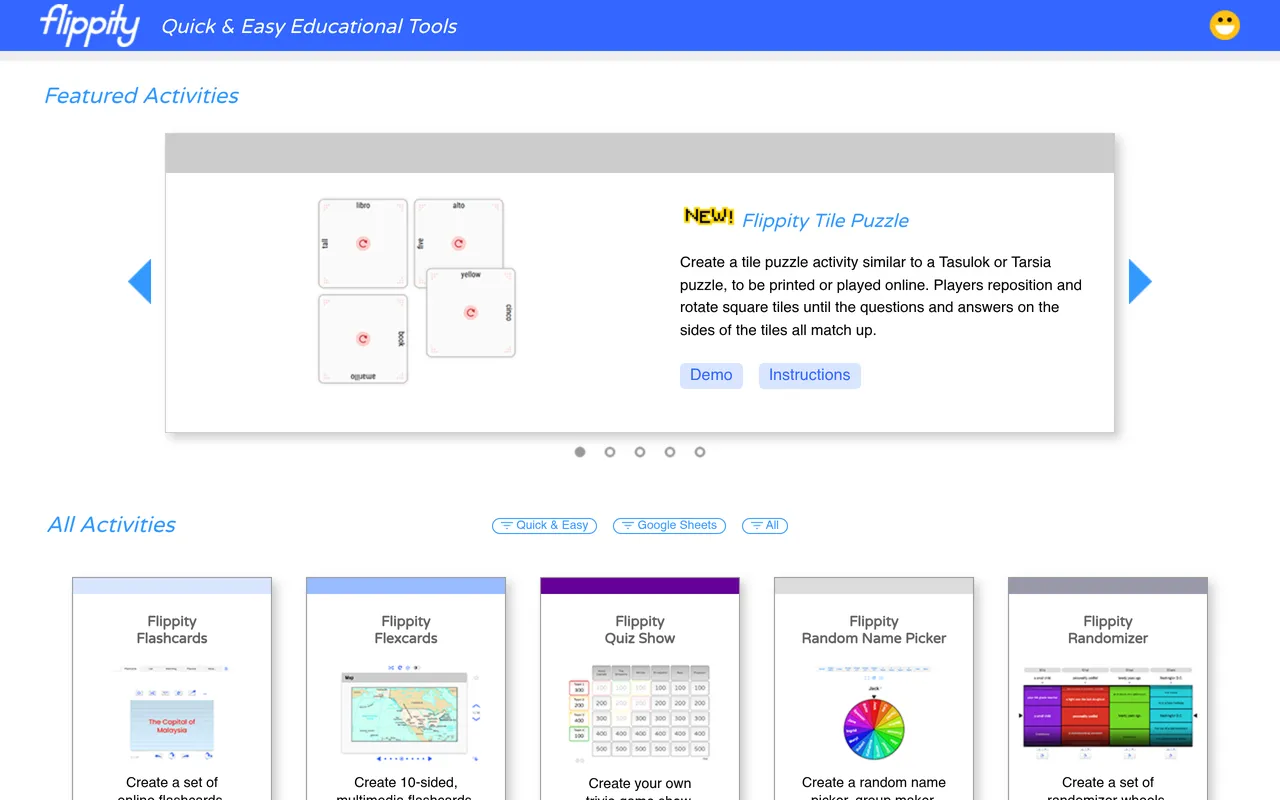
Flippity is a free tool that turns Google spreadsheets into flashcards, quizzes, and classroom games. You fill in a ready-made spreadsheet template with your words or questions, publish it, and Flippity generates the activity. Options include flashcards, matching games, word searches, quizzes, and random pickers. It suits teachers who already keep vocabulary or question lists in sheets. Students open the activities on any device with a browser. The service is free with no paid plans listed. Check the official site for templates and instructions.
Key Features
1. Spreadsheet-Powered
Your Google Sheet becomes the database for every activity. Update the sheet and the game updates too.
2. Flashcards
Generate digital flashcards from two columns of terms. Students flip through them to study anywhere.
3. Quizzes and Word Searches
Turn the same data into quizzes or word searches. One spreadsheet feeds many activity types.
4. Random Pickers
Pick random students, teams, or words from your own lists. Fair, transparent selection takes just one click.
Frequently Asked Questions (FAQ)
What is Flippity?
Flippity is a free tool that converts Google spreadsheets into flashcards, quizzes, word searches, and classroom games.
How do I make a Flippity activity?
Copy a template spreadsheet, fill in your content, publish it, and open the Flippity link to get your activity.
Do students need accounts for Flippity?
No. Students open the generated activities in a browser with no sign-up required.
What can I make with Flippity?
Flashcards, quizzes, word searches, matching games, timelines, and random pickers, all from spreadsheet templates.
Conclusion
Flippity is a clever bridge between spreadsheets and student fun. It suits teachers who already organize vocabulary and questions in Google Sheets. The service is free with no paid plans. Copy a template, fill in your content, and share the activity link with your class. Students can practice on phones, tablets, or computers. Try flashcards; they take minutes to build.
Keep exploring
Similar AI tools
Ranked by the job they do, their capabilities, and how closely they fit this workflow.