

FreeMaker AI
Edit photos with AI prompts: no signup, unlimited, online.
Upvotes
0
Pricing
Free
Category
Image Editing
In the database since
Oct 2026
Overview
About FreeMaker AI
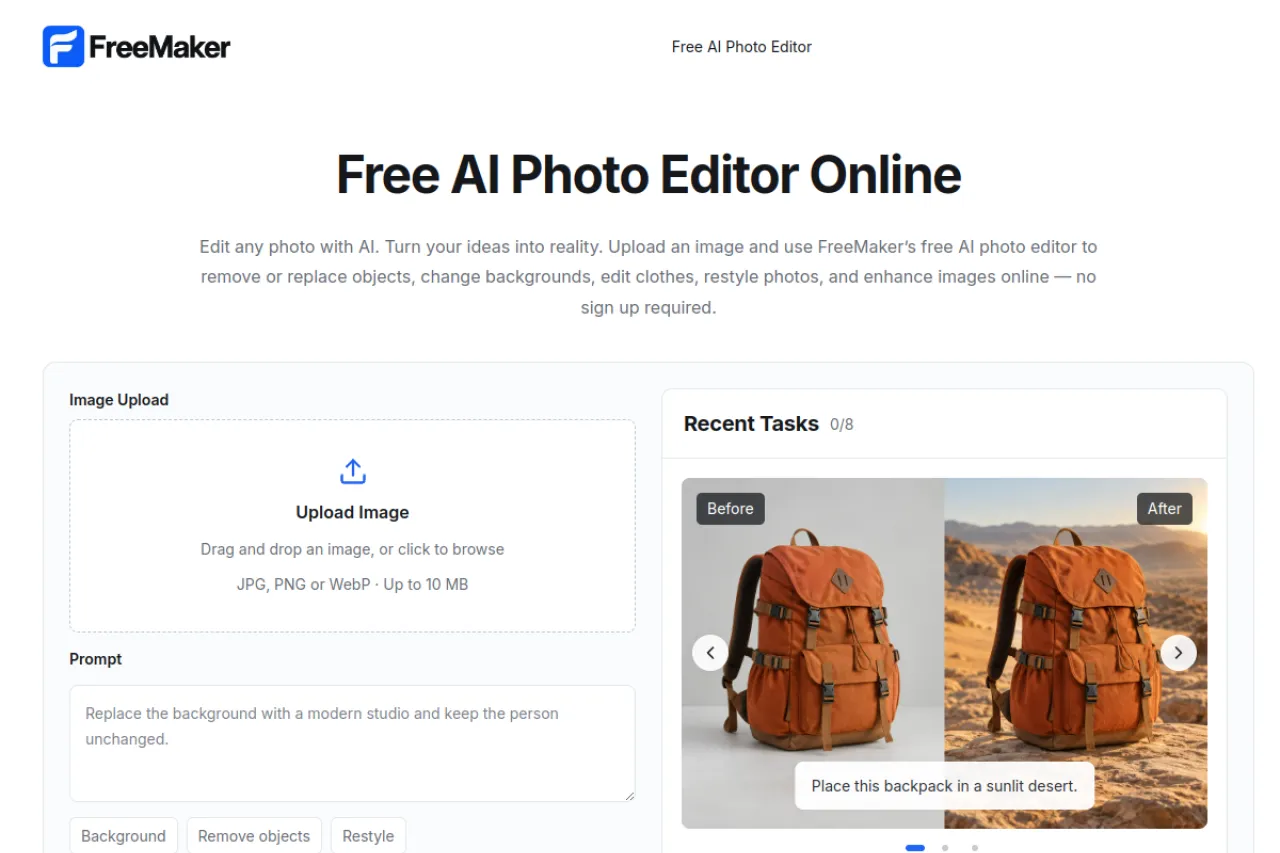
FreeMaker AI is a free online photo editor that applies edits from simple text prompts. You upload a photo, describe the change in words, and the AI removes objects, swaps backgrounds, retouches, or enhances the image. There is no signup, no subscription, and no payment step — editing starts immediately in the browser. Uploaded files accept JPG, PNG, or WebP up to 10 MB, and files are auto-deleted within 24 hours. Visit freemaker.net to try the editor with your own photos.
Key Features
1. Text-Prompt Editing
Describe the edit in plain words, like changing a car's color or moving a backpack. The AI applies your request to the photo.
2. Object Removal
Unwanted objects can be removed from photos with a prompt. The background fills in naturally where the object was.
3. Background Swap
You can replace the entire background of a photo. This is useful for product shots, portraits, and creative scenes.
4. Photo Restyle
The restyle tool transforms photos into new looks, such as turning a dog into a 3D cartoon character. It keeps the subject recognizable.
5. Enhance and Retouch
Enhancement improves image quality and detail, while retouching cleans up portraits. Both work from simple text instructions.
6. No Signup, Unlimited Access
You can edit without creating an account, and access is unlimited. There is no subscription or payment step anywhere in the workflow.
7. Fast In-Browser Editing
Everything runs in the browser with quick AI processing. You upload, prompt, and download without installing software.
8. Auto-Deleted Files
Uploaded files are automatically deleted within 24 hours. This keeps your photos private after you finish editing.
Frequently Asked Questions (FAQ)
What is FreeMaker AI used for?
FreeMaker AI is used to edit photos with text prompts. You describe changes like object removal, background swaps, or restyles, and the AI applies them in the browser.
How does FreeMaker's prompt editing work?
Upload a JPG, PNG, or WebP image up to 10 MB, then type what you want changed. The AI edits the photo and shows a before-and-after comparison.
Do I need an account to use FreeMaker?
No. FreeMaker requires no signup and offers unlimited access, so you can start editing immediately without an account or payment.
What happens to my uploaded photos?
Files are auto-deleted within 24 hours of upload. Your photos are not kept on the service after that window.
What image formats does FreeMaker accept?
It accepts JPG, PNG, and WebP files up to 10 MB. Larger files need to be compressed before uploading.
Conclusion
FreeMaker AI is a free, no-signup AI photo editor that turns text prompts into real image edits in the browser. It suits anyone who wants quick object removal, background swaps, and restyles without software or accounts. Unlimited access and 24-hour file deletion keep it simple and private. Visit freemaker.net to upload a photo and try it.
Keep exploring
Similar AI tools
Ranked by the job they do, their capabilities, and how closely they fit this workflow.


