Upvotes
0
Pricing
Freemium
Category
Video Generators
In the database since
Oct 2026
Overview
About Giz.ai
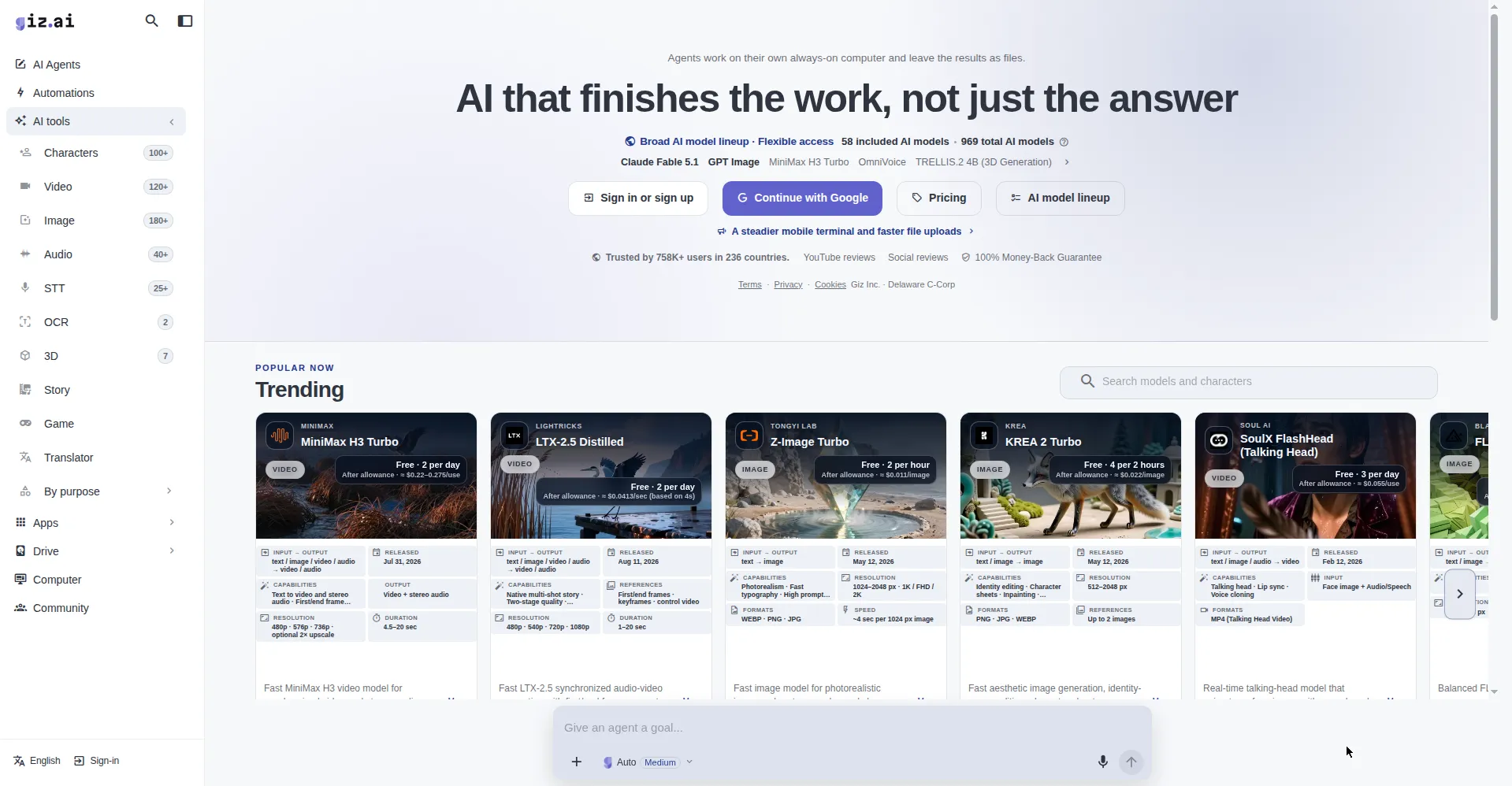
Giz.ai is an AI creation platform that hosts many video models in one place, such as LTX-2.5 and MiniMax H3. You sign in with an account, and new users get a small free allowance on models to test them. Paid plans and credits unlock higher limits for regular work. Videos can include synced sound like dialogue, music, or effects. You can start from text, an image, or even another video. Each model page shows the exact prompt used, so you can learn good prompting fast.
Key Features
1. Many AI Models in One Place
Giz.ai hosts models like LTX-2.5, MiniMax H3, and AnimateLCM. You pick the one that fits your clip.
2. Free Allowance to Test Models
New accounts get a small free allowance on models like LTX-2.5 and MiniMax H3. Paid plans or credits raise the limits when you need more.
3. Text, Image, or Video Input
Create from a written prompt, a first frame image, or a source video. This gives you three ways to start.
4. Synced Sound and Dialogue
Models can add dialogue, ambience, effects, or music with the visuals. You judge picture and sound together.
5. Face Swap
Upload a face photo to put a specific person in the video. Good for talking heads and fun clips.
6. Adjustable Settings
Change resolution, frame count, and steps for each model. Small tweaks help you shape the final clip.
7. Prompt Examples on Every Model Page
Each model page shows the exact prompt behind its demo video. Copy the style to get better results fast.
8. Multi-Shot Stories
Describe two to four linked shots in one prompt. People, objects, and sound stay steady across the cuts.
9. Example Faces to Start Fast
Pick an example face when you have no photo of your own. This gets you generating in seconds.
Frequently Asked Questions
What is Giz.ai used for?
Giz.ai makes short AI videos from text, images, or video clips. People use it for quick drafts, social clips, and testing video models.
Do I need an account to use Giz.ai?
Yes. You sign in with an account to generate. New users get a small free allowance on many models, and paid plans or credits add higher limits.
Which AI models does Giz.ai offer?
Giz.ai hosts models such as LTX-2.5, MiniMax H3, and AnimateLCM. Each model page lists its settings like resolution and steps.
Can Giz.ai add sound to videos?
Yes. Its models can generate dialogue, ambience, sound effects, or music in sync with the video, instead of silent clips.
What video length does Giz.ai make?
Clips are short — around 4 to 4.5 seconds at 480p, based on the LTX-2.5 and MiniMax H3 model pages. Check the model page for exact specs.
How fast does Giz.ai generate videos?
Most clips finish in about 10 to 20 seconds, based on third-party tests. Speed shifts with the model and server load.
Can I control the camera in Giz.ai videos?
Yes. Put camera moves in your prompt — subject and action first, then camera, lighting, and timing. The LTX-2.5 guide suggests this order.
Conclusion
Giz.ai brings many AI video models together in one place, with synced sound and simple settings. A small free allowance lets new users test models after sign-in. Paid plans and credits suit creators who generate often. Clips stay short, so the site fits drafts, ideas, and social posts best. Check giz.ai today for the newest models.
Keep exploring
Similar AI tools
Ranked by the job they do, their capabilities, and how closely they fit this workflow.