Google Classroom AI
Teaching hub with Gemini help for lesson prep and grading
Upvotes
0
Pricing
Free
Category
Tools for Teachers
In the database since
Oct 2026
Overview
About Google Classroom AI
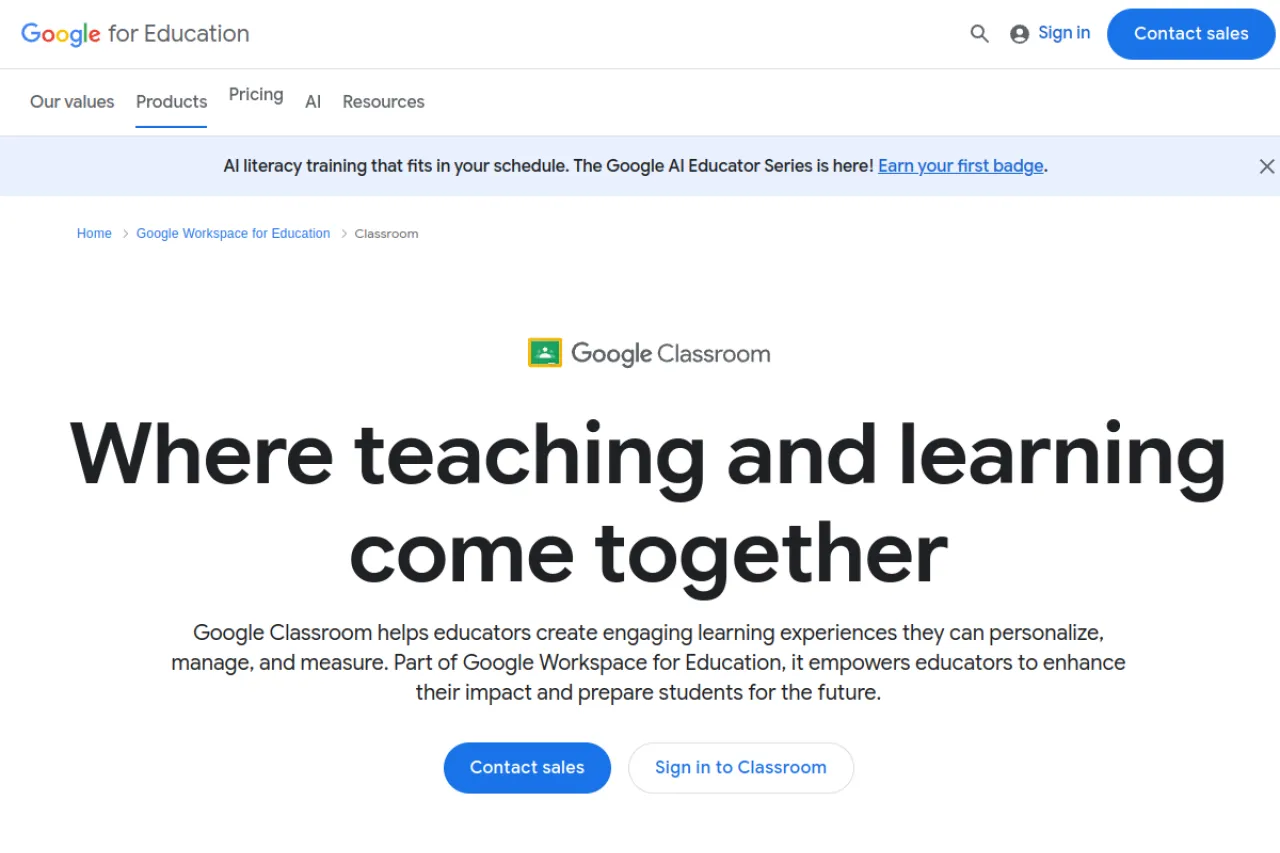
Google Classroom is Google’s free learning platform for schools. Teachers use it to create classes, post assignments, collect student work, and track grades in one place. The “AI” in this listing refers to Gemini in Google Classroom: a built-in Gemini tab that helps educators draft lesson plans, quizzes, rubrics, vocabulary lists, and more. Students can also get guided study tools when their admin enables them. Classroom is part of Google Workspace for Education. For current features and availability, check the official site at classroom.google.com.
Key Features
1. Class Management
Create classes, post announcements, and organize all materials in one stream. Students join easily with a class code.
2. Assignments and Grading
Assign work, collect student submissions, and return grades with feedback. Track everyone’s progress in one shared gradebook.
3. Gemini: Lesson Plan Outlines
Generate learning objectives and lesson plan drafts with AI. Use them as creative starting points.
4. Gemini: Quiz Generation
Create questions to check student understanding. Build a quick quiz from any topic in seconds.
5. Gemini: Rubrics and Vocabulary
Turn uploaded files into clear rubrics for assignments. Generate grade-appropriate vocabulary lists with definitions and usage examples.
6. Gemini: Differentiation Tools
Re-level text for reading levels and tackle common misconceptions. Translate materials into over 100 languages.
7. Student Study Tools
Admins can enable guided explanations, flashcards, study guides, and practice quizzes to support student learning.
FAQ
1. Is Google Classroom AI a separate product?
No. It is Google Classroom with built-in Gemini features. This listing covers Classroom plus its AI tools for educators.
2. Which Gemini features can teachers use?
Lesson outlines, quizzes, hooks, rubrics, vocabulary lists, misconception help, choice boards, and audio lessons. Availability varies by edition.
3. Is Google Classroom free?
Yes. It is free for schools through Google Workspace for Education. Some Gemini features need specific editions.
4. Do students get AI tools too?
Yes, where enabled. Students can use guided explanations, flashcards, study guides, and practice quizzes.
5. Is student data used to train AI models?
Google states that Google Workspace for Education data is not used to train its AI models.
6. Can schools control AI access?
Yes. Admins manage which Gemini features are available to teachers and students.
Conclusion
Google Classroom keeps classes, assignments, and grades organized in one free hub, and its Gemini features cut lesson-prep time. Try the Gemini tab for one upcoming unit, review every AI draft before class, and keep your own teaching judgment first. Check the official site for current availability in your region. It is a genuine time-saver for teachers.
Keep exploring
Similar AI tools
Ranked by the job they do, their capabilities, and how closely they fit this workflow.