
Upvotes
0
Pricing
Freemium
Category
Video Generators
In the database since
Oct 2026
Overview
About Google Flow
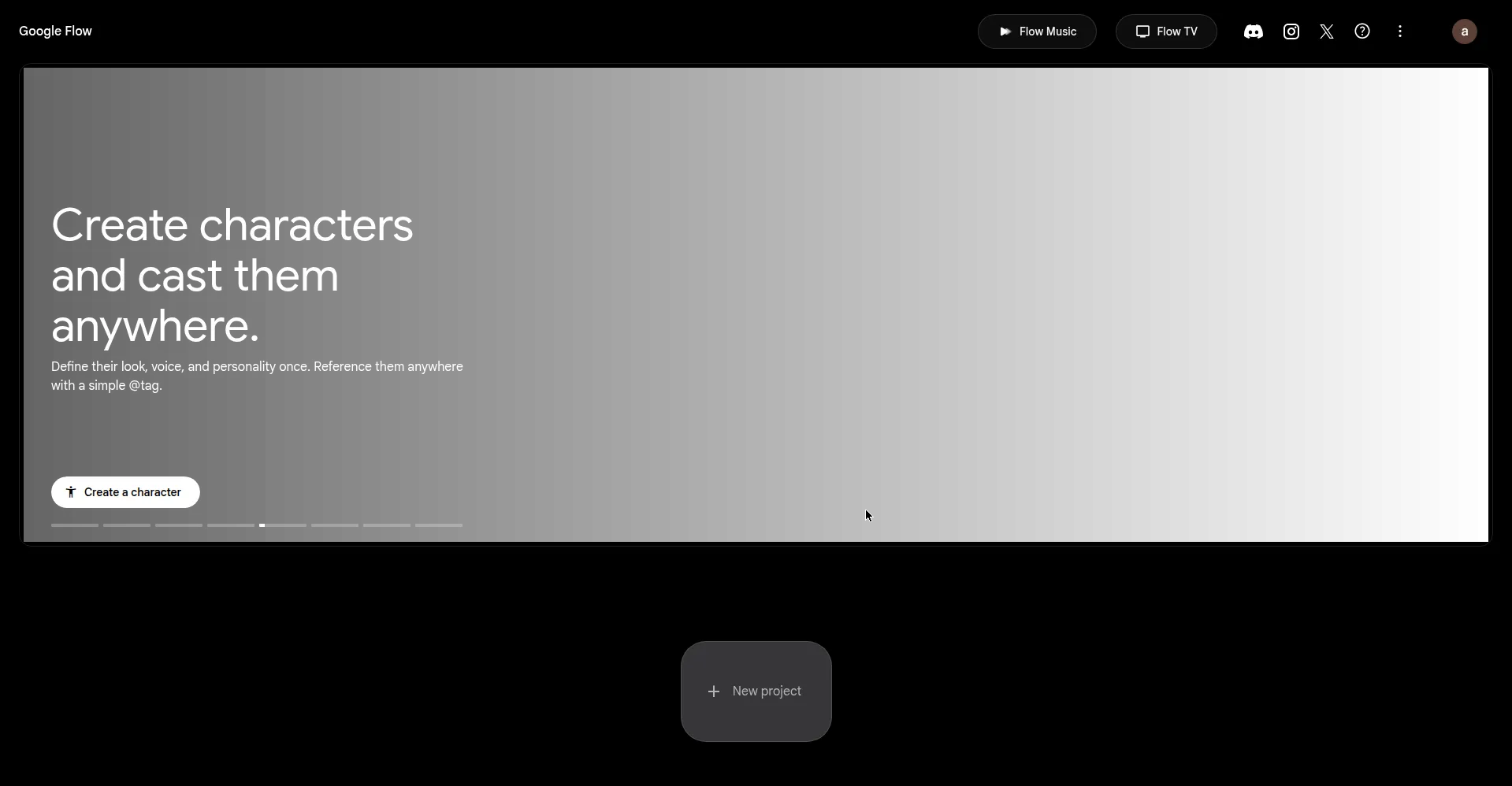
Google Flow is Google Labs' AI filmmaking tool for making cinematic video in a browser workspace. It turns text prompts, still frames, and reference images into short video clips with sound. You then join clips into multi-shot scenes with SceneBuilder, keeping characters and style steady across shots. It suits filmmakers, marketers, and creators who want AI video without editing software. Non-subscribers get 50 free credits a day, and Google AI plans add more credits. Check the official Flow site for current limits and plan details.
Key Features
Veo 3.1 Video Generation
Flow creates video clips from a text prompt or a starting frame with Google's Veo 3.1 models. Each clip runs up to eight seconds.
Ingredients-to-Video
Upload reference images of a character or place, and Flow keeps that look across new clips. Cast and sets stay the same shot to shot.
SceneBuilder
SceneBuilder joins several clips into one longer scene in timeline order. Characters, style, and story flow stay steady across the whole sequence.
Camera Controls
Direct each shot like a film director, choosing the camera angle and movement. You can set close-ups, wide shots, pans, and tracking moves.
Native Audio
Every clip can carry dialogue, sound effects, and background ambience made with the video. Sound and picture stay in sync without a separate audio tool.
Clip Extension
Stretch a good clip past eight seconds to finish a line of dialogue or a move. Flow builds extra frames that match the original shot.
Image Generation
Make still frames and reference images inside Flow to start a shot or fix a look. These images feed straight into video generation as ingredients.
SynthID Watermarking
Every Flow video carries an invisible SynthID watermark that marks it as AI-made. Some countries also get a visible watermark on exports.
Frequently Asked Questions
What do I need to use Google Flow?
A Google account, a supported browser, and an age of 18 or older in a supported country. Flow runs in the browser, so no software install is needed.
Can I edit a clip after Flow makes it?
Yes. You can extend a clip, change its ingredients, or reorder shots in SceneBuilder. Higher plans also add upscaling for a finished clip.
What video quality does Flow produce?
Flow clips come in high definition, and Ultra plans add 4K upscaling. The model and plan you use set the top resolution.
Can I use my own photos and video in Flow?
Yes. You can upload frames and reference images as ingredients for new clips, and extend uploaded clips inside Flow.
What happens when I run out of credits?
Free credits refill each day, and paid plans add monthly credits. When credits run out, generation pauses until the next refill.
Conclusion
Google Flow turns Google's Veo video models into a filmmaking workspace for short, planned stories. SceneBuilder, camera controls, and native audio give creators more control than single-clip generators. Daily free credits let anyone try it before paying for a plan. Check the official site for current limits before starting a project. It suits creators who plan scenes, not one-off clips.
Keep exploring
Similar AI tools
Ranked by the job they do, their capabilities, and how closely they fit this workflow.