

Image Colorizer
AI tool that colorizes black-and-white photos in the browser.
Upvotes
0
Pricing
Free
Category
Image Editing
In the database since
Oct 2026
Overview
About Image Colorizer
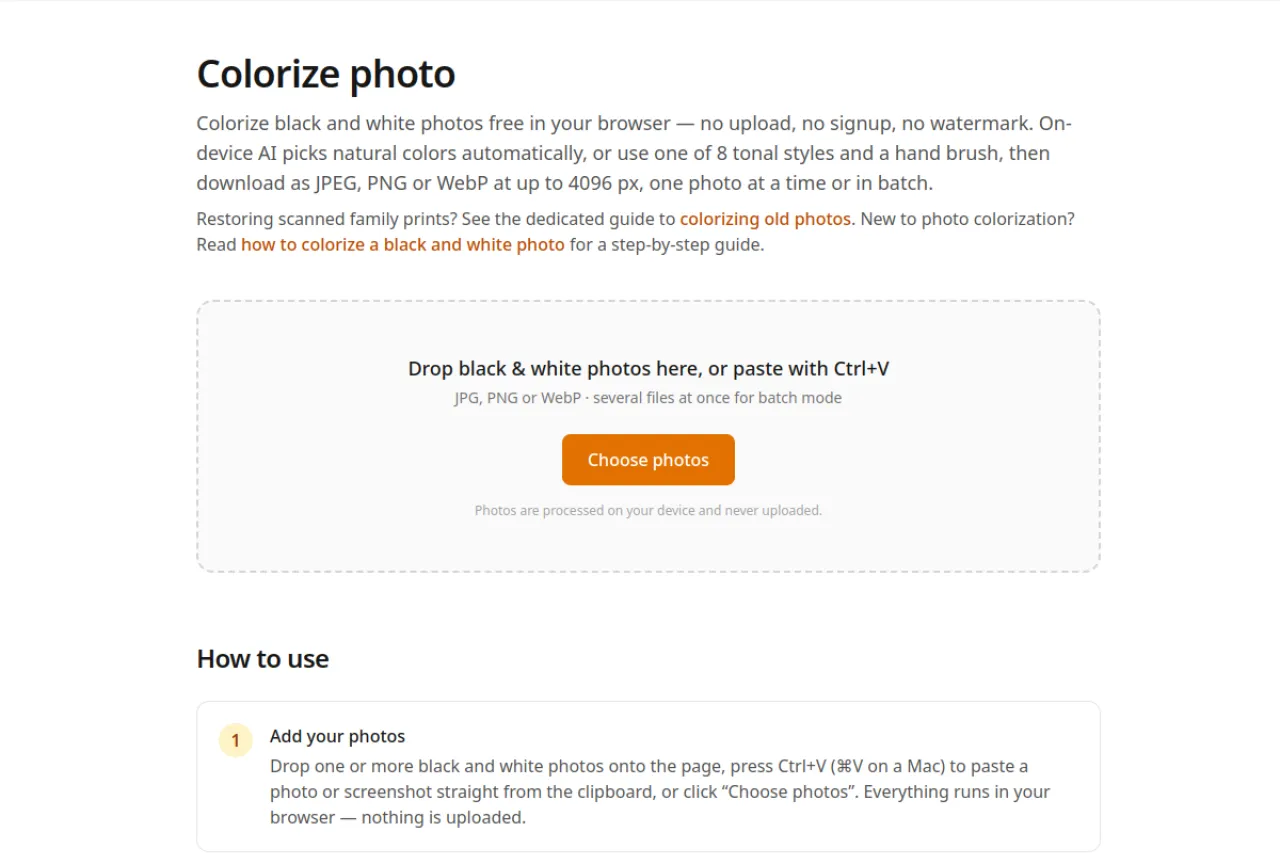
Image Colorizer is a free AI tool that colorizes black-and-white photos in your browser. You drop in a photo, and the on-device AI picks natural colors by itself. Nothing is uploaded, and no sign-up or watermark is added. It suits families restoring old prints and anyone curious about colorization. The site also has guides for beginners. Check colorize-photo.com for the current features and steps before you start. On-device means the AI runs inside your browser, so your photos stay private on your computer.
Key Features
1. Auto AI Color
In Auto mode the neural network predicts natural colors. The model downloads once and runs on your device.
2. Eight Tonal Styles
Pick moods like Warm Portrait or Sepia instead of auto color. An intensity slider tunes each style.
3. Hand Brush
Paint specific hues on skin, sky, or clothing by hand. The brush keeps the photo's detail intact.
4. Batch Mode
Drop several photos at once to colorize them together. This saves time on big family albums.
5. High-Res Downloads
Save results as JPEG, PNG, or WebP at up to 4096 pixels. A live preview shows the file size.
Frequently Asked Questions (FAQ)
What is Image Colorizer used for?
It adds color to black-and-white photos with AI. You use it in your browser with no upload.
Are my photos uploaded anywhere?
No. Photos are processed on your device and never uploaded. The AI model runs in your browser.
Can I colorize many photos at once?
Yes. Batch mode lets you drop several photos and colorize them together.
Can I fix the colors by hand?
Yes. A paint brush lets you add hues to skin, sky, or clothing. It keeps the photo's detail.
Is there a guide for old family photos?
Yes. The site has a dedicated guide to colorizing old photos and a step-by-step for beginners.
Conclusion
Image Colorizer is a simple way to colorize old photos. It suits families and history lovers. The on-device AI keeps photos private with no upload. Batch mode and the brush give control. The tool is free with no sign-up or watermark. Check the official site for current steps before you start today. It brings old memories back to life.
Keep exploring
Similar AI tools
Ranked by the job they do, their capabilities, and how closely they fit this workflow.


