
Upvotes
0
Pricing
Open Source
Category
Image Editing
In the database since
Oct 2026
Overview
About ImageMagick
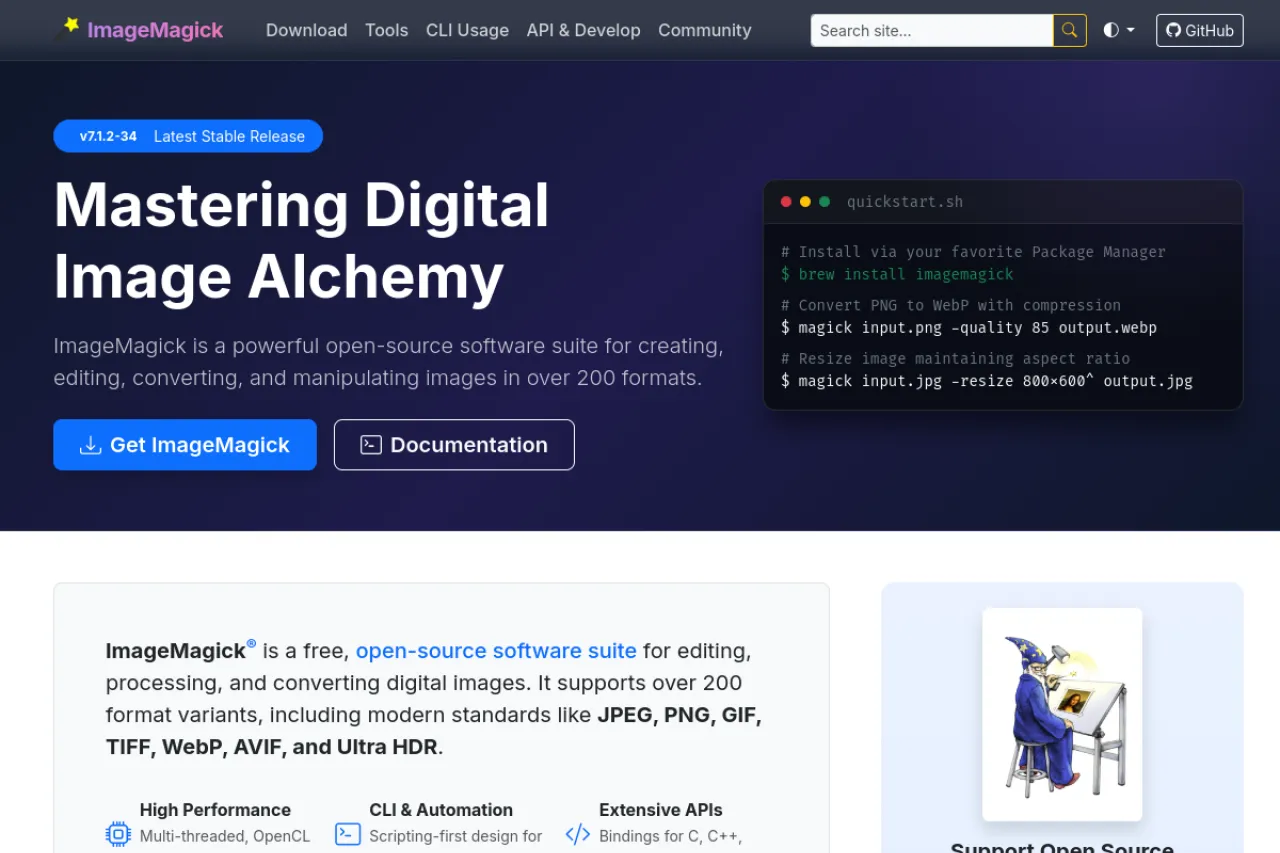
ImageMagick is a free, open-source tool for editing images from the command line. It can resize, crop, convert, and compose images in bulk. Developers and sysadmins use it to automate image tasks on servers. It reads and writes over 200 image formats. Scripts can process thousands of files without opening any editor. It has been a standard image utility for decades. Web developers use it for thumbnails and format conversion. ImageMagick runs on Windows, macOS, and Linux. Check the docs for command examples.
Key Features
1. Bulk Image Conversion
Convert hundreds of images between formats with one command. This saves hours of manual work.
2. Resize and Crop
Scale images to exact sizes or crop out regions. Scripts keep every output consistent and fast.
3. 200+ Format Support
Read and write JPEG, PNG, WebP, PDF, and many more formats. Even rare formats usually work.
4. Scripting and Automation
Chain commands in shell scripts for full pipelines. Servers process images with no human clicks.
5. Drawing and Effects
Add text, borders, and simple shapes to images. Built-in effects cover blur, sharpen, and color tweaks.
Frequently Asked Questions (FAQ)
What is ImageMagick?
It is a free, open-source command-line tool for editing images. It resizes, converts, and processes images in bulk.
Is ImageMagick an AI tool?
No. It is a classic image processing utility. It uses traditional algorithms, not AI models.
How do I resize an image with it?
Use the convert or magick command with -resize. The docs show copy-paste examples for common tasks.
Can it process many images at once?
Yes. That is its strength. One command or script can handle thousands of files.
Which formats does it support?
Over 200, including JPEG, PNG, WebP, GIF, TIFF, and PDF. Check the format list in the docs.
Conclusion
ImageMagick is the workhorse of command-line image processing. Bulk conversion, resizing, and scripting cover server and desktop needs well. It suits developers and sysadmins who automate image tasks daily. The tool is open source and free to use. Install it and try your first command today. The docs have examples for every task. Copy one and run it.
Keep exploring
Similar AI tools
Ranked by the job they do, their capabilities, and how closely they fit this workflow.


