
Upvotes
0
Pricing
Freemium
Category
Video Generators
In the database since
Oct 2026
Overview
About ImagineClip
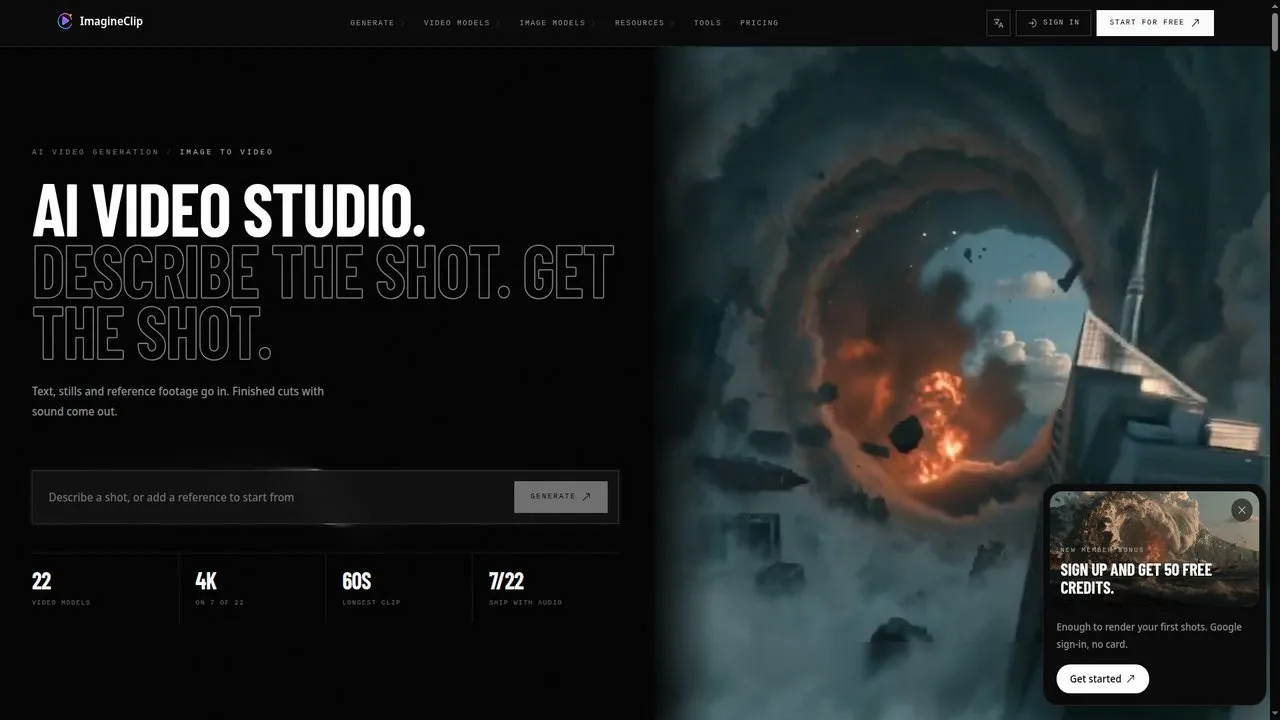
ImagineClip is an AI video maker that turns a short text prompt, a still image, or an existing clip into a short video. It is built for creators, marketers, and small teams who need social-ready clips without learning editing software. You pick a video model, set the length and aspect ratio, and generate in one workspace. Each workflow has its own page and model defaults, so you start where your material already is. Check imagineclip.com for current models, limits, and credit prices before you buy.
Key Features
1. Text, Image, or Clip Input
Start from a written prompt, a still image, or an uploaded clip, so you can build a video from whatever material you already have.
2. 22 Video Models in One Workspace
Choose from 22 video models in the same workspace, and compare results to find the motion style and look that fit your clip.
3. 4K Output on Selected Models
Seven of the 22 models support 4K output, giving you a sharper final video when your project needs high resolution.
4. Clips Up to 60 Seconds
Generate clips up to 60 seconds long on supported models, which is enough for short ads, social posts, and product teasers.
5. Video With Sound Included
Clips ship with audio, so your video arrives with sound matched to the scene instead of needing a separate audio track.
6. Duo Clips From Two Photos
Upload two portraits and place both people into one set scene, with the camera work and performance already arranged.
7. Source-Video Transformation
Keep the motion and timing of an uploaded clip, describe a new visual look in words, and get a restyled version back.
8. Length, Resolution, and Frame Controls
Set clip length, resolution, and frame shape before you generate, with choices such as 9:16 for vertical video and 16:9 for wide video.
Frequently Asked Questions
What can I make with ImagineClip?
You can make short AI videos from a text prompt, a still image, or an existing clip. Typical uses are social posts, ads, and product teasers.
How long can an ImagineClip video be?
Clips can run up to 60 seconds on supported models. Shorter lengths are available too, and the exact limit depends on the model you pick.
Do ImagineClip videos include audio?
Yes, generated clips ship with audio. The sound is matched to the scene, so you do not need to add a separate track.
Can I change the look of a video I already have?
Yes, the source-video workflow keeps your clip's motion and timing. You describe the new look in words and receive a restyled version.
What is the highest video quality available?
4K output is available on seven of the 22 models. Other models offer lower resolutions, so check the model details before generating.
Can I start for free?
ImagineClip offers free credits to start. Paid credits are needed for larger or higher-resolution generations, and prices can change.
Conclusion
ImagineClip suits creators who want short, social-ready videos fast, without editing software. Its wide model choice, 4K options on selected models, and built-in audio cover most short-form needs. Start with the free credits, test a few models, and check current prices on the official site. It will not replace a full editing suite, but it covers fast short-form output well.
Keep exploring
Similar AI tools
Ranked by the job they do, their capabilities, and how closely they fit this workflow.