
Upvotes
0
Pricing
Paid
Category
Text-to-Video
In the database since
Oct 2026
Overview
About InVideo
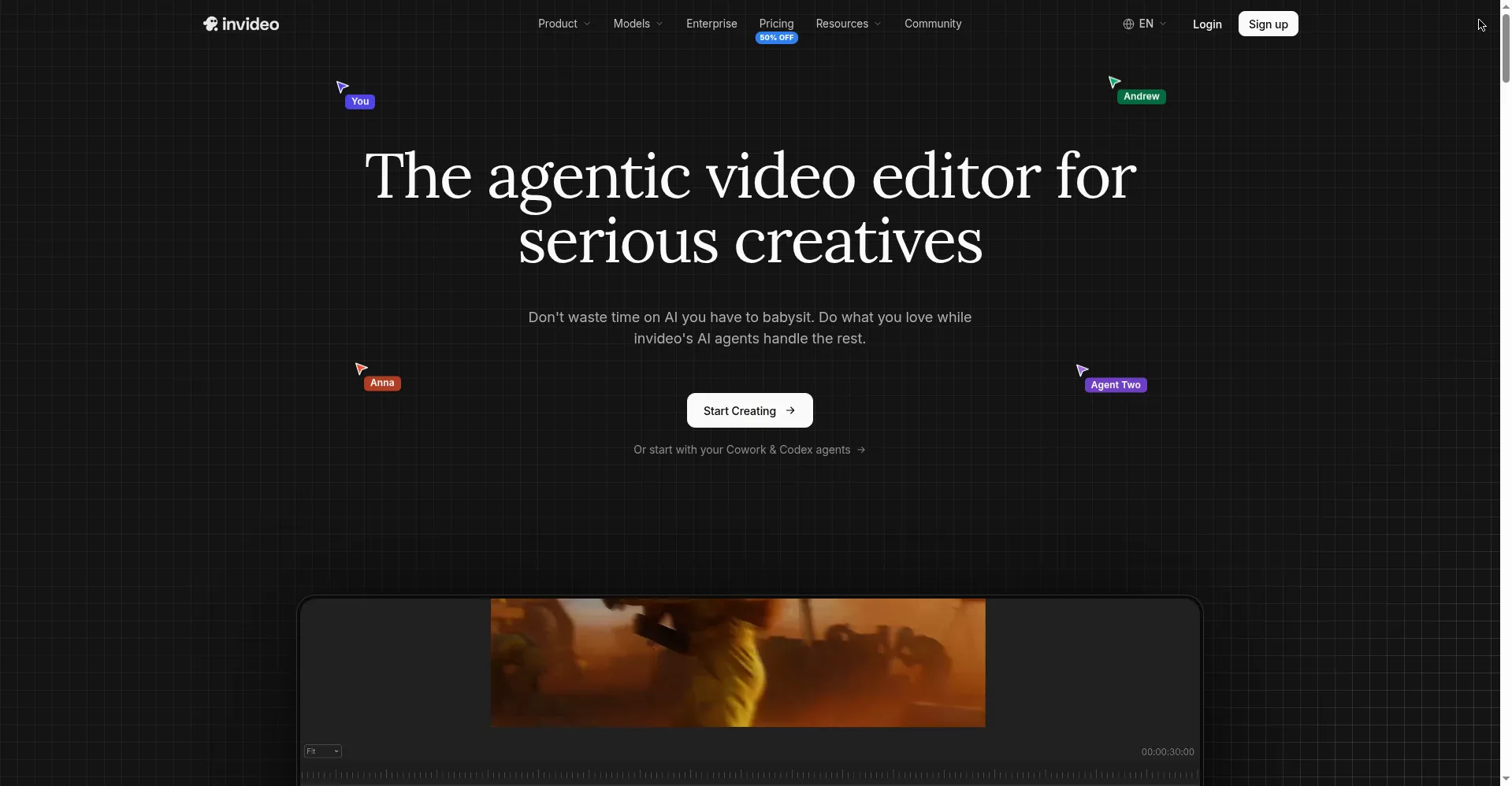
InVideo is an agentic AI video editor that turns prompts into finished videos fast. Describe your idea, and its AI agents plan shots, write scripts, and assemble clips with voiceovers, music, and stock footage in minutes. A prompt-based editor lets you change scenes, swap media, and restyle videos by typing commands, with no timeline editing skills needed. YouTubers, ecommerce brands, agencies, and small teams use it to produce marketing videos, product ads, and social clips quickly and at low cost.
Key Features
Agent Two AI System
Agent Two plans each video from your prompt, generates or selects clips, adds a voiceover, and assembles the scenes into a finished video.
Leading AI Models
Work with a catalog of video, image, and audio models, including Sora 2, through one workspace without separate subscriptions for each model.
Magic Box Text Editing
Edit any aspect of your video by typing commands instead of dragging clips on a timeline.
Stock Media Library
Combine AI generation with a library of stock clips, images, and music tracks in your projects.
AI Voiceover and Cloning
Generate voiceovers in local languages and accents, or clone your own voice for consistent narration across videos.
AI Avatars and Actors
Add AI presenters and UGC-style actors to videos without hiring talent or booking a shoot.
VFX House Tools
Apply professional effects like relighting and prop swaps to polish clips without manual editing work.
Frequently Asked Questions
What is InVideo Agent Two?
Agent Two is InVideo's AI agent system that creates videos from a prompt, handling planning, clip selection, voiceover, and assembly.
How much does InVideo cost?
InVideo sells seat-based Team and Business plans with monthly and annual billing; the pricing page lists the current per-seat rates.
Which AI models does InVideo include?
InVideo includes a catalog of video, image, and audio models, including Sora 2, listed on its AI models page.
Can I edit videos with text commands?
Yes, the Magic Box feature lets you modify scenes, swap media, and restyle clips by typing commands.
Can I use stock media in my videos?
Yes, InVideo combines AI generation with a library of stock clips, images, and music tracks in your projects.
Is InVideo suitable for beginners?
Yes, the prompt-based workflow requires no editing skills, since you direct changes by typing what you want.
Conclusion
InVideo stands out for bundling AI agents, stock media, and prompt-based editing into one workspace. Its agent workflow speeds up marketing videos, ads, and social clips, while voiceovers and AI presenters remove the need for cameras or talent. For teams that need finished video fast without editing skills, InVideo is a practical choice that covers the full production process.
Keep exploring
Similar AI tools
Ranked by the job they do, their capabilities, and how closely they fit this workflow.