
Upvotes
0
Pricing
Freemium
Category
Video Generators
In the database since
Oct 2026
Overview
About Klap
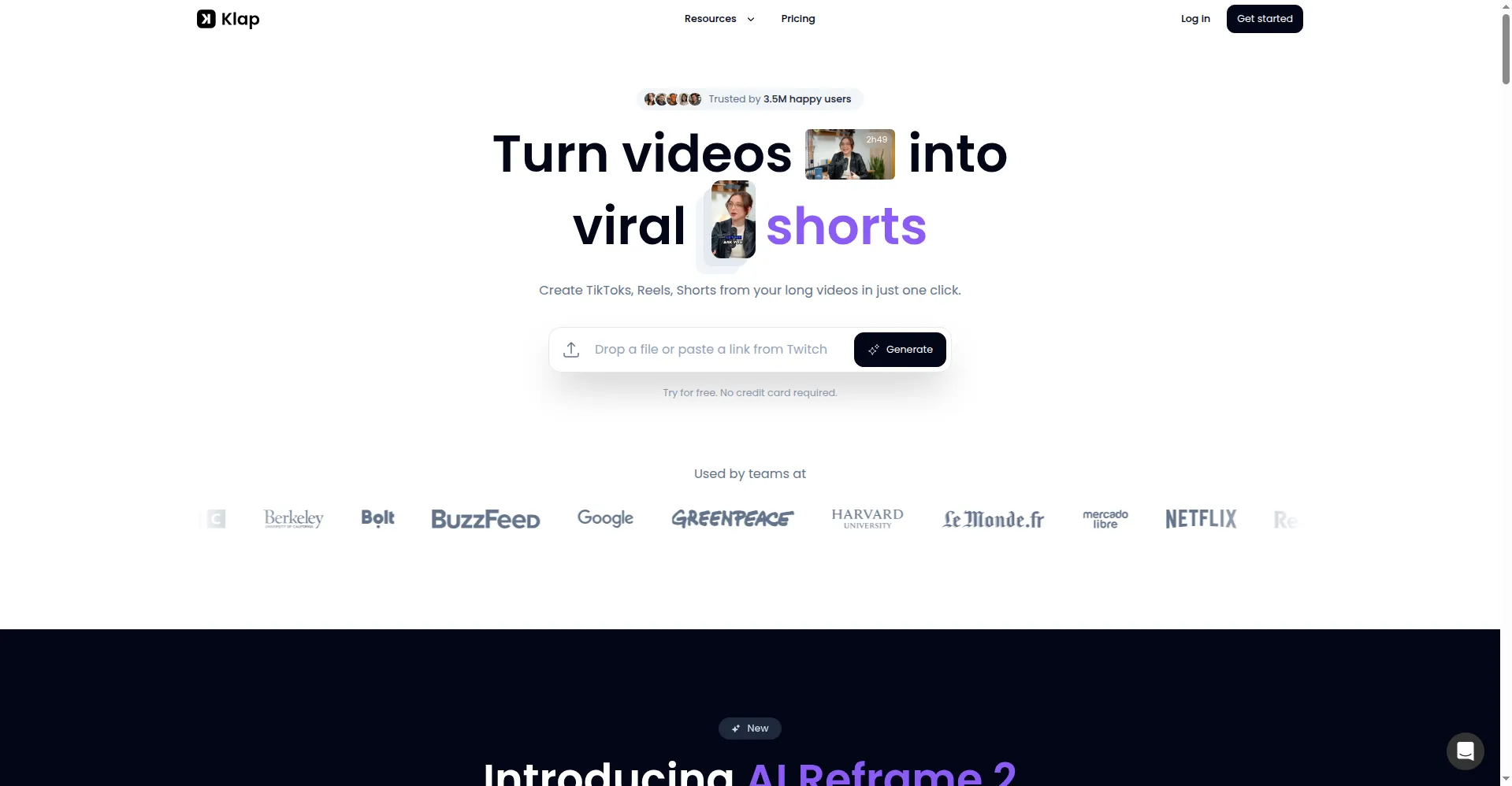
Klap is an AI tool that turns long videos into short, vertical clips for TikTok, Instagram Reels, and YouTube Shorts. Paste a YouTube link or upload a video, and Klap finds the most engaging moments, then cuts them into ready-to-post clips with captions. It suits podcasters, YouTubers, and marketers who want social clips without manual editing. Klap charges per clip generated, and each plan caps monthly clips. Check the official pricing page before you buy, since plans and limits change.
Key Features
AI Clip Detection
Klap scans long videos for their most engaging moments and cuts them into short clips. Each clip gets a score for its viral potential.
AI Reframe 2
Face tracking keeps the speaker centered when a horizontal video becomes vertical. This keeps faces in frame instead of cutting them off.
Auto-Captions
Klap adds dynamic captions to every clip in over 52 languages. You can change the font style and colors to match your brand.
AI Dubbing
Pro plans translate clips into 29 languages with AI voices. This lets one clip reach viewers in many countries.
Social Scheduling
You can schedule clips straight to TikTok, Instagram, YouTube, and LinkedIn. This removes the need for a separate scheduling tool.
Split Screen Mode
Podcast interviews get automatic split-screen layouts for each speaker. This keeps multi-person talks clear in a vertical frame.
Frequently Asked Questions
How does Klap turn a long video into shorts?
Paste a YouTube link or upload a video, and Klap finds the engaging moments, cuts them into vertical clips, and adds captions. You review each clip, edit it if needed, then post or schedule it.
What kinds of videos work best with Klap?
Talking videos work best, such as podcasts, interviews, and webinars. Action-heavy or visual-first videos give weaker results, since Klap picks moments from speech.
Does Klap add captions automatically?
Yes, Klap adds dynamic captions to clips in over 52 languages. You can change fonts and colors, and edit caption text before posting.
Can Klap dub clips into other languages?
Yes, Pro plans include AI dubbing in 29 languages. Lower plans do not include dubbing, so check the plan details first.
Can I try Klap before paying?
Klap advertises one free trial video on its homepage, but it has no ongoing free plan. Paid plans bill per clip generated, so check the official pricing page for current plans and limits.
What input does Klap accept?
Klap accepts YouTube links, uploaded video files, and imports from Google Drive. Long videos give the AI more moments to choose from.
Conclusion
Klap suits creators who already record long videos and want short clips fast. It trades deep editing control for speed and simplicity, so it fits social repurposing better than full video production. If your content is mostly talking videos, Klap can save hours each week. Check current clip limits and trial terms on klap.app before subscribing.
Keep exploring
Similar AI tools
Ranked by the job they do, their capabilities, and how closely they fit this workflow.