Luma AI
Dream Machine video generator with realistic physics, light, and keyframes.
Upvotes
0
Pricing
Freemium
Category
Video Generators
In the database since
Oct 2026
Overview
About Luma AI
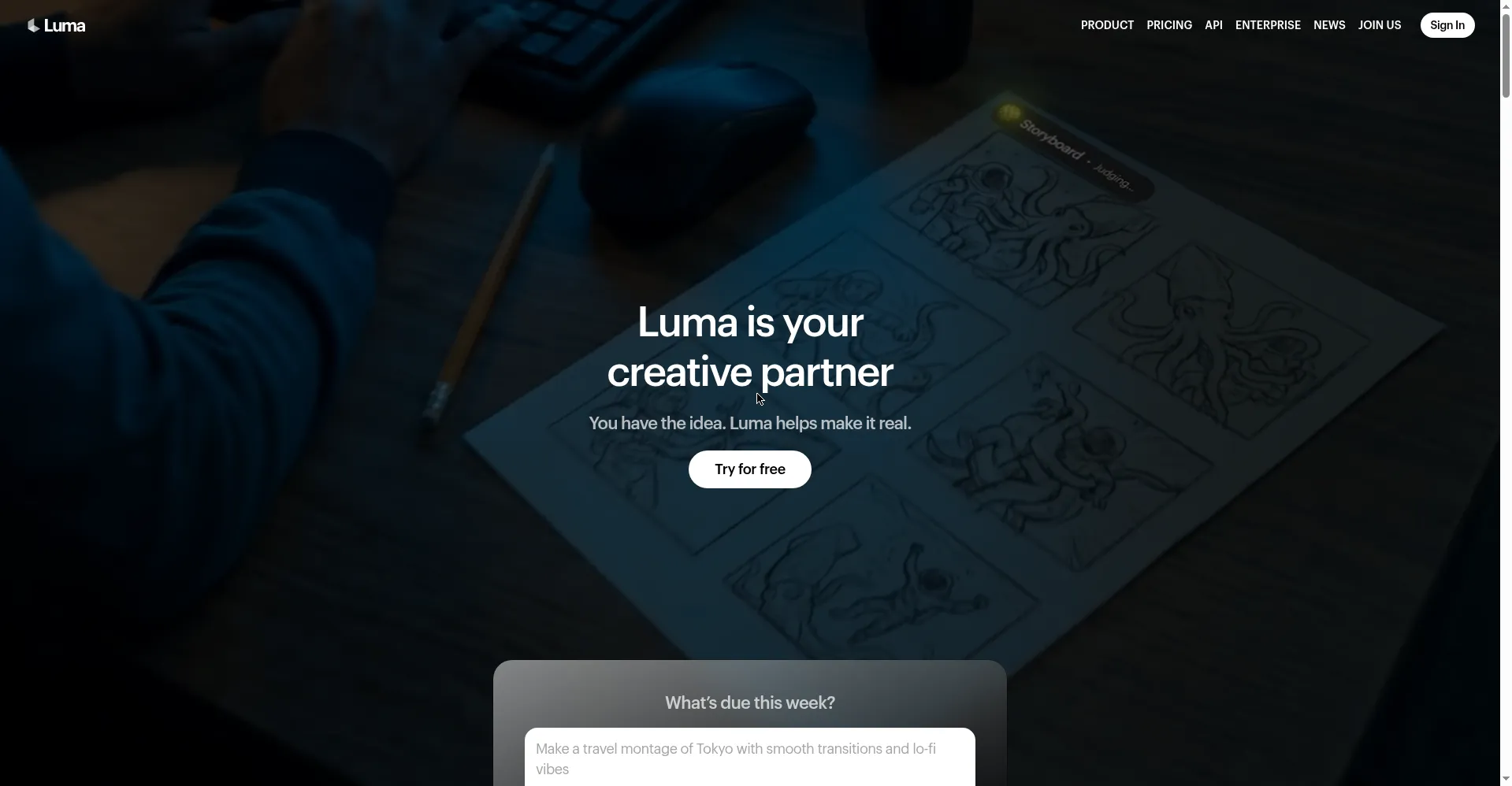
Dream Machine turns words and still images into short video clips. It uses Luma's Ray models to build scenes with movement, light, and depth. You can start from a text prompt or an image, then change the result with keyframes, edits, and camera moves. The tool suits short ads, social clips, storyboards, and test shots for larger projects. It also works with other models in the same workspace, so you can compare results without switching tools. Clips can be used as drafts, tests, or finished short pieces.
Key Features
Ray Model Video Generation
Ray models turn text or an image into a video clip. Clips run five or ten seconds at up to 1080p.
Keyframe Control
Set up to sixteen keyframes inside one clip. Each keyframe sets what changes, what stays still, and how the scene moves between points.
Extend and Loop
Extend adds seconds to a finished clip. This keeps the same scene going instead of starting over. A loop repeats the clip in a cycle.
Modify (Video-to-Video)
Modify reshapes a video you already have. Change the setting, look, or wardrobe with a prompt. The source action and timing stay in place.
Reference Images
Reference images guide how a person, object, or style looks. They help keep the same look across more than one generation.
Camera Controls
Camera motion transfer moves a camera move to another clip. It can carry a pan, tilt, or tracking shot across scenes and styles.
Lip Sync
Lip sync tools match mouth movement to spoken audio. This helps dialogue scenes feel natural when a clip is edited.
Production Exports and API
Ray clips export in HDR and 16-bit EXR frames for grading and compositing. The API lets teams build video generation into their own apps.
Frequently Asked Questions
How long is a Ray clip?
Five or ten seconds for a first Ray generation. Extend adds more seconds to a finished clip, so a scene can run longer.
What can I use as input?
Text prompts and images. A text prompt describes the scene, and an image gives the model a starting frame to animate.
Does a Ray clip include native audio?
No. Ray clips do not include native audio. Add music, sound, or voice in post-production.
Can I use clips for commercial work?
Yes. Paid plans on the pricing page list commercial use. Check the plan terms before a client project.
Which models are available in Luma?
Ray models and third-party models. The pricing page lists third-party image and video models, plus separate lip sync, audio, and image tools.
Conclusion
For short video work, Dream Machine gives a fast way to test ideas and build finished clips. It gives control over how a scene changes, without a reshoot. Its exports fit post-production work. It works best for short scenes, not long films. Try a small clip first, then scale the approach that works for your project.
Keep exploring
Similar AI tools
Ranked by the job they do, their capabilities, and how closely they fit this workflow.