Upvotes
0
Pricing
Freemium
Category
Design Generators
In the database since
Oct 2026
Overview
About Napkin
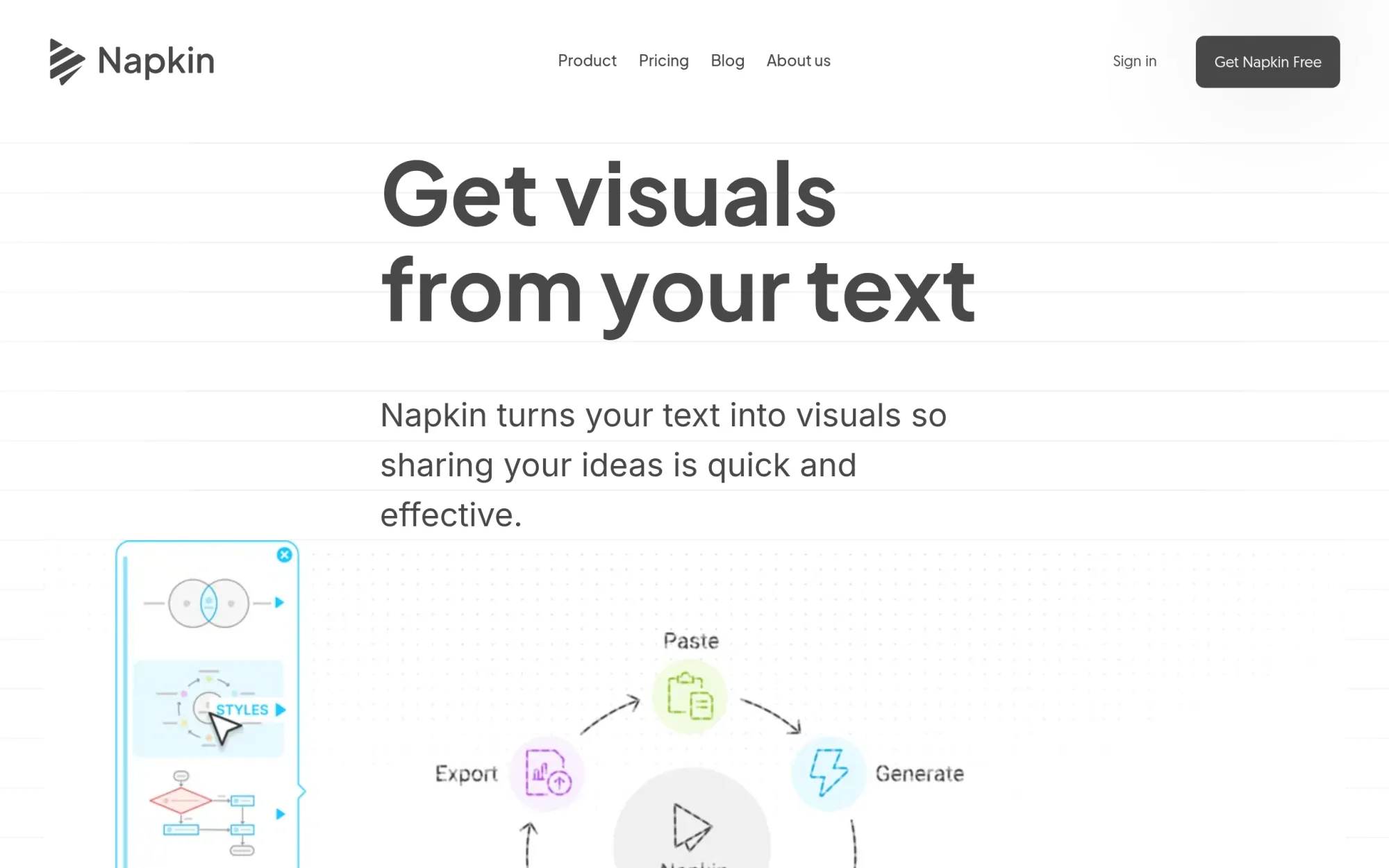
Napkin AI turns your written words into clear visuals. You paste or import text, and the tool builds diagrams, flowcharts, mind maps, infographics, and data charts from it. It is made for people who write reports, lessons, blog posts, and presentations but do not have design skills. You pick from the suggested layouts, then edit text, colors, icons, and shapes to match your message. Napkin Slides also builds full slide decks from your ideas. Check napkin.ai for current features, credits, and limits before you start.
Key Features
1. Text-to-Visual Generation
Click the Autospark icon and Napkin reads your text, then suggests diagrams and charts that fit its meaning. You never need to write long prompts.
2. Napkin Slides
Napkin Slides builds a full slide deck from your ideas. It works with you on the direction first, so the deck matches your plan.
3. File Import
Bring content from PPT, DOC, PDF, HTML, or Markdown files. Your existing documents turn into visuals without retyping.
4. Editable Visuals
Change text, colors, fonts, icons, shapes, and layout on any visual. Every part stays editable after generation.
5. Export Options
Save visuals as PNG or PDF on every plan, or as PPT and SVG on higher tiers. They drop into PowerPoint, Keynote, or Google Slides.
6. Teamspaces
Invite your team to a shared space. You can edit visuals together in real time and leave comments and highlights.
7. Style and Brand Controls
Napkin ships with built-in styles, fonts, and icons on every plan. Higher tiers add brand styles, custom font uploads, and exclusive icon designs.
Frequently Asked Questions (FAQ)
What is Napkin AI used for?
It turns written content into visuals for reports, lessons, blog posts, presentations, and social media. It helps people who explain ideas in words but need pictures.
How does Napkin turn text into visuals?
You write, paste, or import text, then click the Autospark icon. Napkin reads the content and suggests visual layouts that match its meaning.
Do I need design skills to use Napkin?
No. Napkin generates the layout for you, and you only adjust text, colors, and icons. It is built for non-designers.
What files can I import into Napkin?
You can import PPT, DOC, PDF, HTML, and Markdown files. Napkin uses them as source material for visuals and slides.
What is the difference between Napkin Visuals and Napkin Slides?
Napkin Visuals creates single visuals like diagrams and charts. Napkin Slides builds complete slide decks from your ideas.
Conclusion
Napkin is the fastest way to turn writing into shareable visuals today. It suits anyone who writes for work and needs diagrams, charts, or decks without design skills. The free plan covers light weekly use, while Plus and Pro add more AI credits, PPT and SVG export, custom brand styles, and controls for heavier teams.
Keep exploring
Similar AI tools
Ranked by the job they do, their capabilities, and how closely they fit this workflow.