
Upvotes
0
Pricing
Freemium
Category
Video Generators
In the database since
Oct 2026
Overview
About OMNITUBE
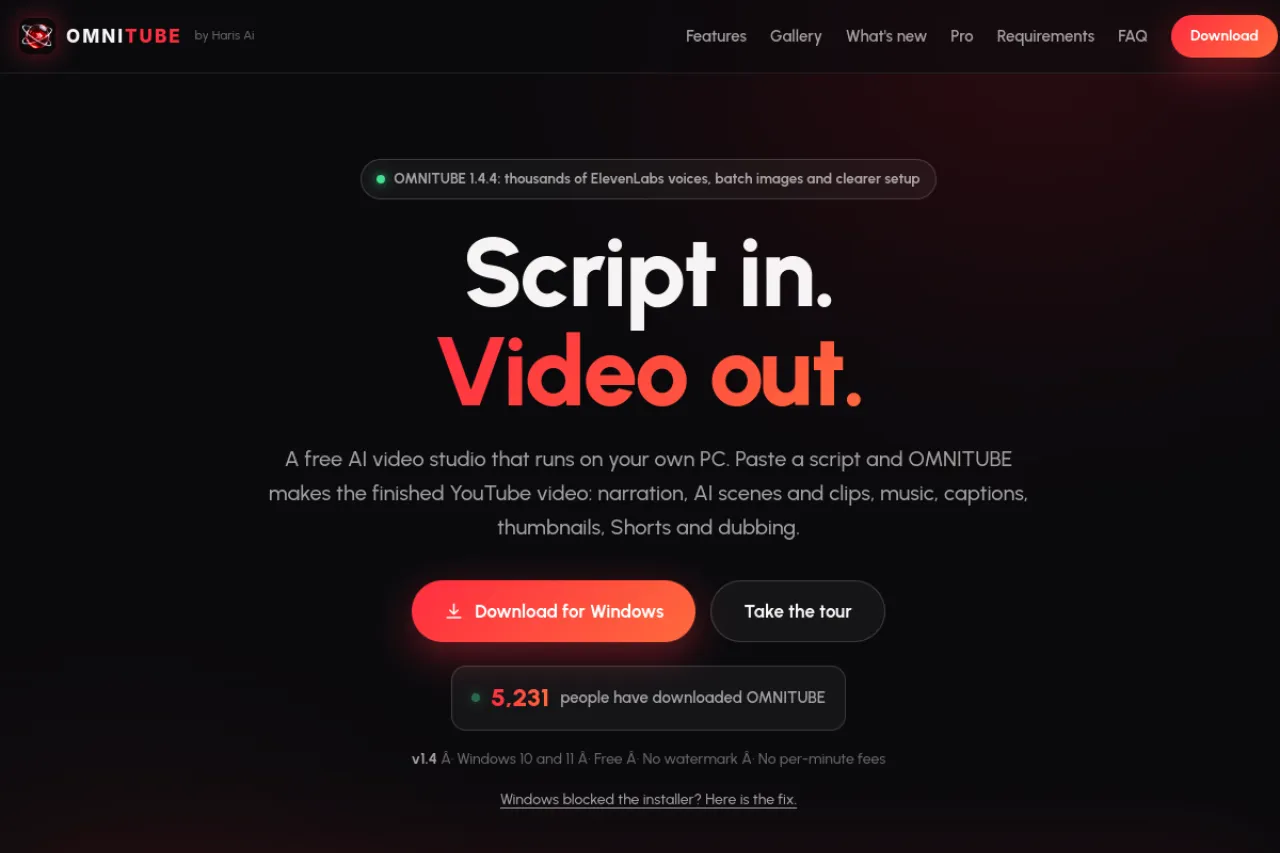
OMNITUBE is a free AI video studio for Windows that turns a script into a finished YouTube video on your own PC. Paste a script and it creates narration, AI scenes and video clips, music, captions, thumbnails, Shorts and dubbing. Everything runs locally on your graphics card with open-source models — no subscription, no watermark, no per-minute fees. An optional Pro tier adds cloud mode. Version 1.4 added a real timeline editor. Check the official page for downloads and requirements.
Key Features
1. Script-to-Video Pipeline
Paste a script and get voice, images, video clips, music, sound effects, captions and render in one build. Live progress shows every step.
2. Natural Narration and Voice Cloning
Human-like voices narrate your script, and voice cloning from a short sample lets characters speak in their own voices.
3. Consistent Characters and Places
Reference sheets keep faces, clothes and locations the same in every scene and episode. The app finds them automatically.
4. AI Video Clips and Styles
Turn scene images into moving clips with Wan 2.2. Pick from 34 image styles like anime, 3D, cartoon and horror.
5. Shorts, Thumbnails and Dubbing
Get native 9:16 Shorts, three thumbnails to A/B test, titles, tags and the same video dubbed in 18 languages.
6. Timeline Editor
Edit like in Premiere right inside OMNITUBE. Drag clips, trim pauses, restyle captions and drop in your own media.
Frequently Asked Questions (FAQ)
How can it be free?
It runs on your own computer, so making more videos costs the makers nothing extra. There is no watermark, no subscription and no limit on videos.
What PC do I need?
Windows 10 or 11 with an NVIDIA graphics card of 4 GB or more. You need 16 GB of RAM and about 60 GB of free storage.
What is OMNITUBE Pro?
The same app with a cloud mode that runs on your own API keys, so it works on any laptop. Founder pre-order is $15 one time; then $39.99.
How many languages does dubbing support?
18 languages. The same video can be voiced in 18 languages using your narrator's voice.
Where do I download it?
From the official page at theharisai.com/omnitube. Run the installer and the auto setup downloads the models that fit your PC.
Conclusion
OMNITUBE is a powerful free studio for faceless YouTube channels. Script-to-video, voice cloning, consistent characters and 18-language dubbing cover the full workflow on your own PC. The Pro tier adds cloud power for weaker machines. If you make videos on Windows, it is worth downloading. Check the official page for details. It suits creators who publish often.
Keep exploring
Similar AI tools
Ranked by the job they do, their capabilities, and how closely they fit this workflow.