
Online Image Editor
Edit photos online with effects, frames, and GIF tools.
Upvotes
0
Pricing
Free
Category
Image Editing
In the database since
Oct 2026
Overview
About Online Image Editor
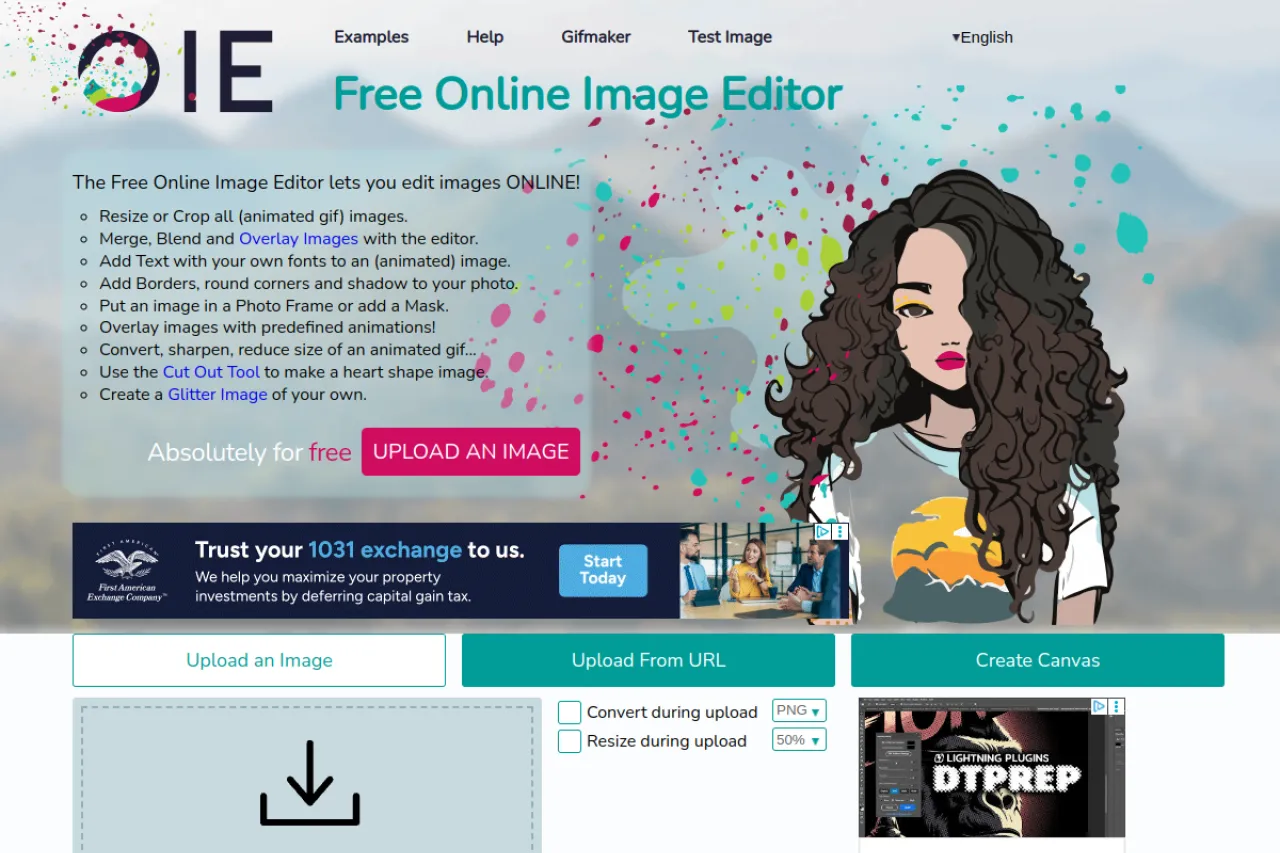
The Online Image Editor is a free website for editing photos in the browser. It is made for anyone who needs quick edits without installing software. The toolset covers resizing, cropping, rotating, adding text, borders, and overlays. You can also make backgrounds transparent, add glitter effects, and build GIFs with the GIF maker. Everything runs online with no account needed. Check the official site to see the full list of tools and the latest features. It works with common formats like PNG, JPG, BMP, and animated GIF.
Key Features
1. Resize and crop tools
You can resize images to exact sizes and crop out unwanted parts. The controls are simple enough for quick, everyday edits.
2. Text, borders, and overlays
Add text with custom fonts, frame photos with borders, and overlay one image on another. These tools dress up pictures fast.
3. Rotate and flip images
Turn photos 90 degrees, flip them, or set a custom angle. The tool even handles animated GIFs without breaking the animation.
4. GIF maker
The built-in GIF maker turns your images into animated GIFs. It is a simple way to make moving pictures from stills.
5. Transparent backgrounds
You can make an image background transparent. This is useful for logos, stickers, and cut-out graphics.
FAQ
What can I do with the Online Image Editor?
You can resize, crop, rotate, add text, add borders, overlay images, make backgrounds transparent, and create GIFs. All tools run in the browser.
Do I need an account?
No. The site works without an account. You open a tool, upload your image, edit it, and download the result.
Does it work with animated GIFs?
Yes. The rotate and flip tools support animated GIFs and keep the animation intact. The GIF maker can also build new animations from images.
Which formats are supported?
The editor works with PNG, JPG, BMP, and animated GIF. Upload your file and pick the tool you need.
Conclusion
The Online Image Editor is a free website with handy in-browser photo tools. Resize, crop, text, overlays, and the GIF maker cover most quick edits. Because nothing needs installing and there is no account, it is easy to use from any device. It suits anyone who wants fast, simple image edits without heavy software like Photoshop.
Keep exploring
Similar AI tools
Ranked by the job they do, their capabilities, and how closely they fit this workflow.


