
Upvotes
0
Pricing
Free
Category
Image Editing
In the database since
Oct 2026
Overview
About Paint.NET
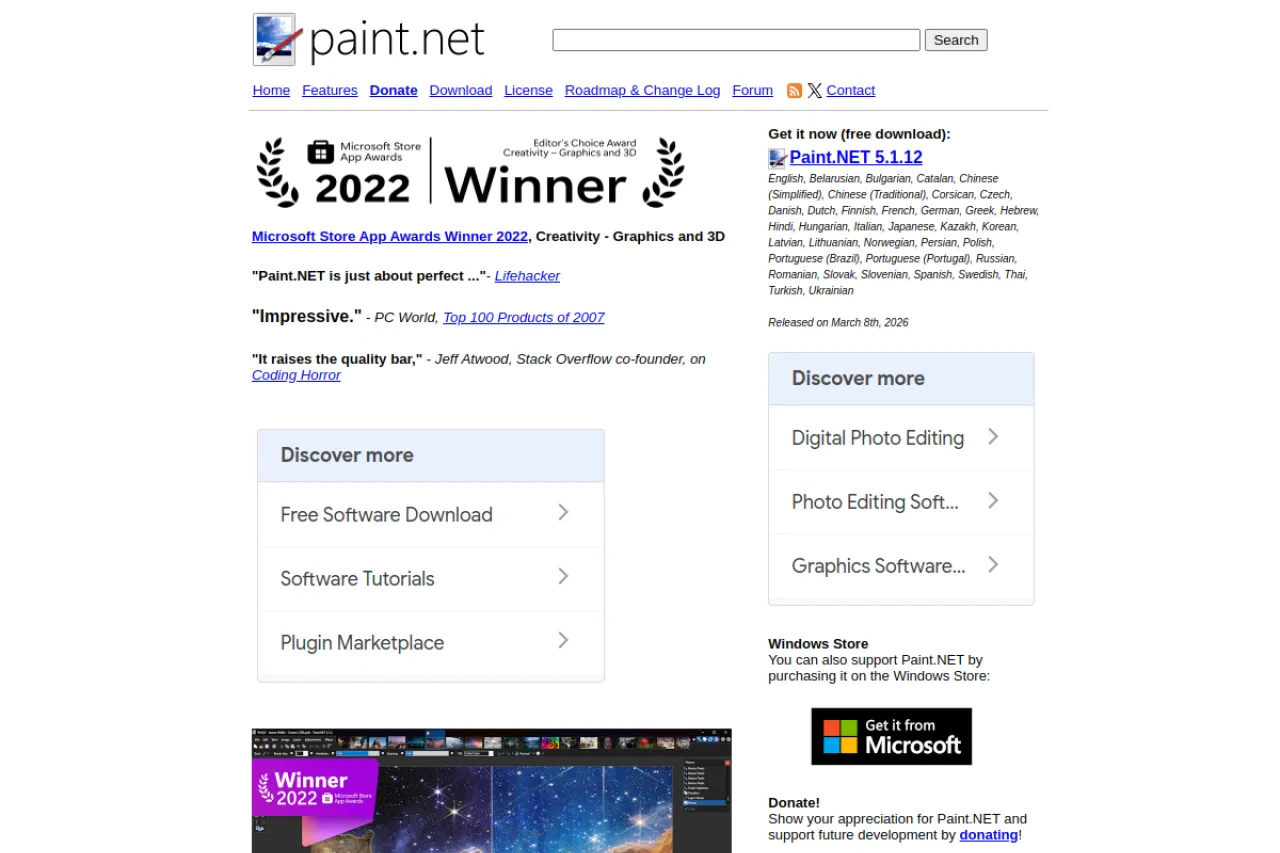
Paint.NET is a free image and photo editor for Windows PCs. It offers layers, unlimited undo, special effects, and a wide set of editing tools in a simple interface. It began as a college project mentored by Microsoft and is now maintained by Rick Brewster. Beginners find it easy to learn, while an active community provides tutorials and plugins. You can also support it through donations or the Microsoft Store. Check the official site for current details and download options.
Key Features
1. Layers Support
Edit with layers like professional software. Stack images and effects separately, then adjust or hide each layer without harming the rest.
2. Unlimited Undo
Every change can be undone, with no limit on history steps. Experiment freely with effects knowing you can always step back.
3. Special Effects
Apply blurs, distortions, stylize filters, and artistic effects. The effects menu covers most creative tasks without extra downloads.
4. Plugin Community
An active community builds free plugins that add new effects and tools. Tutorials and a help forum make learning easy for newcomers.
5. Simple Interface
The clean, innovative interface keeps tools easy to find. It was designed as a simpler alternative to Microsoft Paint for everyday editing.
Frequently Asked Questions (FAQ)
What is Paint.NET used for?
Photo editing and digital image creation on Windows. It handles retouching, drawing, and effects with layers, similar to heavier editors but simpler.
Does Paint.NET work on Mac?
No. Paint.NET runs only on Windows PCs. Mac users need a different editor, as there is no official Mac version.
How is Paint.NET funded if it is free?
Development is supported by donations and purchases of the Microsoft Store version. The classic download from the official site costs nothing.
Can beginners use Paint.NET?
Yes. It was designed as a simple replacement for Microsoft Paint, with an intuitive interface, tutorials, and a friendly help forum.
Does Paint.NET support plugins?
Yes. The community creates plugins that add effects, file formats, and tools. You can browse and install them from the official forum.
Conclusion
Paint.NET is a capable free photo editor for Windows that balances power with simplicity. It suits beginners and hobbyists who want layers and effects without complex software. Donations and the Store version fund development. Check the official site for the latest version and system requirements. An active community keeps tutorials and plugins coming for new users.
Keep exploring
Similar AI tools
Ranked by the job they do, their capabilities, and how closely they fit this workflow.


