
PaletteMaker
AI palette generator with live design previews and exports.
Upvotes
0
Pricing
Free
Category
Design Generators
In the database since
Oct 2026
Overview
About PaletteMaker
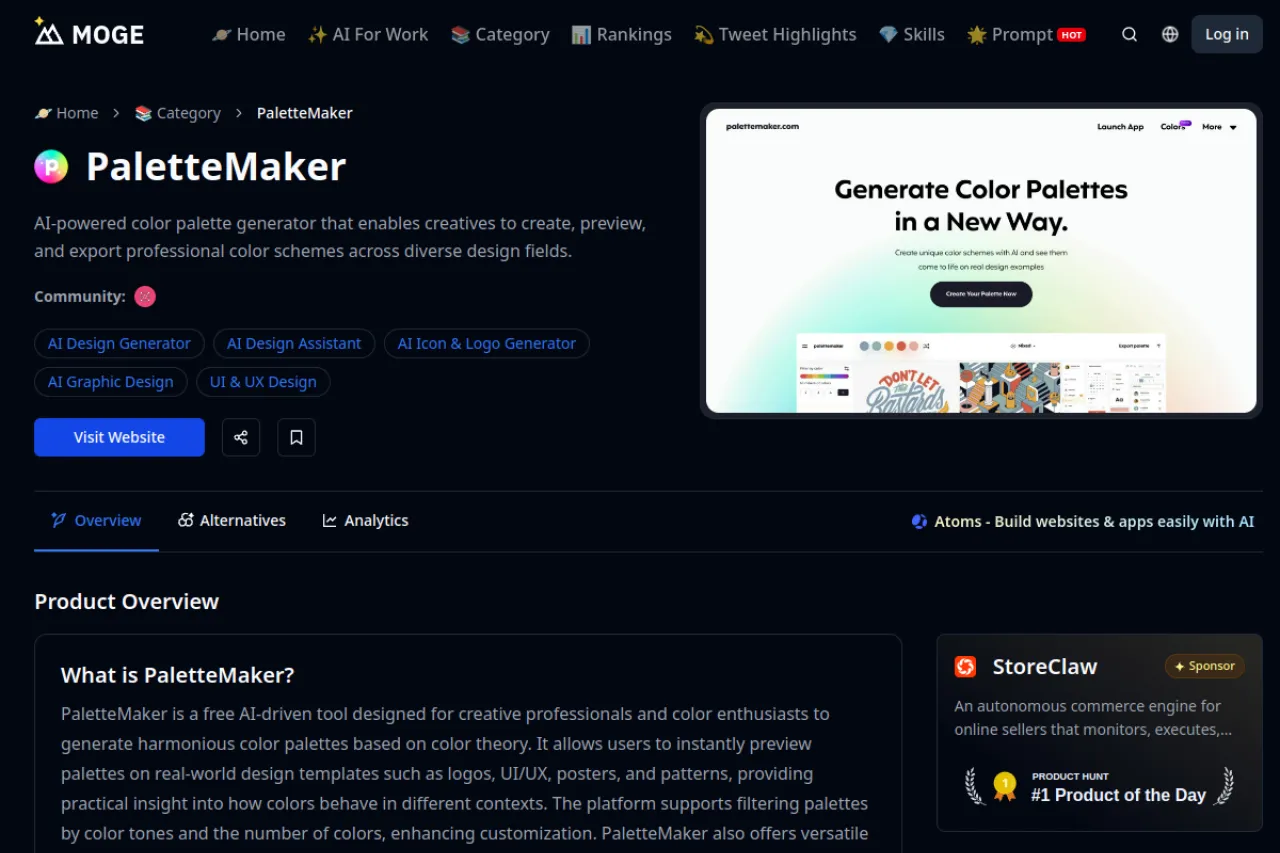
PaletteMaker is a free AI color palette generator listed on MOGE. It creates harmonious palettes based on color theory for creative work. You can preview palettes on real design templates like logos, UI screens, posters, and patterns. Filters let you pick palettes by color tone and number of colors. Export options include Procreate, Adobe ASE, images, and code formats. It suits designers who want quick, usable color schemes. The live previews show how colors behave in context. See the official page for the newest details.
Key Features
1. AI Palette Generation
Generate harmonious palettes built on color theory. The AI handles the color math for you.
2. Live Design Previews
See palettes on logos, UI screens, posters, and patterns. Real templates show colors in context.
3. Tone and Count Filters
Filter palettes by color tone or number of colors. Find the exact scheme your project needs.
4. Procreate and ASE Export
Export to Procreate and Adobe ASE formats. Designers can drop palettes straight into their tools.
5. Image and Code Export
Save palettes as images or code formats. Sharing colors with developers becomes quick and easy.
Frequently Asked Questions (FAQ)
What is PaletteMaker?
It is a free AI color palette generator on MOGE. It builds theory-based palettes with live design previews.
Where can I find it?
On the MOGE platform at moge.ai. Search for PaletteMaker in their product listings.
What can I preview palettes on?
Logos, UI screens, posters, and patterns. The templates show how colors work in real designs.
Which export formats are supported?
Procreate, Adobe ASE, images, and code formats. Pick the one your workflow needs.
Who is PaletteMaker for?
Designers and color lovers who want fast palettes. It suits both beginners and professionals.
Conclusion
PaletteMaker turns color theory into usable palettes fast. The live previews and strong export options fit real design work. Tone filters help you find the right scheme quickly. It suits designers at any level. The tool is free, so try it for your next project. It is a handy shortcut when deadlines are tight. Open MOGE and generate a palette.
Keep exploring
Similar AI tools
Ranked by the job they do, their capabilities, and how closely they fit this workflow.