
Upvotes
0
Pricing
Open Source
Category
Design Generators
In the database since
Oct 2026
Overview
About Penpot
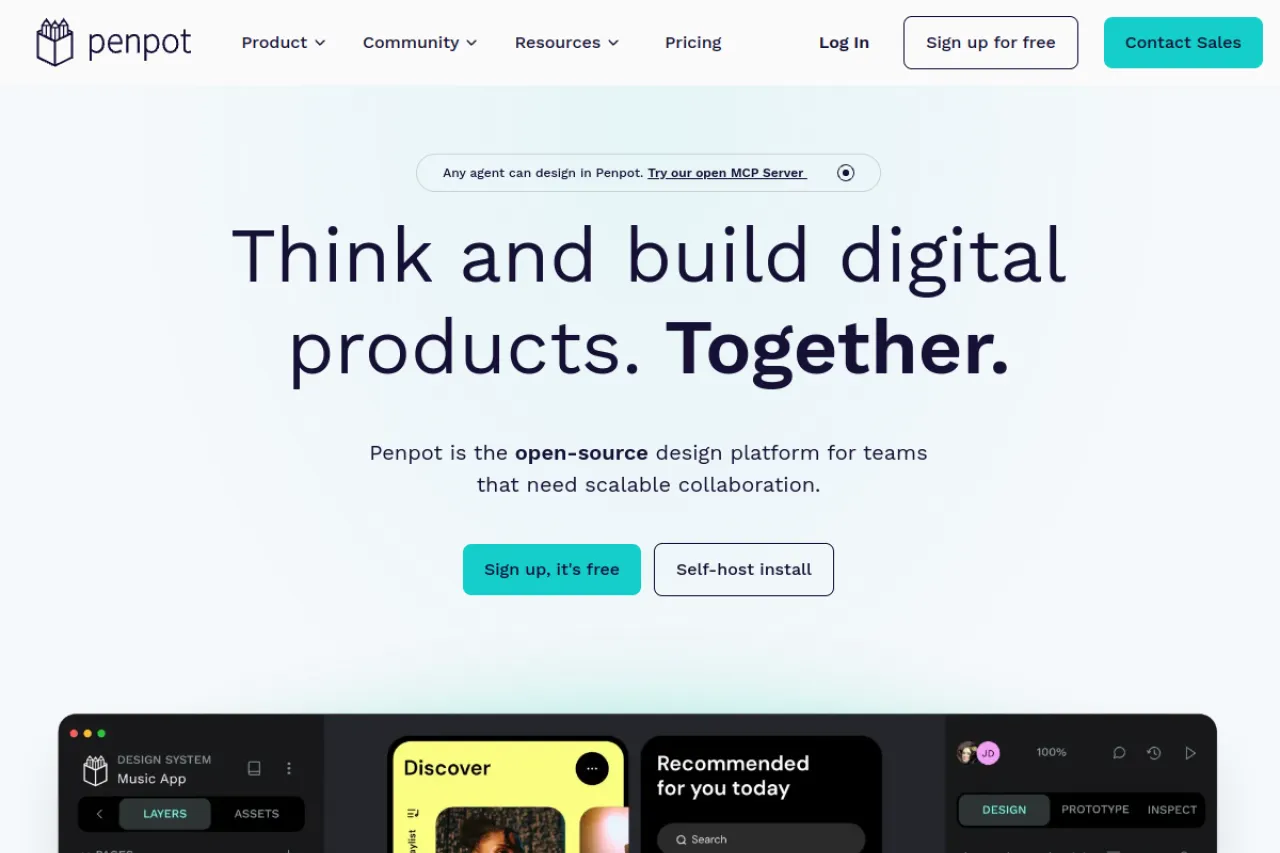
Penpot is an open-source design and prototyping platform. It runs in your web browser, so there is nothing to install. Product teams use it to draw screens, build clickable prototypes, and create design systems. Designs are stored in open formats like SVG and CSS, which developers can read and use directly. That makes handoff from design to code easy. Penpot is free to use, and teams can also run it on their own servers. Check penpot.app for current features and hosting options.
Key Features
1. Open-Source Core
The full code is public under the Mozilla Public License 2.0. No vendor can lock your team into a closed platform.
2. Self-Hosting
Run Penpot on your own servers with Docker or Kubernetes. Your files and data stay under your control.
3. Interactive Prototyping
Link screens, add transitions, and simulate modals, overlays, and scrolling. You can preview the full flow in the browser.
4. Components and Variants
Build reusable components with variants for your design system. One change updates every screen that uses it.
5. Native Design Tokens
Store colors, spacing, and type in tokens that follow the W3C design token format. Design and code stay in sync.
6. CSS Grid and Flex Layout
Lay out screens with grid and flex tools that mirror real CSS. Developers get code that matches the design.
7. Inspect for Developers
The inspect panel shows real HTML, CSS, and SVG for any element. Developers copy values without extra tools.
8. Real-Time Collaboration
Teams edit the same file at once with live cursors. Comments sit right on the design where they belong.
Frequently Asked Questions (FAQ)
What is Penpot used for?
It is used for UI and UX design: wireframes, interface screens, clickable prototypes, and design systems for digital products.
How is Penpot different from Figma?
Penpot is open source and self-hostable, and it stores designs in open web formats. Developer handoff tools are built in rather than paid extras.
Can I self-host Penpot?
Yes. You can run Penpot on your own infrastructure with Docker or Kubernetes, or use the hosted cloud version instead.
Do developers need a paid seat for handoff?
No. The inspect panel is part of the core tool, so developers can open design files and copy CSS, SVG, and measurements for free.
Does Penpot work on all computers?
Yes. Penpot runs in any modern web browser, so it works on Windows, Mac, and Linux with no desktop app to install.
Conclusion
Penpot is a capable open-source design platform for teams that value ownership and openness. It suits product teams, freelancers, and organizations that want a Figma-class workflow without per-seat pricing. Self-hosting is free with unlimited users, the cloud plan is free for small teams, and paid tiers serve organizations needing governance features, audit tools, and dedicated support.
Keep exploring
Similar AI tools
Ranked by the job they do, their capabilities, and how closely they fit this workflow.