
Pixelbin
Multi-model AI video studio with editing tools in one browser workspace
Upvotes
0
Pricing
Freemium
Category
Text-to-Video
In the database since
Oct 2026
Overview
About Pixelbin
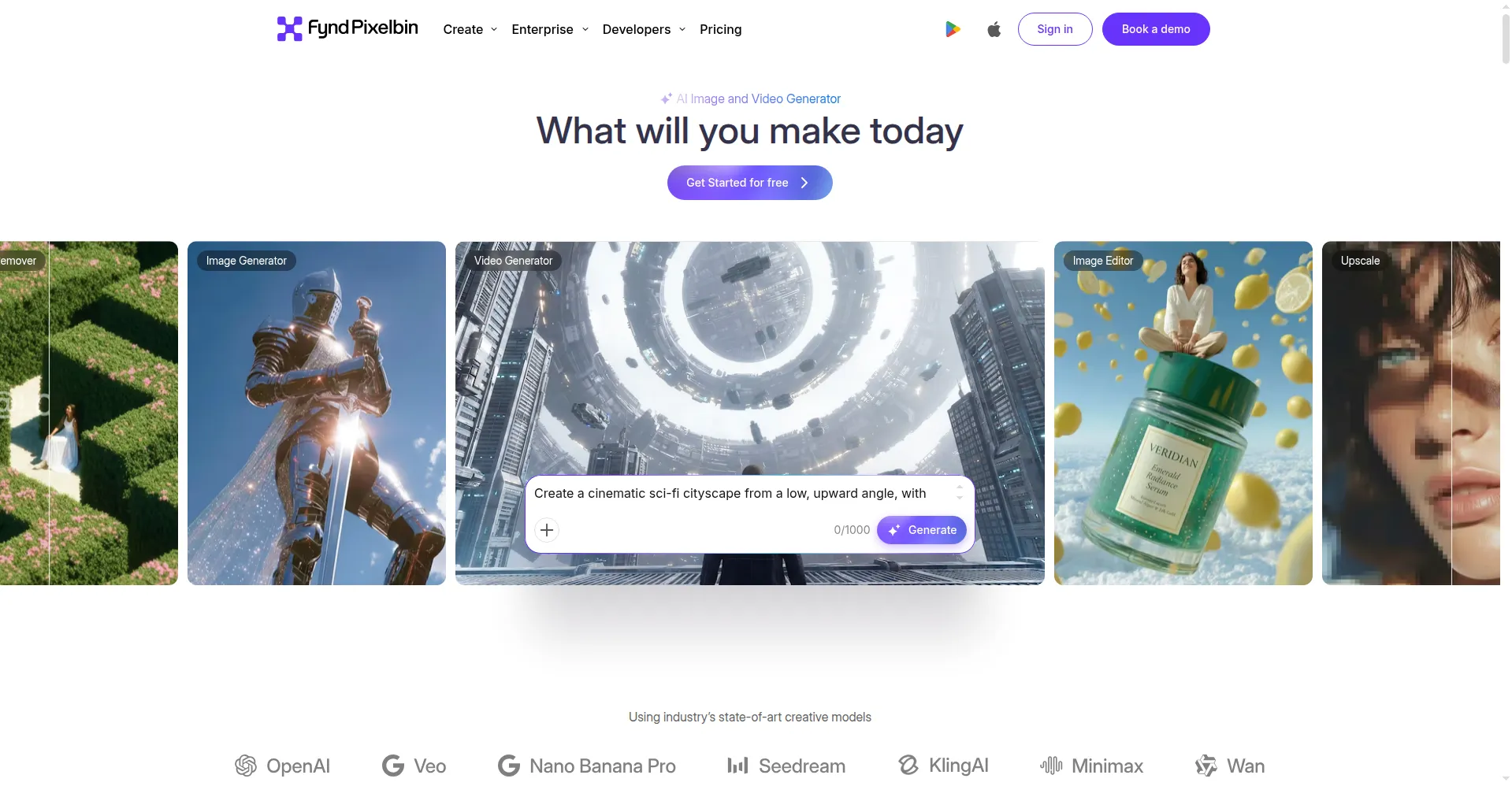
Pixelbin is an AI media platform that runs in your browser. It turns text prompts and images into short videos using 10+ AI models, including Kling, Veo, and Wan. It also edits media: background removal, watermark removal, and upscaling up to 8x. Creators, marketers, and teams use it to make videos and clean up images in one place. A free plan with monthly credits exists, and paid packs add more. Check the official site for current credit prices before you start.
Key Features
1. Multi-Model Video Generation
Make text-to-video and image-to-video clips with 10+ AI models, including Kling, Veo, Wan, Hailuo, Seedance, and LTX-2.
2. No-Login Video Start
The video generator page lets you begin creating right away, with no login, no sign-up, and no email needed.
3. Flexible Clip Settings
Set clip length, pick from six aspect ratios like 9:16 and 16:9, and add sound on models that support audio.
4. Copyright-Free Outputs
Pixelbin states that generated videos are copyright-free for both personal and even commercial use cases.
5. AI Background Remover
The AI background remover cuts out subjects cleanly in one click, down to fine edges and hair.
6. Watermark Remover
The watermark remover erases logos and marks from images and video frames automatically in seconds.
7. Image Upscaler up to 8x
The AI upscaler enlarges images up to 8 times while keeping details sharp and clean.
8. Batch Processing and CDN
Batch processing handles many files at once, and a global CDN serves finished media fast.
Frequently Asked Questions
What is Pixelbin used for?
Pixelbin is used to create AI videos and edit media in one browser workspace. You can generate text-to-video and image-to-video clips, remove backgrounds and watermarks, upscale images, and serve files through a built-in CDN.
How do Pixelbin credits work?
Pixelbin runs on credits. The free plan includes monthly credits, and each tool costs a different amount — video generation costs more than simple edits like resizing. Paid credit packs add more credits when you run out. Check the official pricing page, as costs per tool can change.
Do I need an account to use the Pixelbin video generator?
No. The video generator page at pixelbin.io lets you start creating without logging in or signing up. A free account is only needed for the wider platform features like the CDN, API access, and monthly credit refills.
Can I use Pixelbin videos for commercial projects?
Yes. Pixelbin states that videos made with its AI video generator are copyright-free for both personal and commercial use.
Which AI models does Pixelbin support for video?
Pixelbin supports 10+ video models, including Kling, Veo 3, Wan 2.5, Hailuo, Seedance, and LTX-2, plus image models like nanoBanana. The exact lineup can change as new models launch.
What is the difference between Pixelbin and single-model video tools?
Single-model tools lock you into one AI engine. Pixelbin gives you 10+ models plus editing, batch processing, and CDN delivery in one workspace, so you can compare outputs and pick the best result each time.
Conclusion
Pixelbin suits creators and teams who want many AI video models plus editing tools in one browser tab. The free plan covers light use through monthly credits, and paid packs scale up. If you like testing different models without many subscriptions, it is worth a try. Check the official pricing page since credit costs per tool can change over time.
Keep exploring
Similar AI tools
Ranked by the job they do, their capabilities, and how closely they fit this workflow.