
QuestionWell
AI quiz builder that turns readings into test questions for teachers
Upvotes
0
Pricing
Freemium
Category
Tools for Teachers
In the database since
Oct 2026
Overview
About QuestionWell
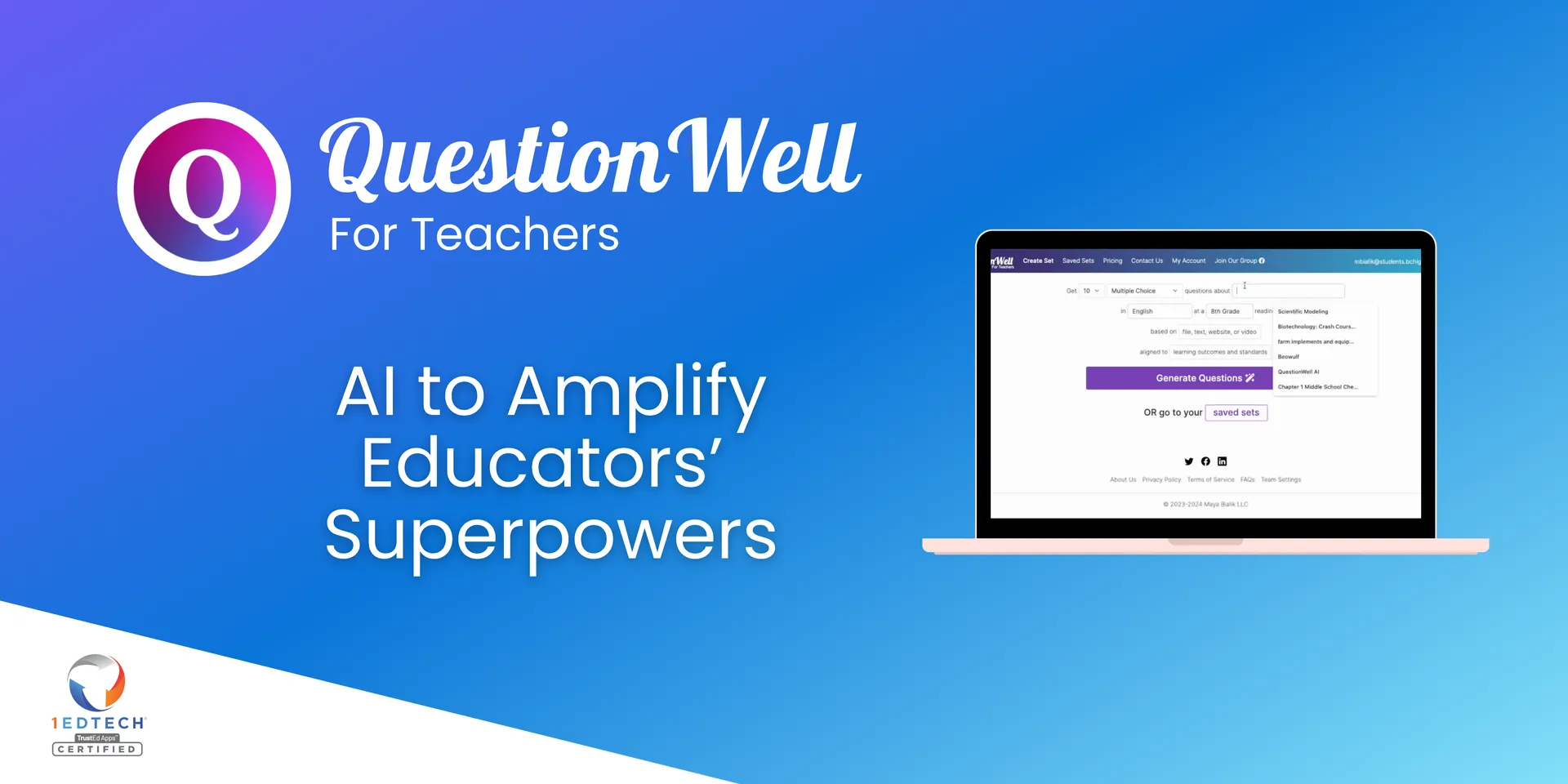
QuestionWell is an AI tool that helps teachers create quiz questions fast. You paste a reading passage, enter a topic, or add a video link, and the AI writes questions for you. It can also generate readings, vocabulary lists, and interactive video quizzes. Questions can align to curriculum standards you choose. Export finished sets to Kahoot, Canvas, Wayground, and Google Forms. It is built for K-12 teachers who want to save planning time. For current features and plan details, check the official site at questionwell.org.
Key Features
1. AI question generation
Generate multiple-choice, short answer, and fill-in-the-blank questions. The AI writes them from your passage, topic, or video.
2. Standards alignment
Search for the curriculum standards you teach to. The AI writes questions that line up with those standards on purpose.
3. Vocabulary extraction
The AI pulls key vocabulary from your reading and writes definitions. You can export the words to Google Slides for student practice.
4. Interactive video quizzes
Turn videos into interactive lessons with questions placed at chosen timestamps. Students answer as they watch instead of passively viewing.
5. Segment-based questions
Select part of a reading and get questions about that section only. This helps target the content you want to assess.
6. One-click exports
Send question sets to Kahoot, Wayground, Canvas, Google Forms, and more. You avoid copying and pasting questions by hand.
FAQ
What input does QuestionWell accept?
You can paste text, enter a topic, add a website URL, or link a YouTube video. You can also leave the reading blank and let the AI write one for you.
Which question types can it make?
It makes multiple-choice, discussion, fill-in-the-blank, and short answer questions. Short answer and fill-in-the-blank need a paid plan.
Does QuestionWell align questions to standards?
Yes. You search for the standards you teach, and the AI writes questions aligned to them. It also writes learning objectives for your sets.
Where can I export my questions?
You can export to Kahoot, Wayground, Canvas, Google Forms, and more platforms. Free accounts get a limited number of exports each month.
What languages does it support?
QuestionWell responds in over a dozen languages. You can also adjust reading levels so students read at the right difficulty.
Can I edit the AI-generated questions?
Yes. You can review, edit, add, or delete any question before sharing it. A built-in search option helps you verify facts.
Conclusion
QuestionWell saves teachers real time on quiz creation and keeps questions tied to standards. The export options fit smoothly into most classroom workflows. AI output still needs a human review before it reaches students. Teachers who build assessments often will find it a practical helper at questionwell.org. Try the free plan first to see if it fits your routine.
Keep exploring
Similar AI tools
Ranked by the job they do, their capabilities, and how closely they fit this workflow.