
Reference2Video
Transfer motion and camera work from a reference clip onto your photos.
Upvotes
0
Pricing
Freemium
Category
Video Generators
In the database since
Nov 2026
Overview
About Reference2Video
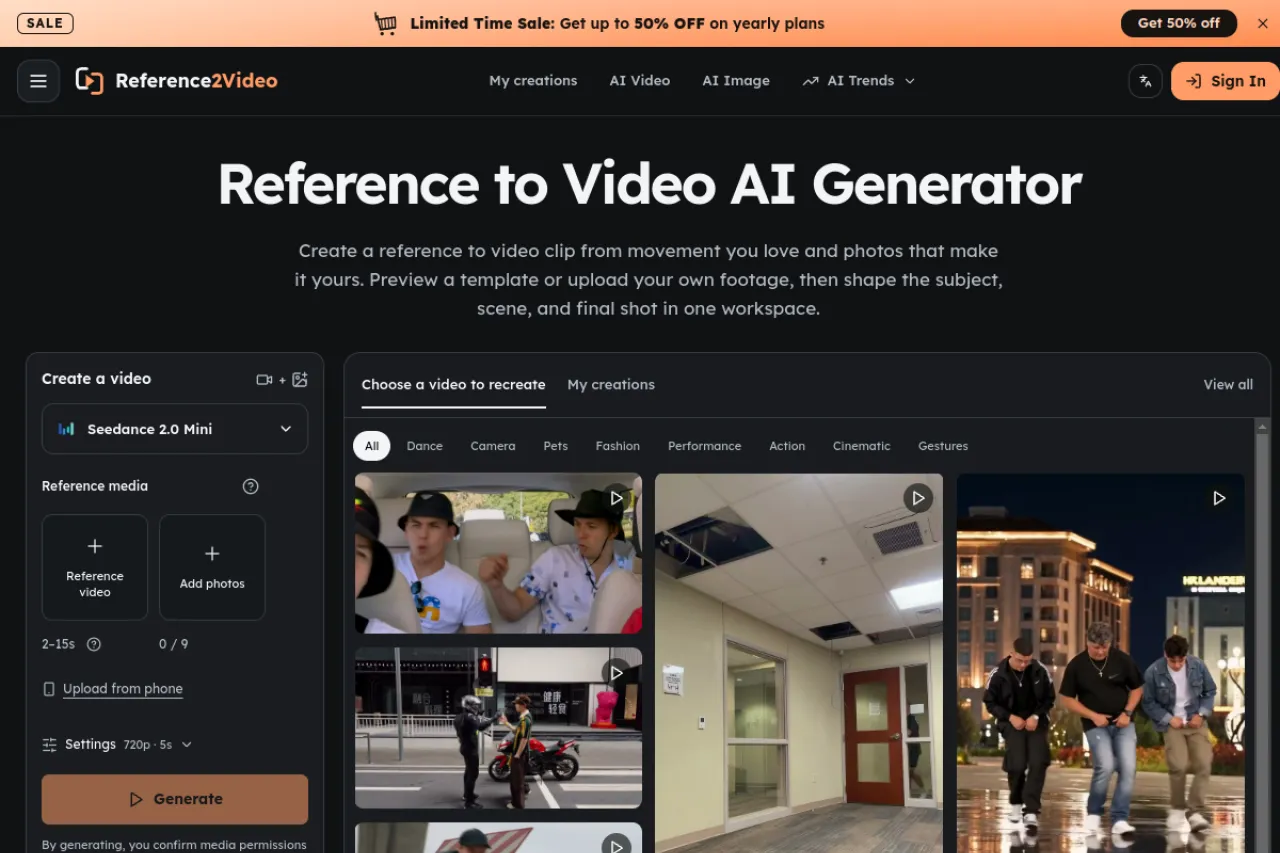
Reference2Video moves the motion and camera work from a reference clip onto your photos, creating a clip following the original action. You start from a template or upload your own footage, add clear photos of the subject, pick Seedance 2.0, Fast, or Mini, and review the credit estimate first. Reference clips run 2–15 seconds, and a custom prompt can describe subject, setting, or camera direction. The finished clip downloads from your history. Free accounts start with 10 credits at login, plus weekly check-in bonuses.
Key Features
Motion from a reference clip
A reference video supplies the action, timing, camera movement, and composition, while your photos supply the subject.
Templates or your own footage
Start from a gallery template with its clip and example references loaded, or upload your own clip instead.
Seedance 2.0 model choice
Choose Seedance 2.0, Seedance 2.0 Fast, or Seedance 2.0 Mini, with resolution, length, and audio options in Settings.
Custom prompt control
Turn on Custom prompt to describe a subject, setting, or camera direction beyond what the reference shows.
Credit estimate upfront
The workspace shows a credit estimate based on model, length, resolution, and settings before you submit.
Photo framing guidance
Built-in guides show full-body framing with room for hands and feet, and warn against tight or obstructed crops.
Frequently Asked Questions (FAQ)
What is reference to video?
One reference video plus photos of the subject. The video guides action, timing, camera movement, and composition, while the photos guide who appears.
Which models can I use?
Seedance 2.0, Seedance 2.0 Fast, and Seedance 2.0 Mini. Switching models keeps your references when they fit the next model.
How long can the reference clip be?
Reference clips run from 2 to 15 seconds, with a trimming control for longer footage.
Can I use my own reference footage?
Yes. Upload your own clip, or start from a gallery template and replace its photos and prompt.
Do I need an account?
Reading the page and playing examples needs no account. Submitting a job, saving a result, and reopening history need sign-in.
Conclusion
Reference2Video suits creators who can picture a move but struggle to describe it in words. The reference clip carries the hard part — timing, gesture, and camera path — while photos decide who stars in it. Start with one clear action, check the estimate, and refine one input at a time for the best result before you share.
Keep exploring
Similar AI tools
Ranked by the job they do, their capabilities, and how closely they fit this workflow.