
Runway
AI video studio with Gen-4 models, motion brush, and editing tools
Upvotes
0
Pricing
Freemium
Category
Text-to-Video
In the database since
Oct 2026
Overview
About Runway
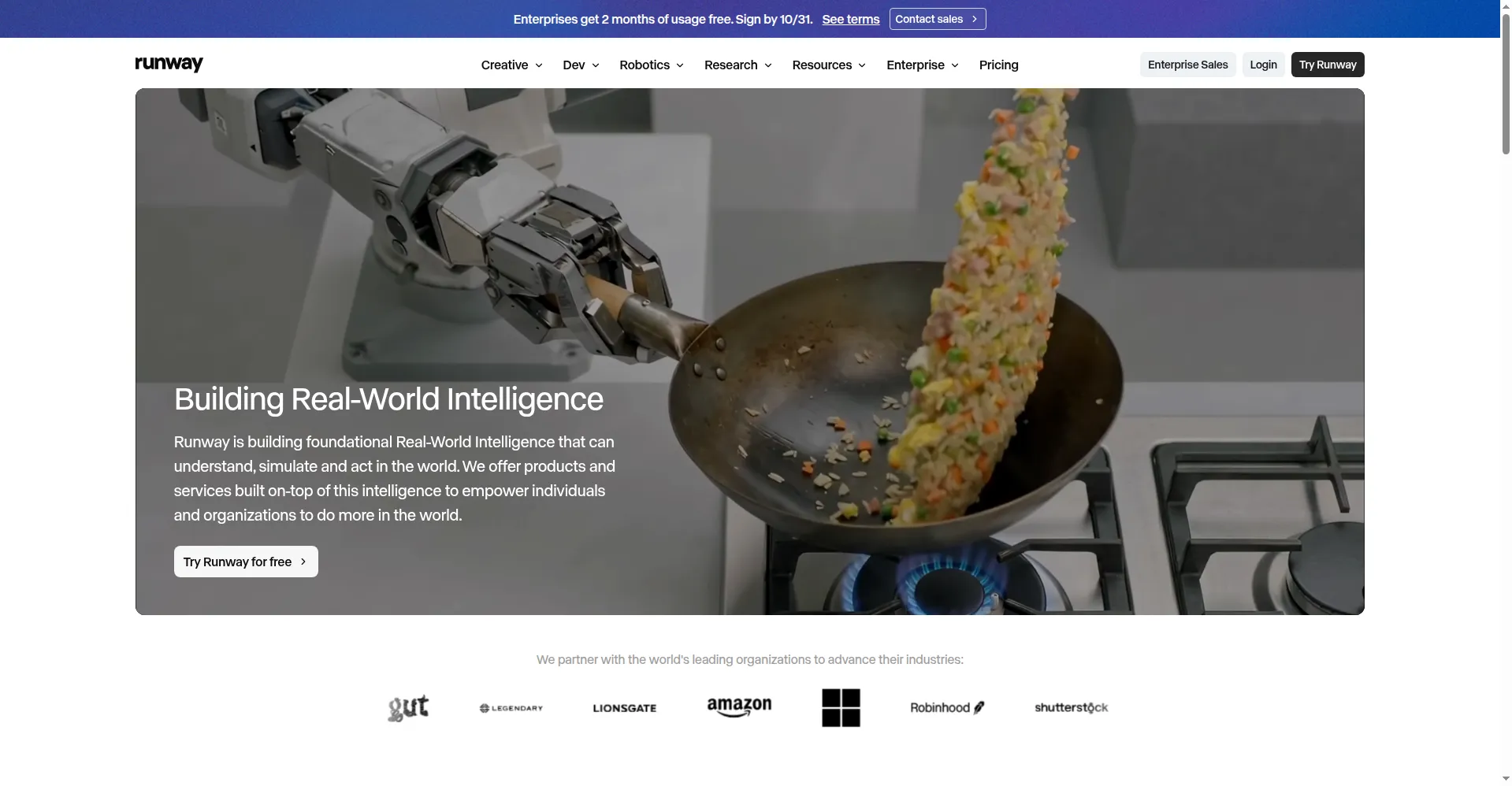
Runway is an AI video platform that generates and edits video from text, images, and existing footage for quick drafts, polished edits, and final shots. Filmmakers, designers, marketers, and agencies get high-quality clips and strong creative control. Its Gen-4 models create text-to-video and image-to-video clips with realistic motion and lighting. A built-in editor adds tools like the Motion Brush, camera moves, and background removal. It also supports green screen and slow motion. Visit runwayml.com for current features and pricing details.
Key Features
1. Gen-4 text-to-video
Describe a shot in words and Gen-4 renders a short clip with realistic motion and lighting.
2. Image-to-video
Upload a still image and bring it to life with text-guided motion and realistic detail.
3. Motion Brush
Paint over parts of an image to animate them separately, like smoke, water, or a person's hand.
4. Camera controls
Add pan, tilt, zoom, and roll moves to generated or uploaded clips with precise control.
5. Character and style references
Upload reference images to keep characters, objects, and visual styles consistent across every clip you make.
6. Built-in editing suite
Use over 30 built-in tools for inpainting, background removal, frame interpolation, and full video-to-video restyling.
7. 4K upscaling and integrations
Upscale your outputs toward 4K and bring exports straight into Adobe Premiere and DaVinci Resolve.
Frequently Asked Questions (FAQ)
What is Runway mainly used for?
Runway is used to generate and edit short video clips for film, ads, and creative work. Filmmakers use it for B-roll, visual effects, and style tests. Its tools were also used in the production of the film Everything Everywhere All at Once.
What is the Motion Brush in Runway?
The Motion Brush lets you paint over parts of an image and animate them separately. You can make smoke rise or a hand wave while the rest of the scene stays still, giving frame-level control over motion.
How long are Runway's video clips?
Clips are short. Gen-3 and Gen-4 models produce up to 10 seconds per generation. Longer pieces are built by stitching clips together in the editor or an external tool.
What is the difference between Gen-3 and Gen-4?
Gen-4 is the newer, higher-fidelity model with better character consistency and reference support. Gen-3 Alpha Turbo remains as a faster, cheaper option for quick drafts and tests.
Can Runway edit my existing footage?
Yes. Runway supports image-to-video and video-to-video, so you can animate stills or restyle uploaded footage. The suite also adds inpainting, background removal, and frame interpolation.
What does Runway integrate with?
Runway offers an API (a way for apps to talk to each other) for developers and workflows with editors like Adobe Premiere and DaVinci Resolve, so generated clips fit into professional pipelines.
Conclusion
Runway fits filmmakers, designers, and agencies that need top-tier AI video with real editing control for serious client work. Gen-4 output quality and tools like the Motion Brush set it apart, though credits burn fast on paid plans. The free plan's one-time credits work for testing. Compare current pricing on runwayml.com before choosing a plan.
Keep exploring
Similar AI tools
Ranked by the job they do, their capabilities, and how closely they fit this workflow.