SlidesMania
Creative slide templates for teachers and students, fully editable.
Upvotes
0
Pricing
Free
Category
Tools for Teachers
In the database since
Oct 2026
Overview
About SlidesMania
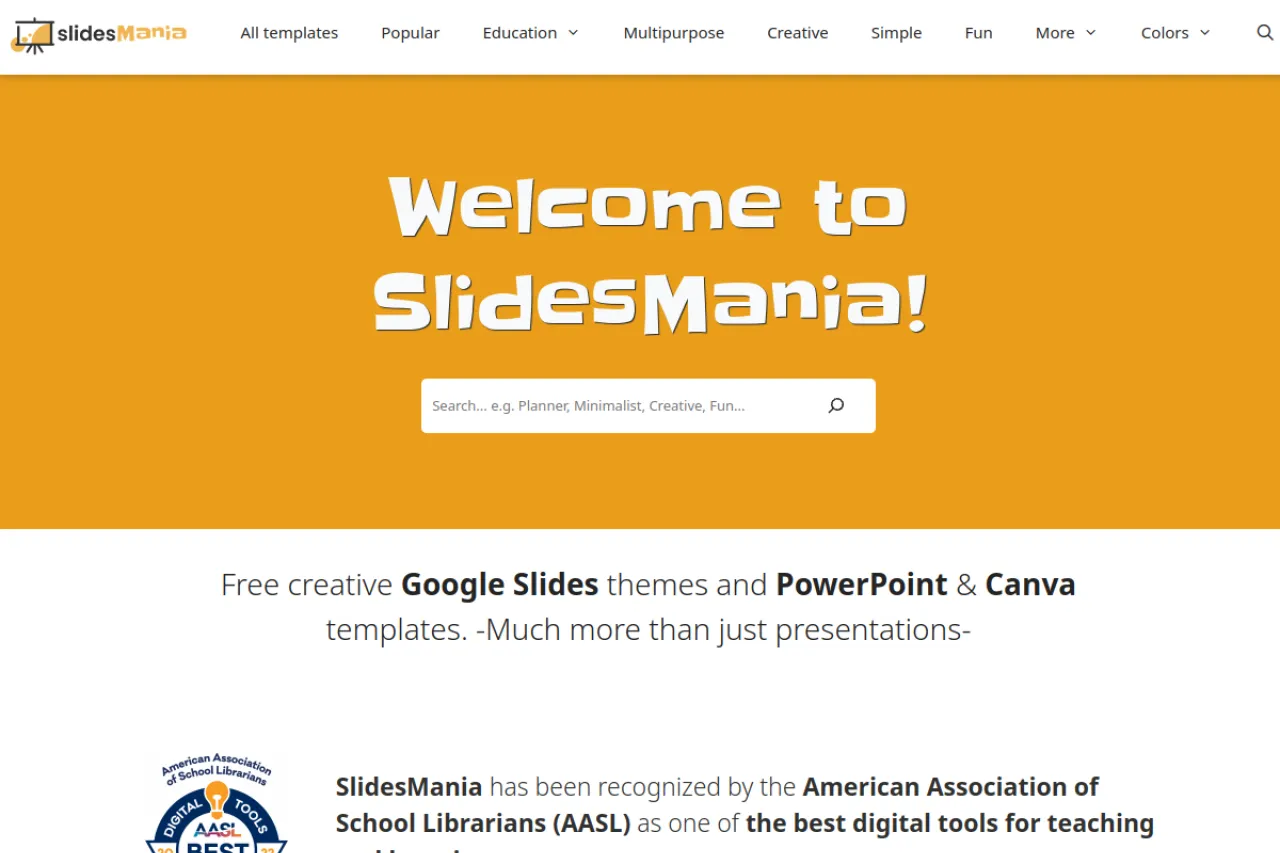
SlidesMania is a free library of creative slide templates for teachers and students. The collection goes beyond plain decks with interactive games, digital notebooks, choice boards, planners, and certificates. Every template is fully editable in Google Slides or PowerPoint, with no premium gating on core designs. Teachers use them for engaging lessons and fun review activities. It suits classrooms that want slides with personality. New designs arrive often for seasons and subjects. Check the official site for the latest template drops.
Key Features
1. Interactive Templates
Find games, quizzes, and choice boards built as slides. Students click through activities right in the deck.
2. Digital Notebooks
Notebook-style templates organize student work beautifully. Each subject gets its own themed pages and sections.
3. Planners and Certificates
Plan lessons or reward students with ready designs. Planners and certificates save hours of formatting.
4. Google Slides, PowerPoint, Canva
Templates work across Google Slides, PowerPoint, and Canva. Use them wherever you already build slides.
Frequently Asked Questions (FAQ)
What is SlidesMania?
SlidesMania is a free library of creative, fully editable slide templates for teachers and students, including games and notebooks.
What makes SlidesMania different?
Beyond plain decks, it offers interactive games, digital notebooks, choice boards, and planners designed for classrooms.
Do I need an account?
No. Templates are free to use without premium gating on the core designs.
Can students use SlidesMania templates?
Yes. Students use the notebooks and interactive templates for assignments and creative projects.
Conclusion
SlidesMania brings playfulness to classroom slides. It suits teachers and students who want templates with more personality than plain decks. The library is free with fully editable designs. Browse the collections, copy a template, and make your next lesson visually memorable. New templates drop regularly for seasons, subjects, and holidays. Share your creations with fellow teachers.
Keep exploring
Similar AI tools
Ranked by the job they do, their capabilities, and how closely they fit this workflow.