

Upvotes
0
Pricing
Open Source
Category
Image Editing
In the database since
Oct 2026
Overview
About Squoosh
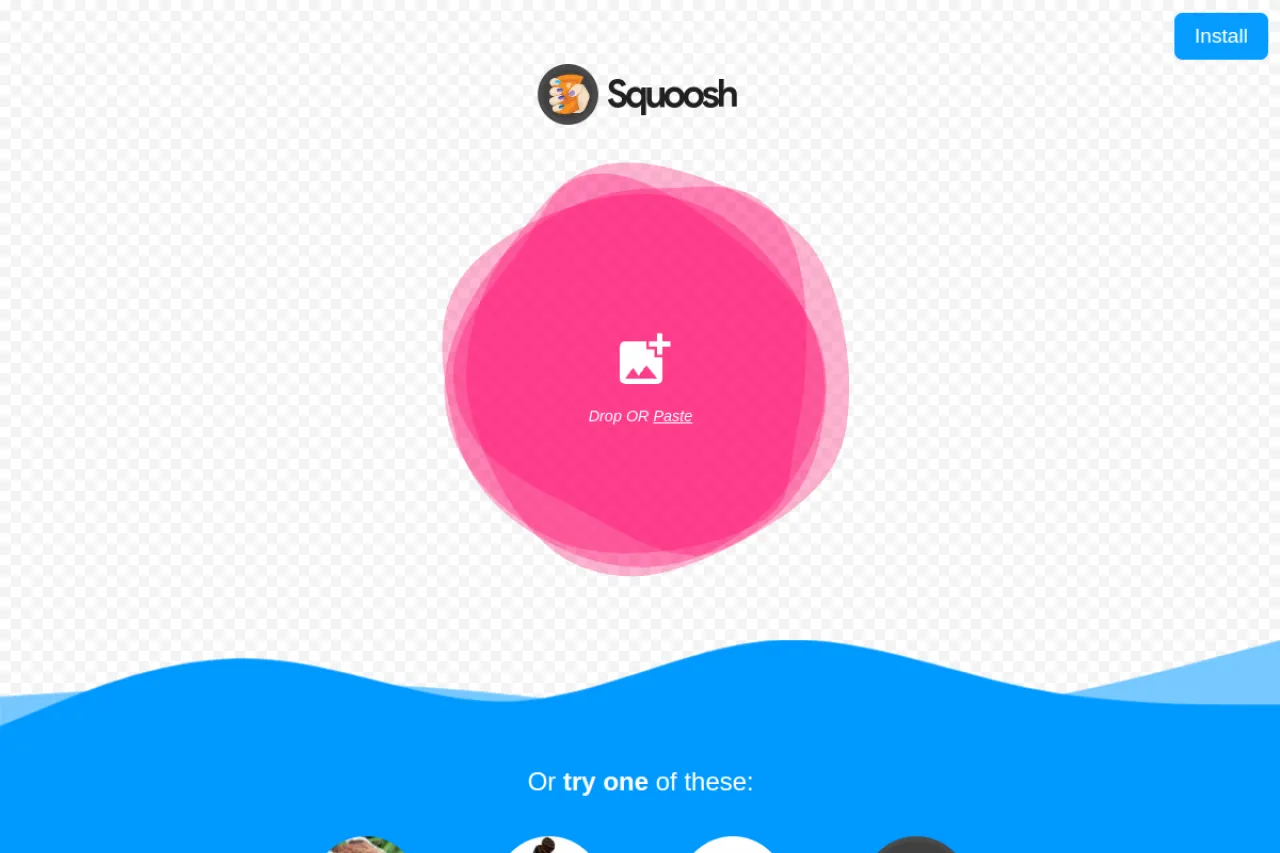
Squoosh is a free image compressor from Google that runs fully in your browser. You drop in an image and it compresses locally, so nothing ever uploads to a server. A side-by-side slider lets you compare the original and the result while you tune quality. It supports modern formats like WebP and AVIF as well as MozJPEG and PNG. Files shrink a lot with little visible loss. Squoosh suits web developers and anyone who needs smaller images fast. It is a classic compressor, not an AI tool.
Key Features
1. Local Processing
All compression happens in your browser. No images ever upload to servers. Privacy stays safe.
2. Side-by-Side
Compare original and compressed versions. A slider reveals the difference. So you can judge quality easily.
3. Many Codecs
Choose WebP, AVIF, MozJPEG, and more. Each codec has its own settings. Pick what fits.
4. Quality Sliders
Adjust quality with simple sliders. See the file size change live. Find your sweet spot.
5. Free and Open
Squoosh costs nothing for anyone to use. The source code is open. No sign-up needed.
Frequently Asked Questions (FAQ)
What is Squoosh?
It is a free image compressor. It runs in your browser.
Is Squoosh an AI tool?
No. It is a classic image compressor.
Do my images upload anywhere?
No. All processing happens locally.
Which formats work?
WebP, AVIF, JPEG, PNG, and more.
Who built Squoosh?
Google's web team. It is open source.
Conclusion
Squoosh makes image compression simple and private. Everything runs in your browser, and the side-by-side view shows what each setting costs in quality. Modern codecs like WebP and AVIF shrink files below the originals. The tool is free and open source, with no sign-up. Open the site, drop in an image, and download a smaller file.
Keep exploring
Similar AI tools
Ranked by the job they do, their capabilities, and how closely they fit this workflow.


