

Upvotes
0
Pricing
Open Source
Category
Image Editing
In the database since
Oct 2026
Overview
About Upscayl
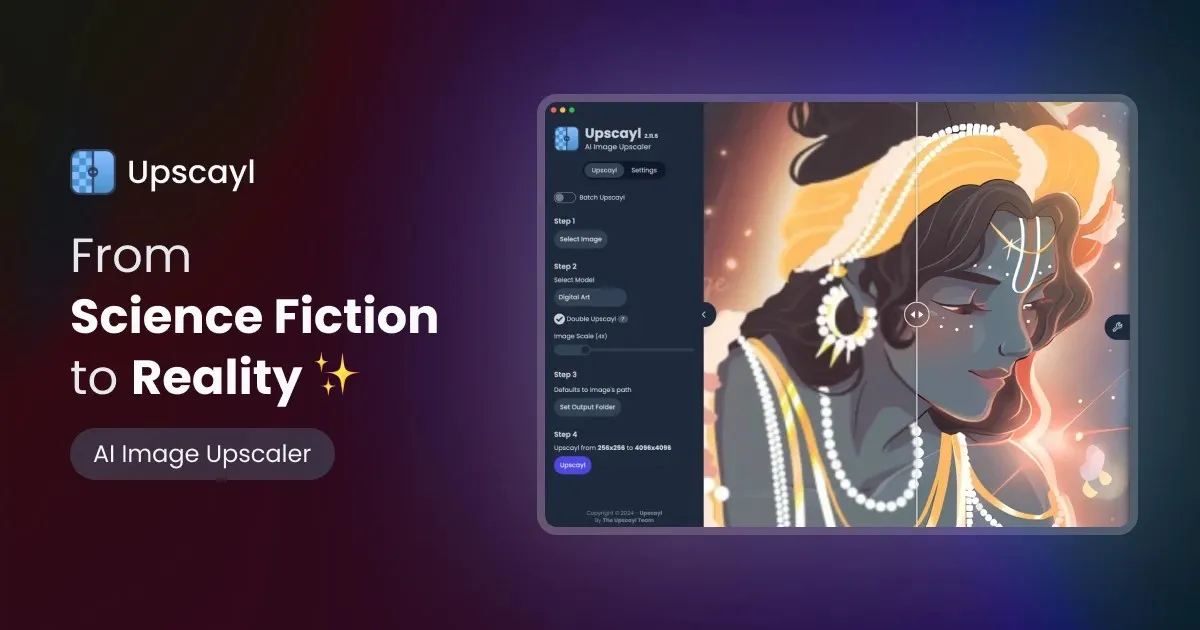
Upscayl is a free, open-source AI image upscaler that runs on your own computer. Download it for Windows, Mac, or Linux, load a photo, pick a model — the result is a sharper, higher-resolution image. Everything happens on your local graphics card, so your photos never upload to a server and there are no accounts, watermarks, or usage limits. It uses proven AI models like Real-ESRGAN and can enlarge images up to 16 times. You need a Vulkan-compatible graphics card, which most dedicated GPUs made after 2016 have.
Key Features
1. Fully local and private
All processing runs on your own GPU, even offline. Your images never leave your device, which suits sensitive or personal photos.
2. Up to 16x enlargement
Standard models upscale 4x; Double Upscayl runs two passes for 8x. Compatible custom models can push output to 16x.
3. Multiple AI models
Choose Real-ESRGAN, Remacri, Ultramix, UltraSharp, or Digital Art depending on your image type. Anime, photos, and art each get a tuned model.
4. Batch mode
Point it at a whole folder and upscale hundreds of images at once. Results save to a separate output folder automatically.
5. Custom models
Load your own NCNN-format AI models for specialized work. Advanced users are not locked to the built-in set.
6. Before-and-after compare
A draggable slider and lens view let you inspect the original against the result at 100–400% zoom. You verify quality before saving.
Frequently Asked Questions (FAQ)
Is Upscayl really free with no limits?
Yes. The desktop app is free and open source under the AGPL v3 license — no credits, no subscriptions, no watermarks, and no monthly quota. Upscale as many images as your computer can handle.
What graphics card do I need?
A Vulkan-compatible GPU. Most NVIDIA cards from the GTX 900 series onward and AMD RX 400 series onward work. Integrated Intel graphics may not work properly.
Can Upscayl fix blurry photos?
It sharpens and enlarges, but it cannot de-blur badly out-of-focus photos, per its own FAQ. For blur removal, pair it with a dedicated unblur tool first.
How is it different from online upscalers?
Online tools upload your photos and cap free use. Upscayl runs locally with zero limits and total privacy — the trade-off is that your own GPU does the work, so large batches take time.
What is Double Upscayl?
A feature that runs two consecutive 4x passes to reach 8x enlargement. It works best on images under 1024 × 1024 pixels to avoid overshooting.
Does it work on Mac and Linux?
Yes — Windows, macOS, and Linux are all supported. Mac users can install via the DMG download or with Homebrew.
Conclusion
Upscayl is the best free upscaler for anyone with a decent graphics card. Local processing means total privacy and zero ongoing cost, and the batch mode handles big jobs. The GPU requirement rules out some laptops. If your hardware qualifies, there is no reason to pay for basic upscaling. Download it from the official site or GitHub.
Keep exploring
Similar AI tools
Ranked by the job they do, their capabilities, and how closely they fit this workflow.


