

Vidmud AI Photo Editor
Enhance, edit and retouch photos online with AI. Private by design.
Upvotes
0
Pricing
Free
Category
Image Editing
In the database since
Oct 2026
Overview
About Vidmud AI Photo Editor
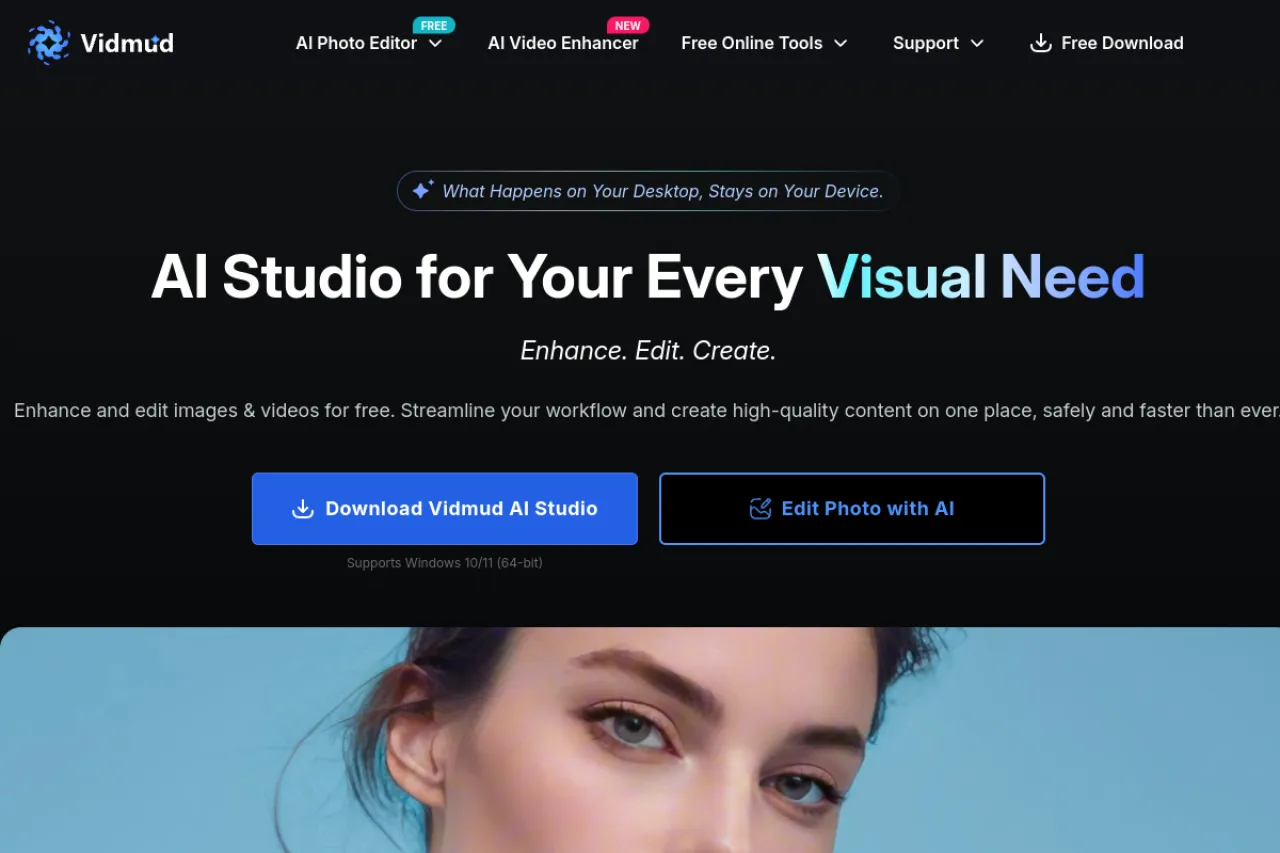
Vidmud is a free AI photo editor that works online and on Windows. Edit images with text prompts, enhance quality, remove backgrounds and retouch faces — all without installing software for the online tools. It also offers a free desktop AI Studio with video enhancement features. The site says your files are never stored, keeping work private. Online extras include an ID photo maker and an AI image describer. For current tools and system needs, check the official Vidmud site.
Key Features
1. AI Photo Editing with Prompts
Describe the edit in words and the AI applies it. Change scenes, moods and elements without touching manual tools.
2. AI Photo Enhancement
Upscale images to 2x, 4x or 8x, sharpen details and remove noise. Old or damaged photos get repaired with intelligent models.
3. Background Tools
Remove or replace backgrounds with AI. Cut out people or products cleanly for listings, profiles and designs.
4. Face Retouching
Retouch portraits with facial analysis models. Smooth skin, fix lighting and polish selfies with one click.
5. Desktop AI Studio
Download the free Vidmud AI Studio for Windows 10 and 11. The desktop app adds video enhancement up to 4K with frame-rate tools.
6. Free Online Extras
Use the ID photo maker, AI image describer and image-to-video tools online. These small tools cover quick jobs without the main editor.
Frequently Asked Questions (FAQ)
Do I need to sign up?
There is a guest mode for quick use. Logging in unlocks more features and keeps your work in one account.
Are my photos stored anywhere?
The site says what happens on your device stays on your device, and files are never stored. Check the privacy policy for details.
Is there a desktop app?
Yes. Vidmud AI Studio is a free download for Windows 10 and 11 (64-bit), with photo and video AI tools.
Can it enhance videos too?
Yes. The AI video enhancer boosts footage to 1080p, 2K or 4K, fixes blur and noise, and can raise the frame rate.
Conclusion
Vidmud is a solid free option for AI photo editing online or on Windows. Prompt-based edits, enhancement, background tools and face retouching cover most needs, and the desktop Studio adds video work. It suits creators who want quick results without learning complex software. The privacy-first approach is a nice bonus. Check the official site for the latest tool list.
Keep exploring
Similar AI tools
Ranked by the job they do, their capabilities, and how closely they fit this workflow.


