

White Background
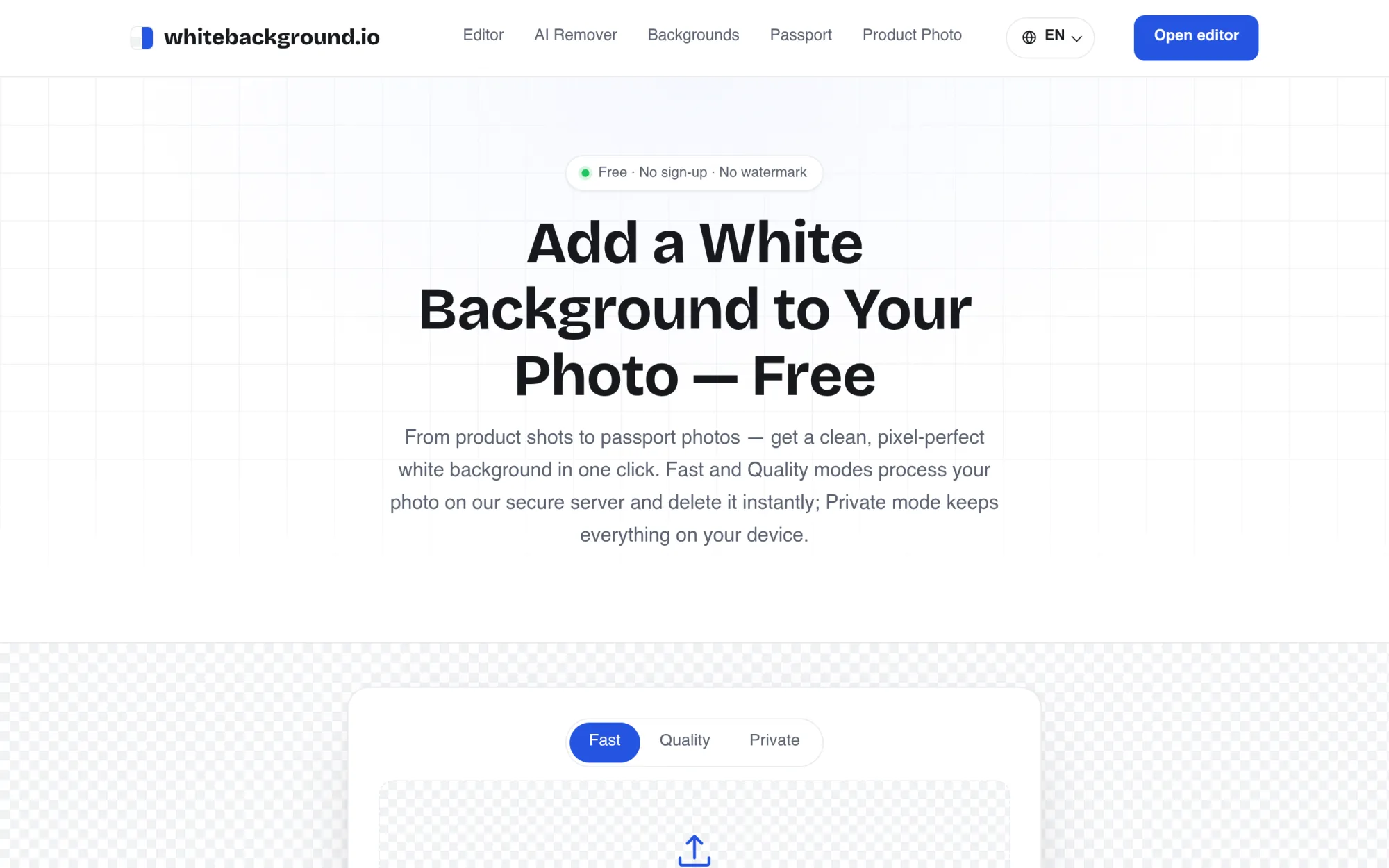
Add a white or color background to any photo, with batch editing.
Upvotes
0
Pricing
Free
Category
Image Editing
In the database since
Nov 2026
Overview
About White Background
White Background adds a clean white background to a photo, or any color you choose, with no sign-up, no watermark, and no limits. Upload a JPG, PNG, or WebP image up to 15MB, and the AI separates the subject from its backdrop in seconds. Pure white applies by default, with passport blue, red, transparent, and custom colors available. Batch mode handles up to 20 photos at once and downloads them as one ZIP. Three modes cover everyday photos, fine hair and fur edges, and fully on-device Private processing.
Key Features
White or any color
Pure white applies by default, with passport blue, red, transparent, or a custom color one switch away.
Batch up to 20 photos
Drop a folder of product shots at once and download every edited photo as one ZIP file.
Passport photo presets
Built-in 2×2 inch and 35×45 mm presets crop to standard document sizes with correct head-room.
Private on-device mode
Private mode runs the AI entirely in your browser, so nothing is uploaded at all.
Quality mode for fine edges
Quality mode uses a larger model for hair strands, fur, and intricate edges that need a closer cut.
Soft shadow and blur
One click adds a natural drop shadow, or blur the original scene portrait-style behind the subject.
Frequently Asked Questions (FAQ)
How do Fast, Quality, and Private modes differ?
They differ by speed, edge detail, and privacy. Fast mode suits everyday photos, Quality mode uses a larger model for hair, fur, and fine edges, and Private mode runs the AI fully in your browser so nothing is uploaded.
Are my photos uploaded?
It depends on the mode. Private mode runs the AI in your browser and uploads nothing. Fast and Quality send the image to a secure server, process it, and delete it immediately after the result returns.
Can I make a passport photo?
Yes. The 2×2 inch and 35×45 mm presets crop to standard document sizes with correct head-room, filled with white, passport blue, red, or another required color.
What can I upload and download?
Upload JPG, PNG, or WebP up to 15 MB. Download JPG with your chosen background color, or PNG with transparent background. Batch downloads arrive as a ZIP file.
Can I use results commercially?
Yes. Edited images are yours for personal or commercial use, including store listings and ads, with no attribution required.
Conclusion
White Background suits sellers, job seekers, and designers who need clean, consistent images without a studio setup or editing skill. Pure white, color, and transparent backgrounds cover listings, documents, and profile photos. Batch mode, passport presets, and Private processing handle common cases in one free tool, with no sign-up, no watermark, and results ready for commercial use.
Keep exploring
Similar AI tools
Ranked by the job they do, their capabilities, and how closely they fit this workflow.


