

Workflow automation tools move data between your apps for you. A new form entry becomes a CRM contact, a message, and a spreadsheet row — with no copy-paste by hand. The best ai workflow automation tools below all do this job, but they count the work in different ways, and that counting decides what you pay. Quick Answer: Zapier is the best overall pick — it connects more than 9,000 apps, and its free plan covers 100 tasks a month. The best cheap paid step is Albato Pro at $15 a month, billed annually — real published prices, with no sales call. Each tool below explains its counting word — task, credit, execution, or transaction — in plain words, because a cheap plan with the wrong counting can cost more than a pricey one.
No single tool wins every job. One counts each action, one counts each module, and one counts a whole run once, however long it is. Match the free limits to the way your flows really run, and only then look at paid steps. Where a price could not be seen on an official page, we say so instead of guessing.
How we checked
We opened each tool's official website and pricing page. We wrote down what the free plan includes, how the tool counts your work, and the first paid step. Every price below was read off the tool's own pricing page, except Workato's — Workato publishes no prices at all. Each section says so plainly. App counts are the tools' own figures from their official pages.
Comparison: the 8 tools at a glance
| Tool | What you get free | Best for | Paid from |
|---|---|---|---|
| Zapier | 100 tasks a month, two-step Zaps, unlimited Zaps to build | The most apps and the easiest start | $19.99 per month (Professional), billed annually |
| Make | 1,000 credits a month on a visual canvas | Visual, branching flows | $12 per month (Core), billed annually |
| n8n | Self-hosted Community Edition is free; cloud starts with a free trial | Self-hosting and technical teams | €20 per month, billed annually (Starter) |
| Pipedream | Every feature for building and testing; production needs a paid plan | Developers who build with code | $99 per month, billed annually (Startup) |
| IFTTT | 2 Applets with unlimited runs | Smart home and simple phone jobs | $2.99 per month, billed annually (Pro) |
| Workato | No free plan shown; prices are not public | Large companies with an IT team | Not confirmed on the official site |
| Albato | 100 transactions a month, 5 automations, 2 steps each | Tight budgets, published prices | $15 per month, billed annually (Pro) |
| Integrately | 100 tasks a month, checks and triggers not counted | Ready one-click automations | $19.99 per month (Starter), billed annually |
1. Zapier — Best overall for most people
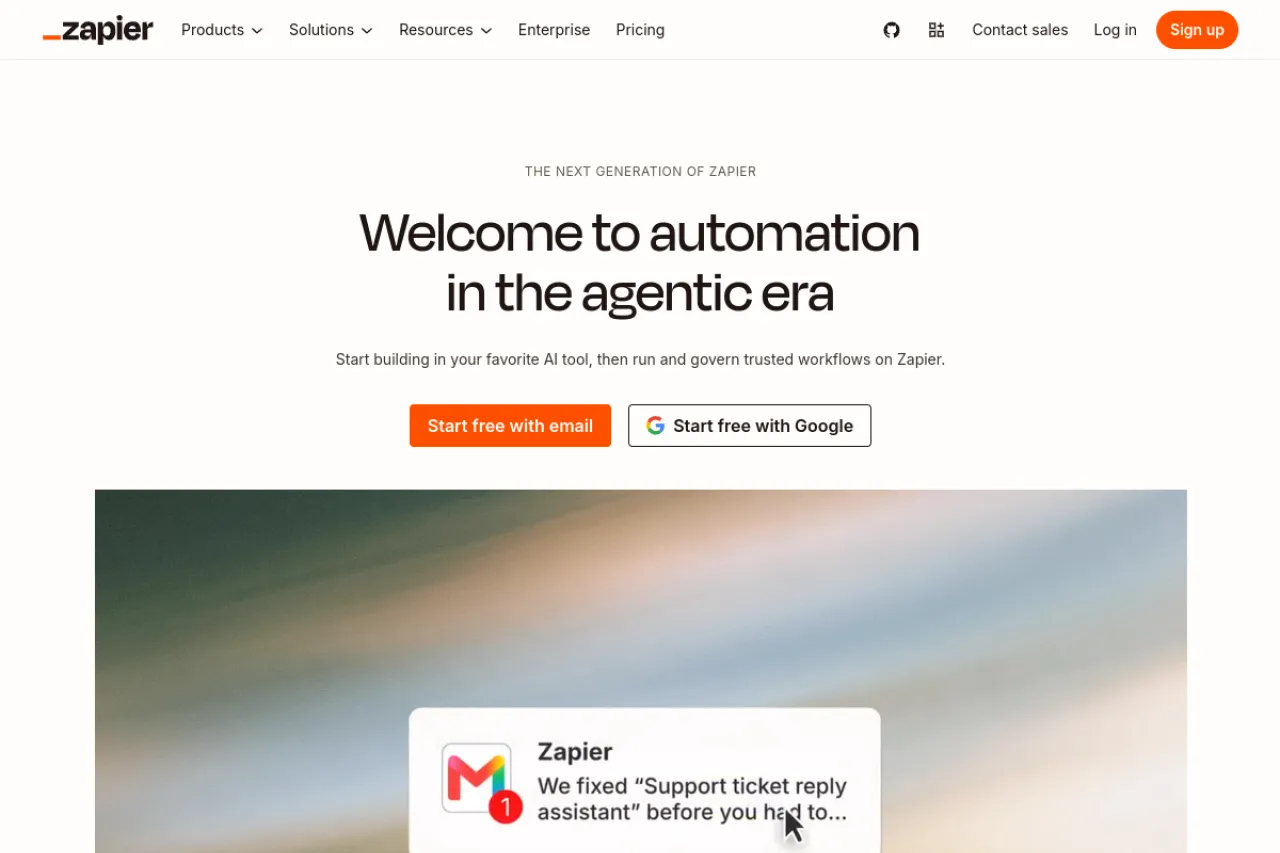
Price: Free plan · Professional from $19.99 per month, billed annually
Free tier
The free plan gives 100 tasks a month. A task is one job Zapier finishes for you — one action done, like adding a row or sending a message. The trigger that starts the Zap is free, and checking your apps for new data is free too. Free Zaps can have only two steps: a trigger and one action. You can still build as many Zaps as you like, and the Tables and Forms tools are included.
Strengths
- Connects more than 9,000 apps — the widest list on this page
- The editor is simple: pick a trigger, pick an action, switch it on
- A failed action does not use a task — you are charged only for jobs done
- Built-in filters, formatters, Tables, and Forms do not use tasks
Trade-offs
- 100 free tasks a month runs out fast when a Zap fires often
- Multi-step Zaps and premium apps need the Professional plan
Bottom line
Start with Zapier if you want the most apps and the least learning. Move up to Professional when 100 tasks stops being enough, or when a Zap needs more than one action.
2. Make — Best free allowance for visual builders
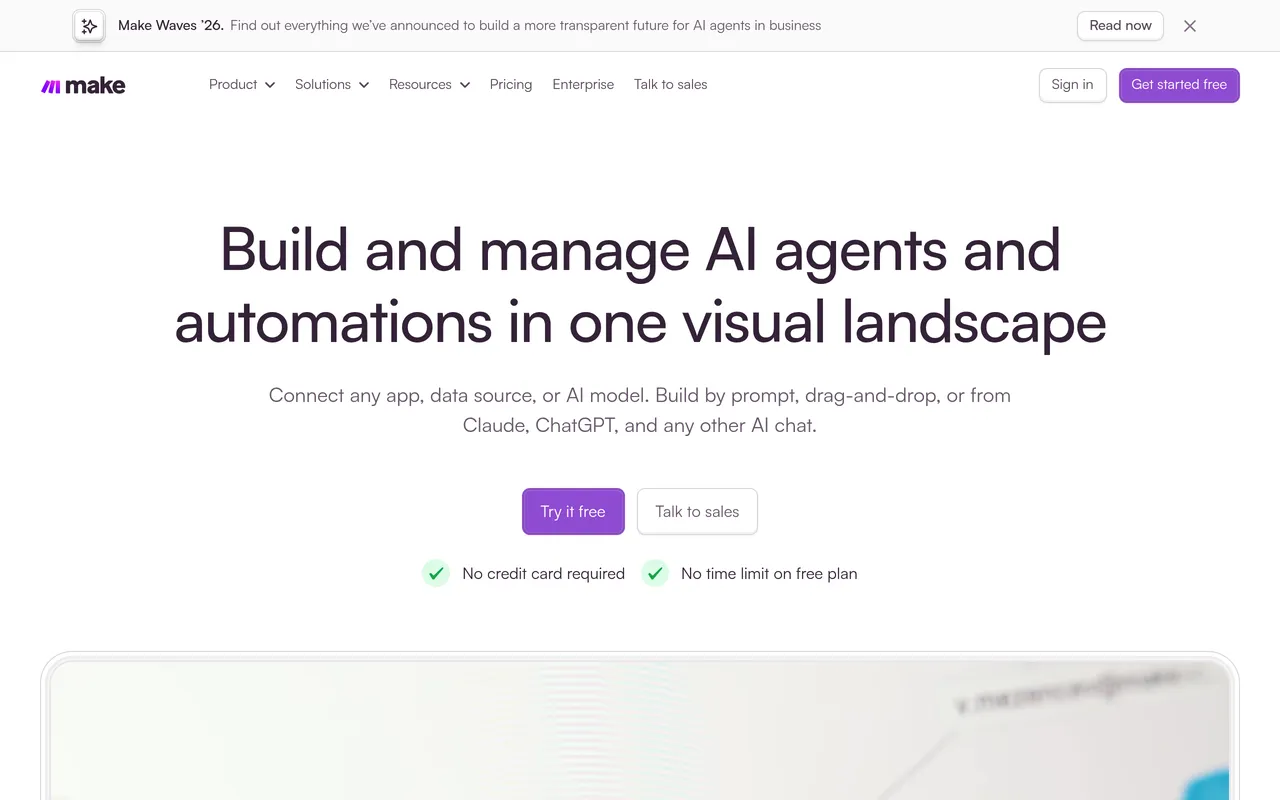
Price: Free plan · Core $12 per month, billed annually · Pro $21 per month, billed annually
Free tier
Make gives 1,000 credits a month on its free plan — ten times Zapier's free task count. A credit is one action a module does inside a scenario, which is Make's word for a workflow. Reading a record, writing a row, or posting a message each costs about one credit. You build scenarios on a visual canvas, where the whole flow sits in front of you as linked modules.
Strengths
- 1,000 free credits a month — the biggest free allowance here
- The canvas handles branches and loops that list-style editors make hard
- Router modules and error handlers do not use credits
- Connects more than 1,000 apps, and custom apps can be built for any service with a public API
Trade-offs
- Every module uses credits, so a long scenario that runs often can eat the free 1,000 fast
- The canvas takes longer to learn than Zapier's simple editor
Bottom line
Pick Make if your flows branch and loop, and you want the most free room to build them. Its paid plans (Core, Pro, and Teams) raise the allowance — at 10,000 credits a month, Core costs $12 a month, billed annually and Pro costs $21 a month, billed annually.
3. n8n — Best for self-hosting and technical teams
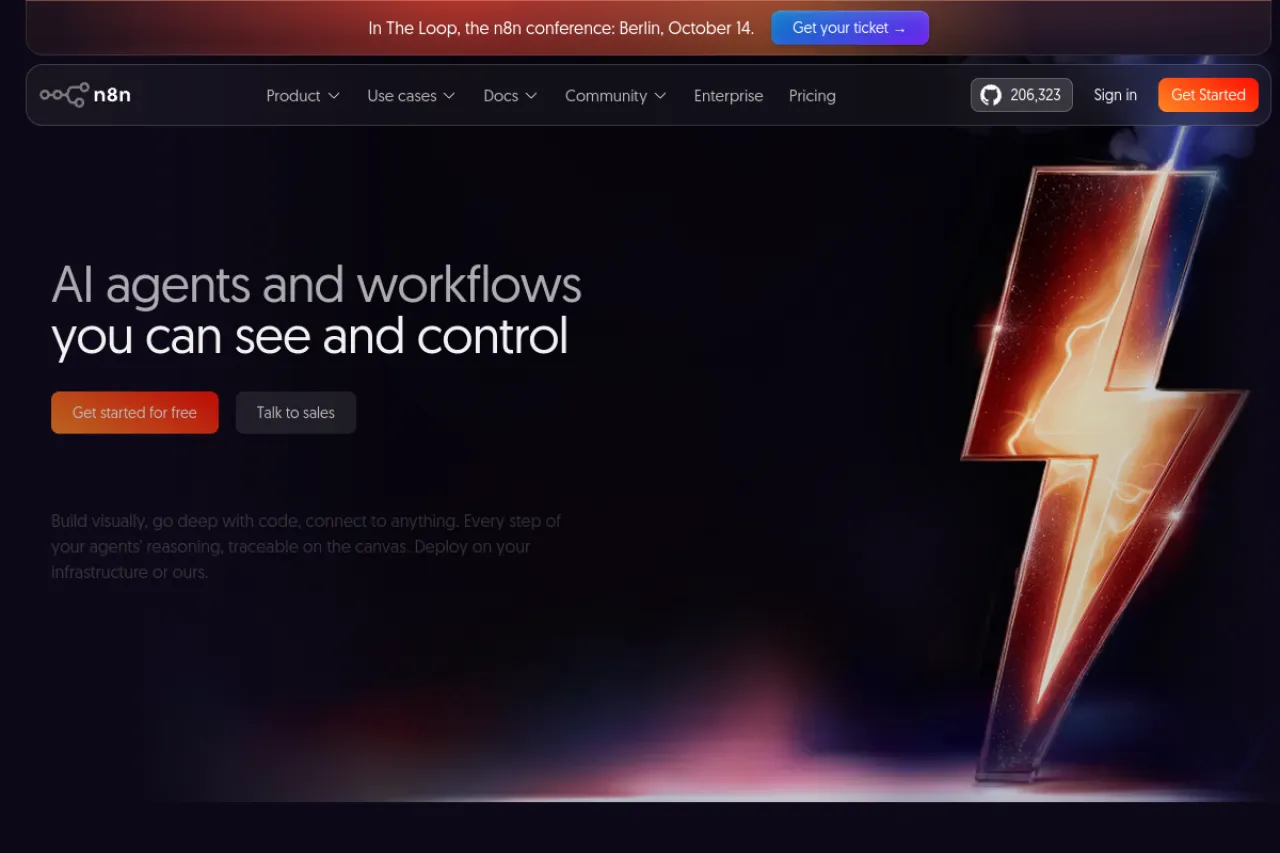
Price: Self-hosted Community Edition free · Cloud Starter €20 per month, billed annually
Free tier
n8n's cloud has no free plan — only a free trial, with no credit card needed. The free route is the Community Edition: you install n8n on your own server and run it free. On the cloud plans you pay per execution. An execution is one full run of a workflow, start to finish, no matter how many steps it holds. The Starter plan includes 2,500 executions a month.
Strengths
- Execution counting means a 20-step workflow costs the same as a 2-step one — one run, one charge
- Self-hosting is free apart from the server itself — no per-run fees at all
- Code steps and expressions are there when the built-in blocks are not enough
- You only pay when a workflow runs from start to finish — a run that never starts costs nothing
Trade-offs
- Self-hosting means you run the server: updates, backups, and uptime are your job
- The cloud has no free tier, so after the trial the first step is €20 a month, billed annually
Bottom line
If you can run a small server, n8n is the cheapest way to run long, busy workflows. If you cannot, the cloud trial still shows you the tool before you pay anything.
4. Pipedream — Best for developers
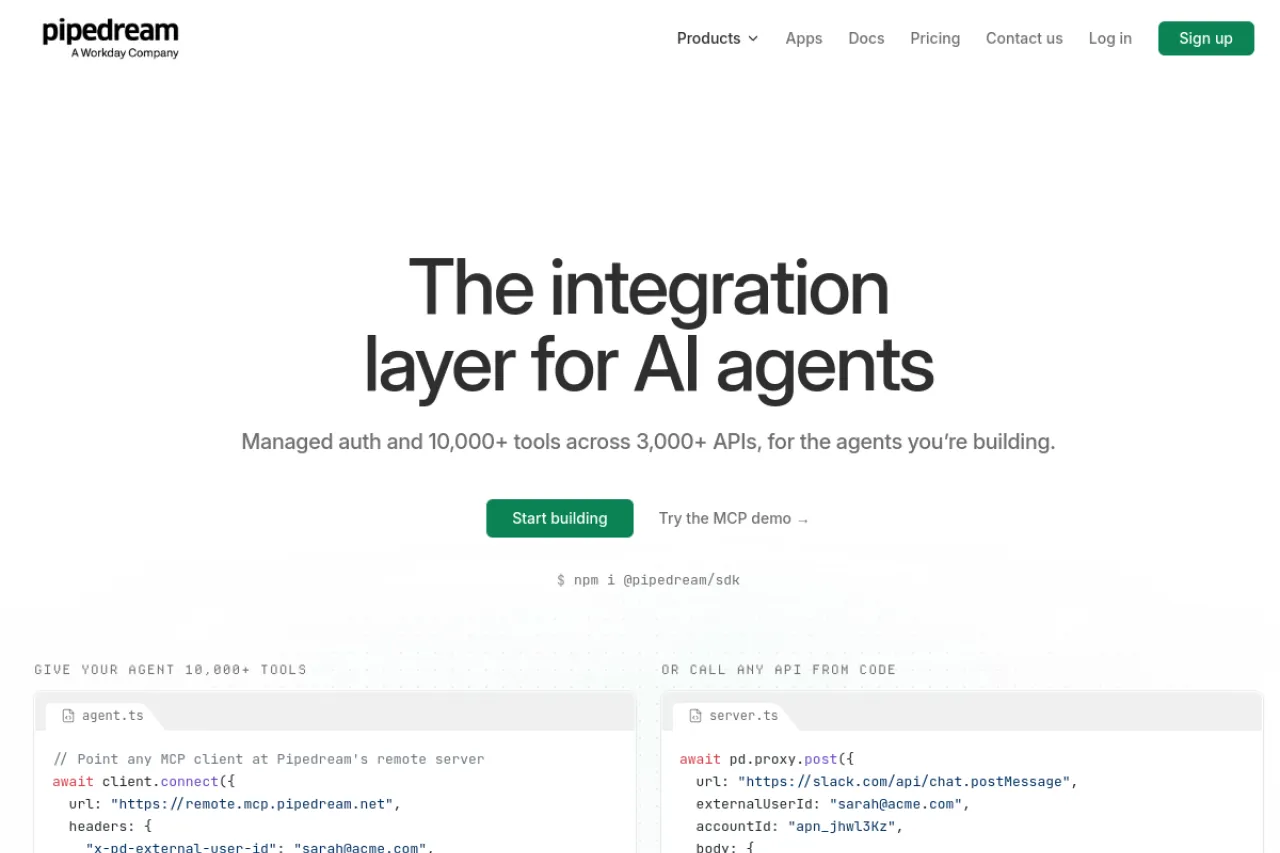
Price: Free plan for building and testing · Startup $99 per month, billed annually
Free tier
Pipedream is free while you build. The free plan gives every feature for development and testing, with no credit card. The catch is clear on its pricing page: serving real users in production needs the Startup plan. Startup includes 10,000 usage credits a month — a usage credit is about 30 seconds of compute for an action or a trigger — and extra credits cost $0.012 each.
Strengths
- More than 3,000 connectors and 10,000 prebuilt tools and triggers
- Full API, SDK, and MCP access even on the free plan — it is built for code
- Unlimited team members on every plan, free included
- Usage is pay-as-you-go after the included credits, so cost grows in small steps
Trade-offs
- It is a developer tool — non-coders will find the other tools here easier
- The first paid step is a big jump — Startup costs $99 a month billed annually, with no cheaper tier in between
Bottom line
Pick Pipedream if your automations live next to code, or if you are building integrations into your own product. Build free, and pay only when real users arrive.
5. IFTTT — Best for smart home and simple jobs
Price: Free plan · Pro $2.99 per month, billed annually
Free tier
IFTTT free gives 2 Applets. An Applet is one small automation — if this happens, then do that. Runs are unlimited, so a free Applet can fire all day without any meter moving. You can switch on ready-made Applets shared by others or build your own in the mobile app or on the web. Free Applets run at standard speed and carry one action each.
Strengths
- Unlimited runs on the free plan — no task, credit, or execution meter at all
- The fastest setup here: pick a trigger, pick an action, done
- Deep support for phones and smart-home devices, with more than 1,000 services connected
- Pro is the cheapest paid step on this page: $2.99 a month, billed annually, for 20 Applets and multi-action Applets
Trade-offs
- Only 2 Applets on the free plan, and each one can do just one action
- It is made for simple jobs — long, branching business workflows are not its strength
Bottom line
For a phone or smart-home job, IFTTT is the quickest free win here. For office workflows with many steps, pick one of the tools above it on this page.
6. Workato — Best for large companies
Price: No public prices — plans are sold through its sales team
Free tier
There is no free plan to describe. Workato's official pricing page shows no price list and no self-serve free tier. Workato is an enterprise platform — the kind of software a big company buys to connect its main systems — and every deal goes through its sales team. That means we cannot quote a starting price, because the company does not publish one.
Strengths
- One platform covers integration, API management, data orchestration, and workflow bots
- A large integration library and marketplace of ready connections
- Built for companies where many teams share one governed system, with strict control over access
- Low-code apps and B2B/EDI tools sit in the same platform, beyond plain app-to-app automation
Trade-offs
- No published price, so you cannot compare its cost without a sales process
- No free plan or quick self-serve start — it is heavyweight for a small team
Bottom line
Workato belongs on a shortlist for large companies with an IT team and a buying process. Everyone else should start with a tool they can try free today.
7. Albato — Best budget pick with published prices
Price: Free plan · Pro $15 per month, billed annually
Free tier
Albato's free plan gives 100 transactions a month, 5 active automations, and up to 2 steps per automation. A transaction is one step that runs after the trigger — creating a contact, sending a message, or adding a record. The trigger itself is free. You choose a plan for how you work, then a transaction package for how much you run, and the two can change separately.
Strengths
- Every price is published on its site — you can budget before you sign up
- Transaction packages scale on their own, so volume can grow without changing plans
- When your package runs out, automations keep running on extra transactions instead of stopping mid-job
- More than 1,000 app connectors, with a visual no-code builder
Trade-offs
- The free plan is small: 100 transactions a month and only 2 steps per automation
- Extra transactions past your package cost about 50% more each, so a busy month can surprise you
Bottom line
If you want Workato-style flexibility with a price you can read first, Albato is the budget route. Start free, then Pro at $15 a month, billed annually, when the free 100 stops covering your month.
8. Integrately — Best for ready-made automations
Price: Free plan · Starter $19.99 per month, billed annually
Free tier
Integrately's free plan gives 100 tasks a month. A task is one action an automation completes. Checks and triggers are not counted — its pricing page makes a point of this, because tools that charge for checks can drain a plan while doing no real work. The site is built around ready one-click automations for more than 1,500 apps, and live chat support runs on the free plan too.
Strengths
- A large library of ready one-click automations — pick one, connect your apps, switch it on
- Polling checks are free, so a quiet automation costs nothing while it waits
- Their team will build an automation for you at no extra cost
- The Starter plan gives 2,000 tasks for $19.99 a month, billed annually — a generous task count at that price
Trade-offs
- 100 free tasks a month suits a few light jobs, not busy flows
- It is a smaller name than Zapier or Make, so check that your exact apps are on its list before you commit
Bottom line
If building from a blank canvas puts you off, Integrately is the gentlest start here: ready automations, free human help, and a paid step that carries real volume.
Your situation → best pick
| Your situation | Best pick |
|---|---|
| You want the most apps and the easiest start | Zapier |
| Your flows branch and loop, and you want the biggest free allowance | Make |
| You can run a server and want long workflows to stay cheap | n8n |
| You write code and build integrations into your own product | Pipedream |
| You want a smart-home or phone job done in minutes | IFTTT |
| Your company needs one governed platform for many teams | Workato |
| You want published prices and a small budget | Albato |
| You want ready-made automations instead of building your own | Integrately |
FAQ
What is a workflow automation tool?
A workflow automation tool connects your apps and moves data between them on its own. You set a trigger, like a new form entry, and one or more actions, like saving a contact and sending a message. The tool then runs that job every time the trigger happens, with no manual work.
What is the difference between a task, a credit, and an execution?
A task is one action a tool completes, like adding a row — Zapier counts this way. A credit is one module action inside a flow, which is how Make counts. An execution is one run of a workflow, however many steps it has — that is n8n's way. Long flows cost less under execution counting.
Which automation tool is truly free?
Three routes cost nothing for real use. Make gives 1,000 credits a month free. n8n's Community Edition is free if you host it on your own server. IFTTT's free plan runs 2 Applets with unlimited runs. Zapier, Albato, and Integrately each give 100 units a month free, which suits light jobs only.
Zapier or Make — which should I pick?
Pick Zapier if you want the most apps and the fastest start — it connects more than 9,000 apps and counts one task per action. Pick Make if your flows branch, loop, or run often: its visual canvas handles complex flows, and 1,000 free credits go further than Zapier's 100 free tasks.
Can I automate without coding?
Yes. Every tool on this list is built for people who do not code. You pick a trigger and actions from menus, connect your accounts, and switch the automation on. Only Pipedream leans the other way — it welcomes code and suits developers — and n8n's self-hosted version needs someone who can run a server.
When should I pay for an automation tool?
Pay when the free meter stops your real work — your tasks, credits, or transactions run out most months — or when a paid feature becomes the point: multi-step Zapier Zaps, faster IFTTT speeds, or production use on Pipedream. Until then, a free plan plus one month of watching your usage tells you the right tier.
The honest closing
No tool here wins every job. The real choice is how your work gets counted: per action, per module, per run, or per step after the trigger. Count one normal week of your flows before you pay anyone. Start free, watch the meter, and step up only when the meter — not the marketing — tells you to. You can browse more automation tools in the Draqee tools directory.