DraqCap
Free Auto Captions in 36 Languages — Right on Your PC
Upvotes
0
Pricing
Freemium
Category
Video Editing
In the database since
Nov 2026
Overview
About DraqCap
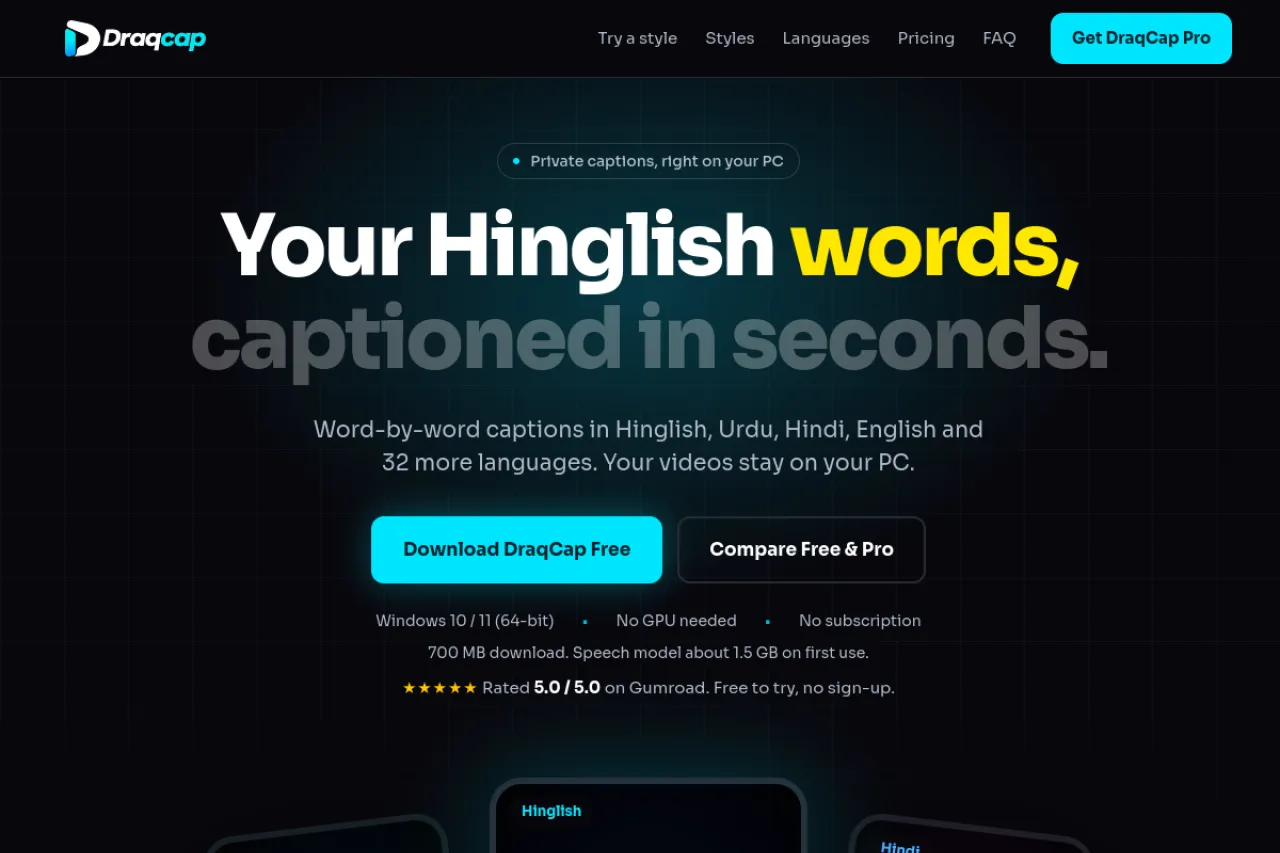
DraqCap is a local auto-captioning app for Windows. Upload a video, and it writes captions word by word in 36 languages, in native script or Roman letters, so Hinglish reads the way people type it. You can fix any line in the editor, pick from 56 styles, and export an MP4 with captions burned in, or a subtitle file. Your videos never leave your PC, and it runs on a normal CPU with no GPU needed. It suits creators who make reels, tutorials, and talking-head videos.
Key Features
Word-by-Word Captions
Upload a video and get captions timed to each spoken word, so text lands exactly when it is said.
36 Languages in Native or Roman Script
Caption in 36 languages, in native script or Roman letters, so Hinglish reads the way people actually type it.
56 Caption Styles
Pick from 56 caption styles, from clean subtitles to karaoke words that light up as they are spoken.
Full Caption Editor
Fix, split, or merge any line, and change fonts, size, position, spacing, and colours for each caption track.
Timeline and Waveform
Use the timeline and waveform to place each line, and run multiple caption tracks in one video.
Private by Design
Your videos never leave your computer, so captions are made locally with no uploads at all.
Runs on Normal Hardware
It runs on a normal CPU with no GPU needed, and an NVIDIA GPU only makes it faster.
Frequently Asked Questions
Which computers does DraqCap run on?
Windows 10 or 11, 64-bit only. There is no Mac version. You need about 4 GB of free storage, and the download is about 700 MB. The speech model, about 1.5 GB, downloads on first use, so you need internet that first time.
Is DraqCap really private?
Yes. Your videos stay on your PC and are never uploaded. Captioning happens on your own computer, and only an occasional Pro license check needs internet.
How accurate are the captions?
Very good, but not perfect. No app gets every word right, and names, music, accents, and overlapping voices cause mistakes. You can fix any line in the editor before you export.
What is the difference between Free and Pro?
Free exports MP4 video up to 2 minutes long. Pro is a one-time payment that unlocks any length, Clean voice, SRT, VTT, ASS, and TXT files, your own fonts, and saved styles. Background music mode works on both plans. A Pro key works on 1 computer at a time and can move to another computer 3 times a year.
Which languages are still in beta?
Punjabi, Sindhi, Pashto, Nepali, Assamese, and Malayalam are in beta, so they may make more mistakes than the main languages.
Conclusion
DraqCap suits creators who caption in Hinglish, Urdu, Hindi, or English and want private, local captioning. Its word-by-word timing, 56 styles, and full editor cover daily videos well. The free version handles short clips, and Pro fits longer work. Try it on a short video first, fix any lines in the editor, and keep the style you like.
Keep exploring
Similar AI tools
Ranked by the job they do, their capabilities, and how closely they fit this workflow.