Good academic writing is slow work. You plan the argument, draft it, fix the sentences, and check every citation before you hand it in. The best ai academic writing tools help with the slow parts around the thinking: they suggest the next sentence, clean up grammar, reword a clumsy line, and format your references. What they do not do is think for you. Quick Answer: Jenni AI is the best overall pick for drafting, because it writes along with you, sentence by sentence, and adds real citations as you go. Paperpal is the runner-up — it is the strongest final check before you submit, with plagiarism, grammar, and reference checks in one place.
Each tool below owns a different stage of the work. Some help you draft. Some fix language. Some only check a finished draft. Many students and researchers use one drafting tool and one checking tool together. Pick by the stage you are stuck on, not by the longest feature list. Price matters too, so every section below states the free plan and the starting price in plain words, taken from the tool's own site.
How we checked
We read the official website and pricing page of all eight tools and wrote down what each one does, what its free plan includes, and its starting paid price. Where a site shows both monthly and yearly billing, we quote the billed-annually figure. What we did not do: we did not test how accurate the AI writing is, and we publish no scores. Prices can change, so check the tool's own pricing page before you pay.
Comparison: the 8 tools at a glance
| Tool | Free plan | Best for | Paid from |
|---|---|---|---|
| Jenni AI | Yes — 10 autocompletes a day, 3 AI edits, 5 AI chats | Drafting with citations as you write | $12 per month, billed annually (Plus) |
| Paperpal | Yes — 200 edits a month, 5 uses a day | Final checks before you submit | £6.3 per month, billed annually (Prime) |
| Writefull | Yes — a free quota of the tools | Academic language editing in Word and Overleaf | $150.00 per year (Premium) |
| Trinka | Yes — Basic plan, 5,000 words a month | Grammar and style-guide checks | $4 per month, billed annually ($48 per year) |
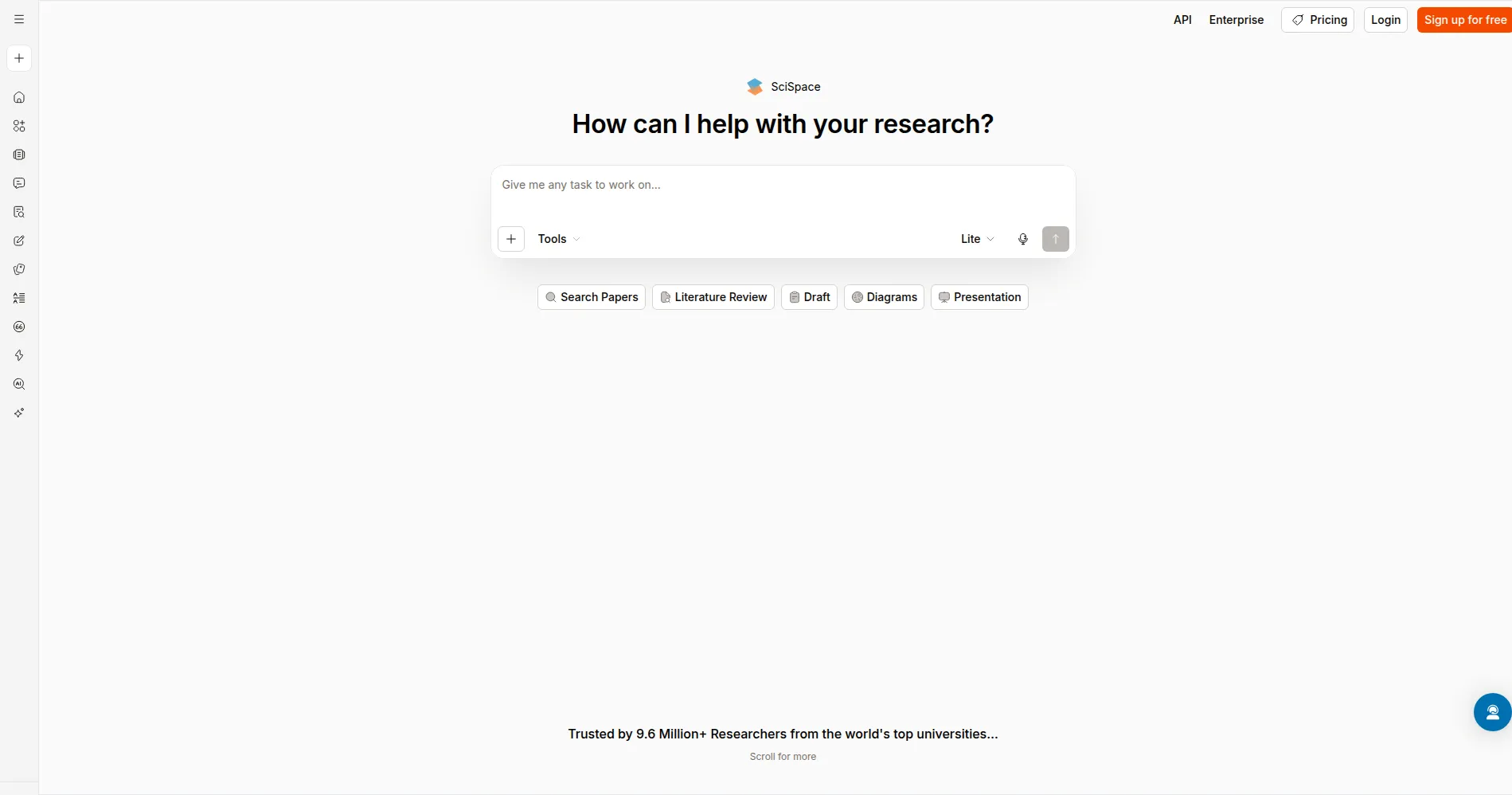
| SciSpace | Yes — Basic plan with 100 Agent credits a month | Writing with your sources in one workspace | $12 per month, billed annually |
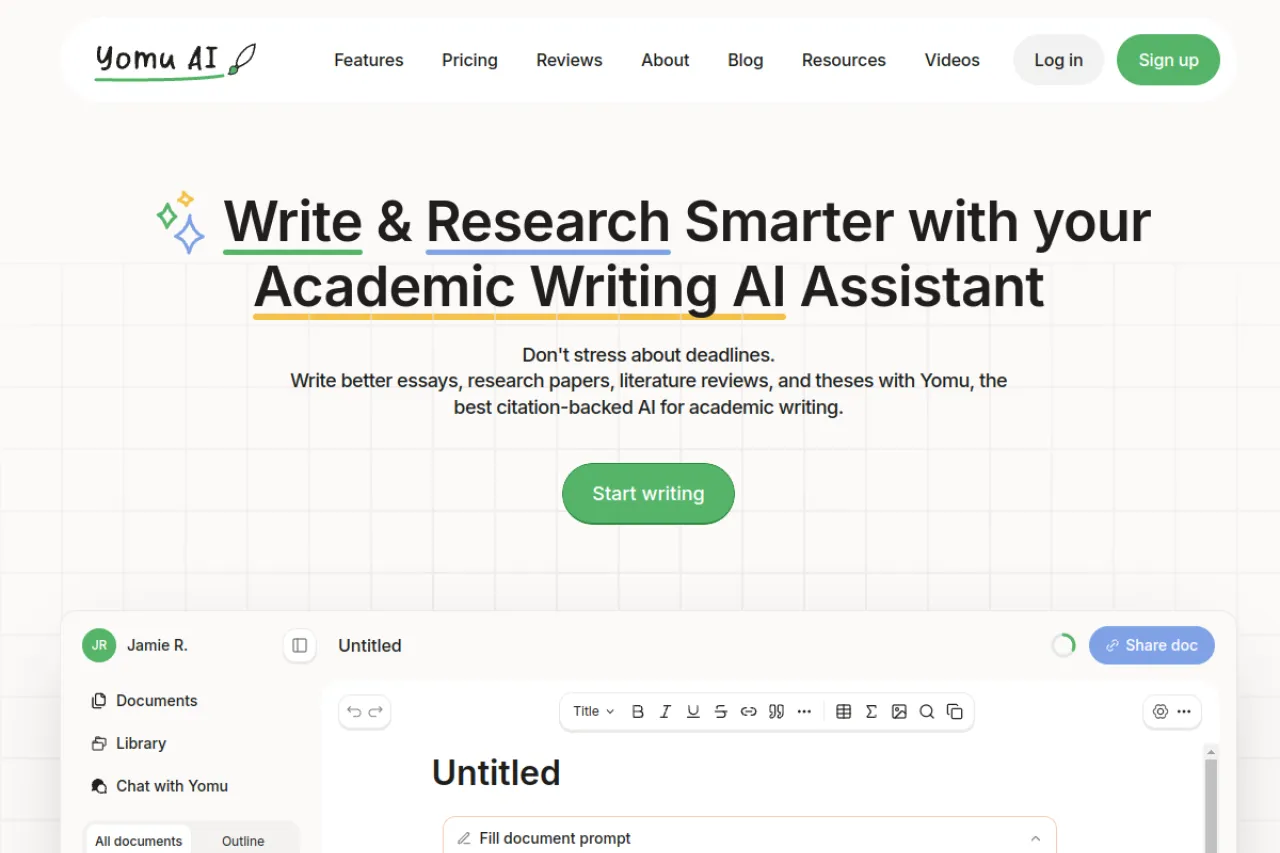
| Yomu AI | Yes — free start to try the service | An all-in-one student writing workspace | $10 per month, billed annually |
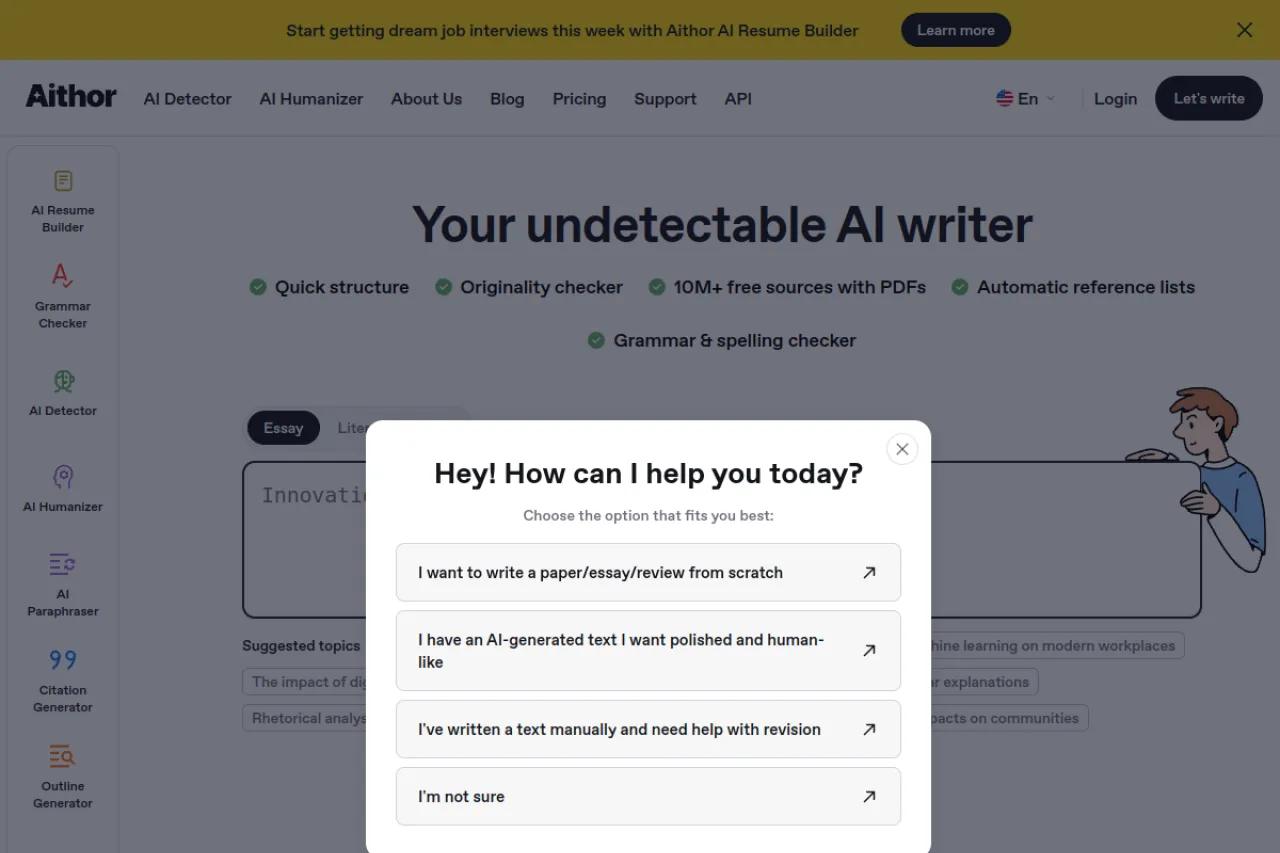
| Aithor | Yes — limited generation and AI editing | Essay structure and reference lists | $12.50 per month, billed twice a year ($74.99) |
| Wordtune | Yes — 10 rewrites a day, 3 AI summaries a month | Rewriting sentences for clarity | $6.99 per month, billed annually (Advanced) |
1. Jenni AI — Best for Drafting With Citations as You Write
Price: Free plan · Paid from $12 per month, billed annually (Plus)
Free tier
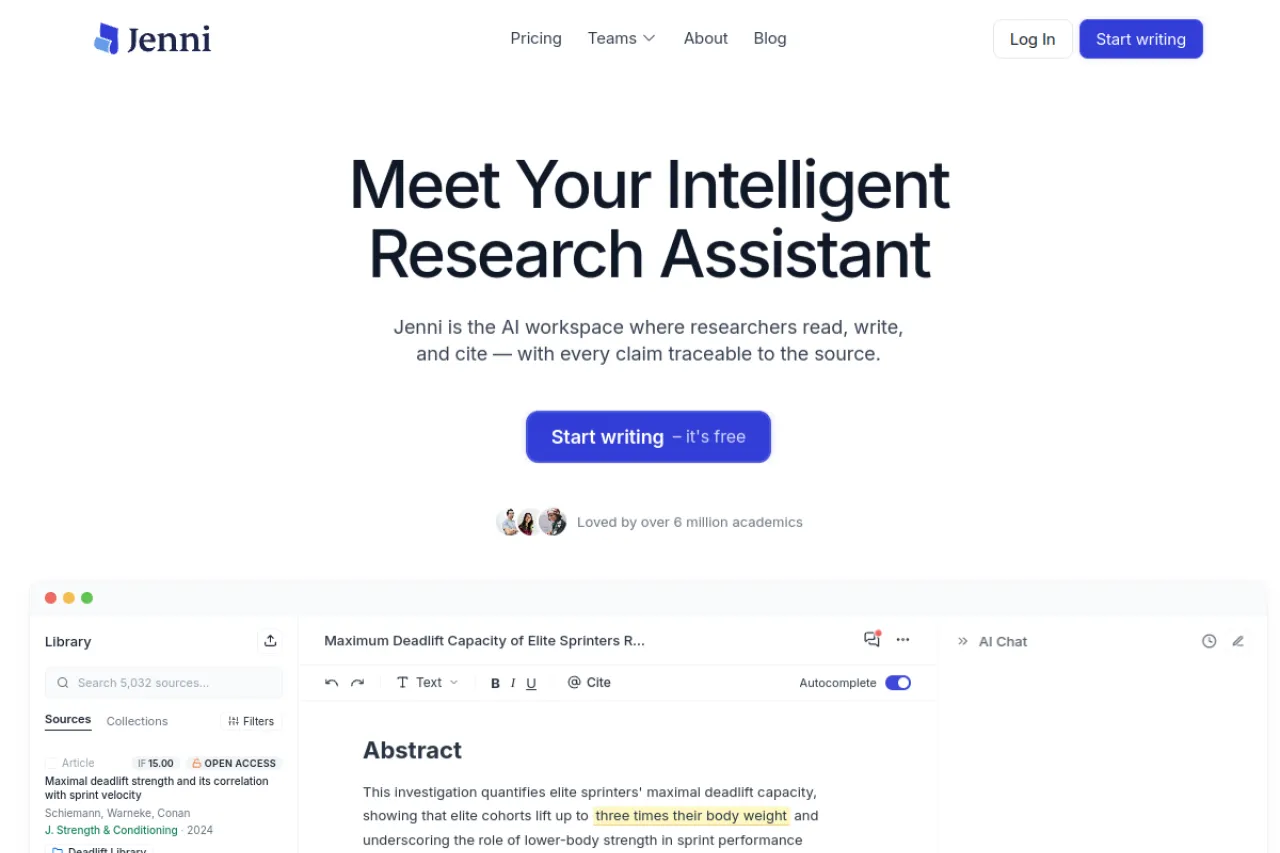
Jenni AI has a free plan, and no credit card is needed to start. The free plan gives 10 AI autocompletes a day, 10 PDF uploads, 3 AI edits, 5 AI chat messages, 3 reviews, and 3 workflow runs. Read the free plan as a way to start a real document and feel the tool, not as a plan for a whole thesis.
Strengths
- AI autocomplete suggests the next sentence as you type, and you accept only what fits your argument
- Adds in-text citations from real sources while you draft, so references grow with the text
- AI chat and PDF uploads let you ask questions about a paper without leaving your document
- AI edits help you rework a weak paragraph inside the same editor
Trade-offs
- The free plan caps daily use, so a long paper needs a paid plan
- Plus caps autocomplete and edits each month; heavy daily writers need the higher plan
Bottom line
If your hard part is getting sentences down with citations in place, start with Jenni. It drafts with you instead of drafting for you, and the reference list builds itself as you write.
2. Paperpal — Best for Final Checks Before You Submit
Price: Free plan · Prime from £6.3 per month, billed annually
Free tier
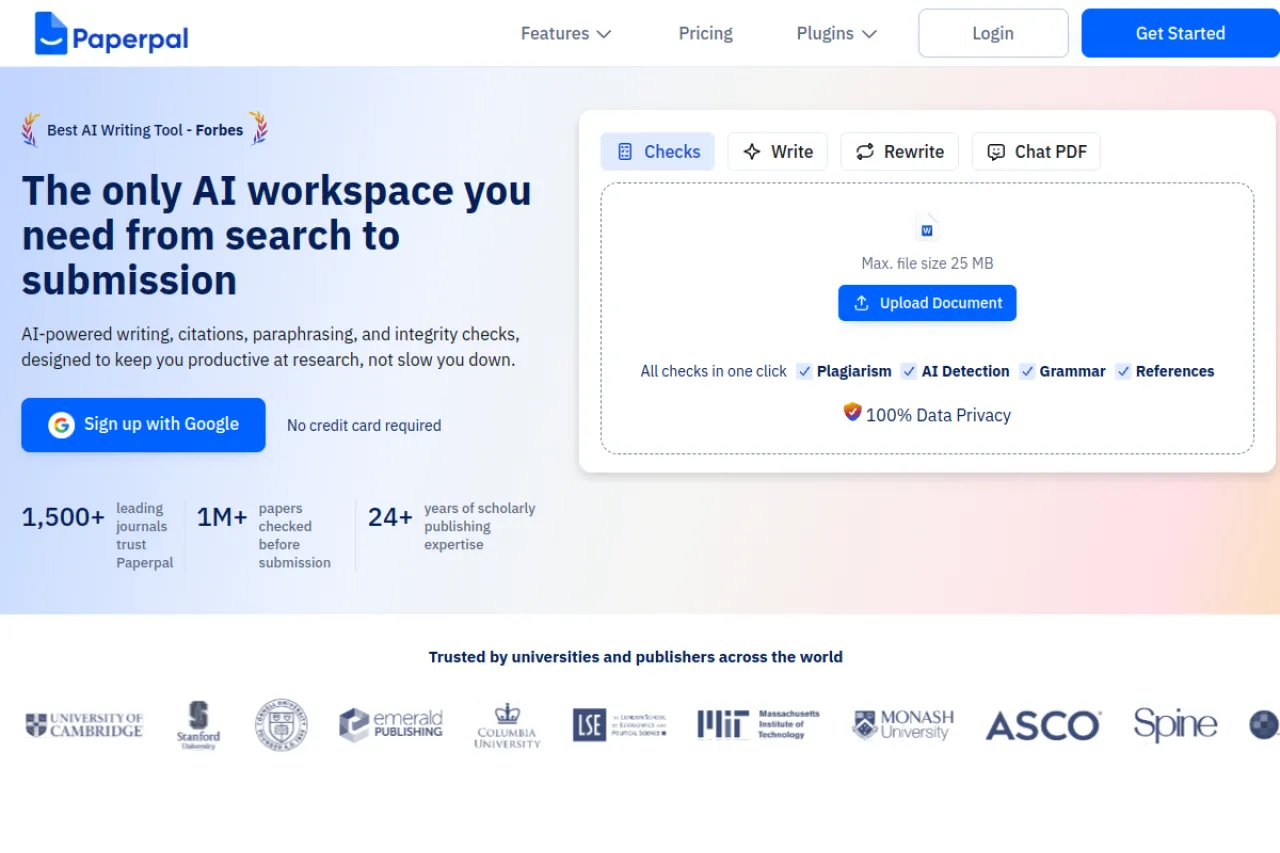
Paperpal offers a free plan with no credit card needed. It gives 200 grammar edits a month, 5 paraphrase and research uses a day, and 5 paper chats a month. The job of the tool is clear from its site: it takes a draft from first sources to a submission-ready paper, with the checks at the end.
Strengths
- One checker suite covers plagiarism, AI detection, grammar, and a reference check that flags broken or made-up references
- Language suggestions are trained on scholarly writing, so fixes sound academic instead of casual
- Citation support covers more than 10,000 styles
- Research questions are answered with cited findings you can save while you write
Trade-offs
- The paid plans are in pounds on the pricing page we checked, so check your local price before you pay
- It polishes and checks your writing; it is not the place to discover sources from zero
Bottom line
Open Paperpal at the end of the process, when the draft exists and needs to be clean, correctly cited, and safe to submit. It is a finishing tool, and a strong one.
3. Writefull — Best for Academic Language Editing in Word and Overleaf
Price: Free plan · Premium $150.00 per year
Free tier
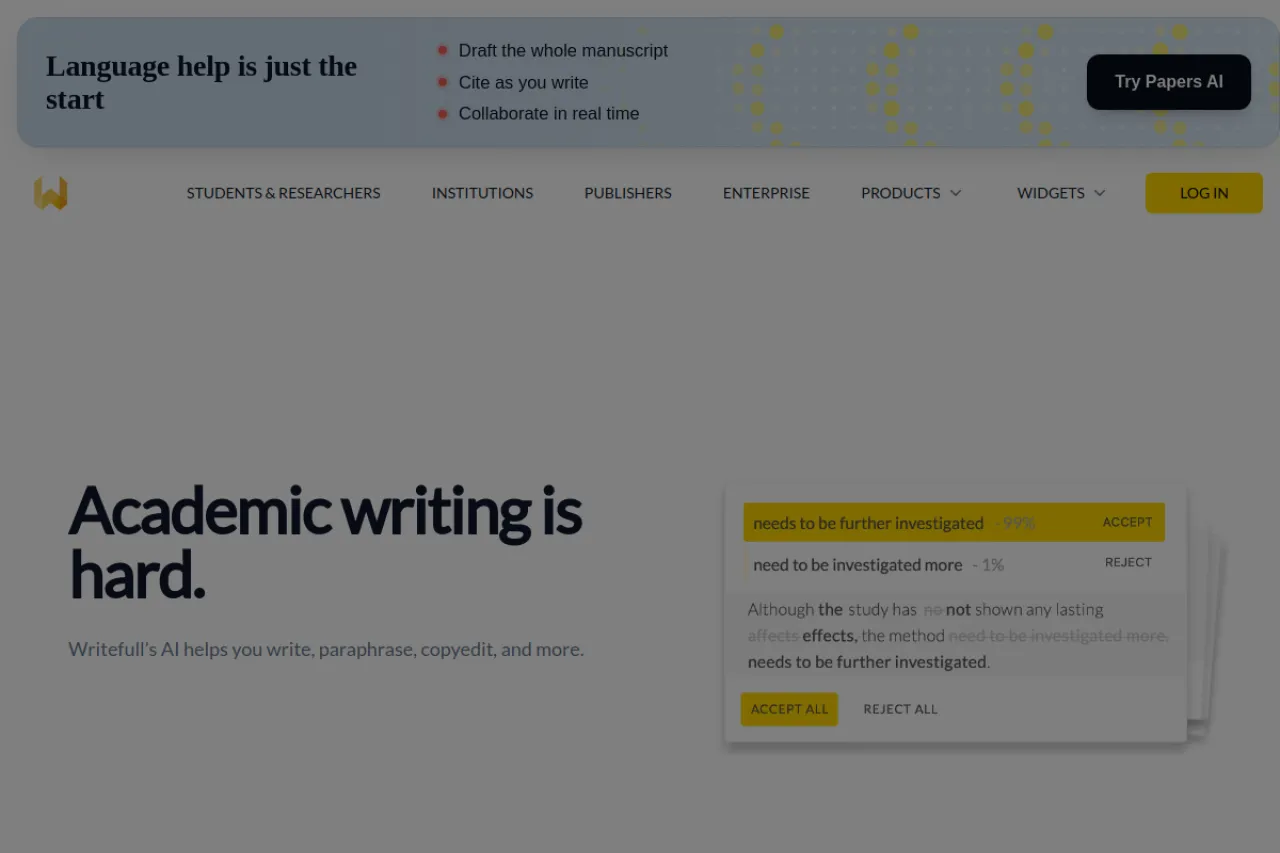
The free plan gives a quota of Writefull's tools at no cost. Language edits, rewriting tools, and the drafting helpers are all there on free, each with limited use. Premium removes the limits. The plans page shows Premium at $21.00 a month, or $150.00 a year when you pay annually.
Strengths
- Language feedback is trained on published academic writing, so edits respect how papers actually sound
- Works inside Microsoft Word and Overleaf, the two places most papers are written
- TeXGPT helps you write and fix LaTeX — the code language many science papers are typeset in — inside Overleaf
- Title and abstract generators help with the two hardest short texts in a paper
Trade-offs
- It edits and improves your text; it does not manage citations or check plagiarism
- The free quota runs out on long documents, so a full thesis check needs Premium
Bottom line
Writefull is for writers who already have a draft and want it to read like a published paper. If you write in Word or Overleaf and English is not your first language, it earns its place fast.
4. Trinka — Best for Grammar and Style-Guide Checks
Price: Free Basic plan · Premium from $4 per month, billed annually ($48 per year)
Free tier
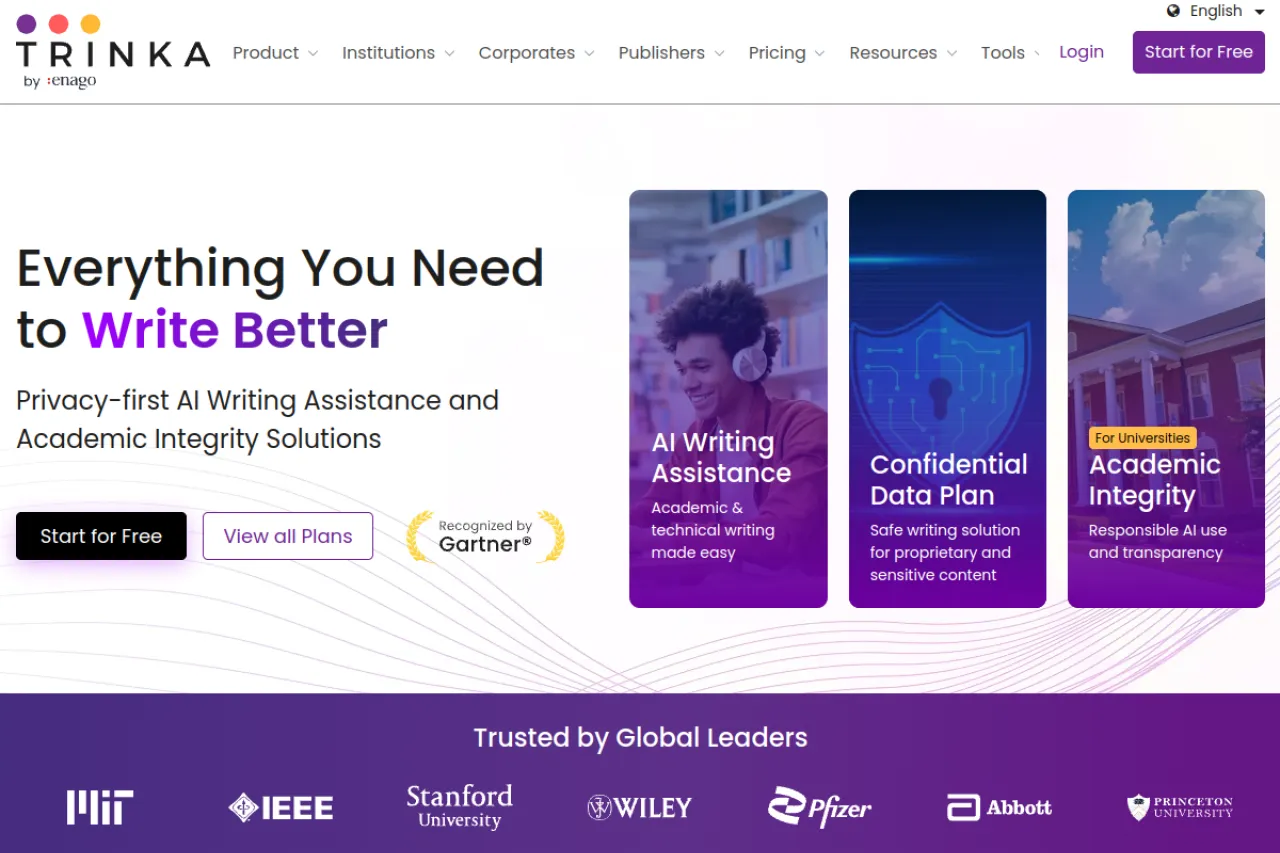
The Basic plan is free, never expires, and needs no credit card. It includes 5,000 words a month of writing assistance, 5 AI writing requests a month, and 4 credits a month. Credits are Trinka's tokens: you spend them on extras like plagiarism checks and citation formatting. That is enough to check a short paper every month at no cost.
Strengths
- Grammar and style corrections follow real academic style guides, including APA and IEEE
- Consistency check keeps terms, spelling, and numbers uniform across a long document
- Citation checker and formatter, plus a journal finder that suggests where to submit
- Works in a Microsoft Word add-in, not just in a browser tab
Trade-offs
- Plagiarism and AI-detection reports run on credits, so the free plan covers only small checks
- It checks and fixes text you wrote; it is not a drafting partner like Jenni or Yomu
Bottom line
Trinka is the careful proofreader of this list. Use it when the words are yours and the draft is done, but grammar, style-guide rules, and consistency still need a strict eye.
5. SciSpace — Best for Writing With Your Sources in One Workspace
Price: Free Basic plan · Paid from $12 per month, billed annually
Free tier
The Basic plan is free and needs no credit card. It includes 100 Agent credits a month, limited chats with papers, limited AI actions in the Writer, and limited paraphraser outputs. Exports are not included on Basic. Treat the free plan as a writing and reading space first; the paid plan is what unlocks the full workflow.
Strengths
- The Writer sits next to your sources, so you can draft, paraphrase, and cite without switching apps
- Chat with a PDF: ask a paper questions and get answers from the paper itself
- Citation generator and a paraphraser built for academic text, not marketing copy
- Premium makes chats, Writer actions, and paraphrasing unlimited, and unlocks exports
Trade-offs
- The credit system means heavy Agent use runs out fast on the free plan
- No exports on the free plan, so finished work stays inside SciSpace until you upgrade
Bottom line
Pick SciSpace when your draft and your reading live in the same place. It suits researchers who move between papers and paragraphs all day and want one workspace for both.
6. Yomu AI — Best for an All-in-One Student Writing Workspace
Price: Free Basic plan · Pro from $10 per month, billed annually
Free tier
Yomu lets you start for free to try the service. Pro costs $10 per month billed annually and includes 1,000 AI actions a month, per Yomu's own comparison page; a higher Ultra plan removes the cap. The free plan is there to learn the editor on a real essay before you decide.
Strengths
- A document editor with autocomplete: press Tab and it suggests how your sentence could continue
- Citations are formatted in more than 700 styles, with your sources kept in a library inside the app
- An "Academise" tool turns rough, plain notes into formal academic sentences
- A built-in plagiarism checker and PDF chat mean fewer separate subscriptions
Trade-offs
- Pro still caps AI actions each month; only Ultra is unlimited
- The citation style library is smaller than Jenni's or Paperpal's
Bottom line
Yomu suits a student who wants drafting, citations, and an originality check in one simple app. It covers the whole essay workflow without asking you to learn three different tools.
7. Aithor — Best for Essay Structure and Reference Lists
Price: Free plan · Paid from $12.50 per month, billed twice a year ($74.99)
Free tier
The free plan gives limited content generation and AI editing, with writing and reference style selection. The paid plan costs $12.50 per month billed twice a year and makes generation and editing unlimited. Read the trade-offs below before you spend anything here.
Strengths
- Builds a clear essay structure first, then helps you fill each section
- Searches a source library its site puts at more than 10 million academic sources with PDFs
- Builds reference lists automatically in MLA, APA, Chicago, and more
- Grammar and spelling checker plus an originality checker in the same app
Trade-offs
- Aithor markets itself as an "undetectable" writer and sells a feature made to hide AI use. Submitting AI-written text as your own work breaks the rules at most schools — this is a real risk, not a feature to lean on
- Its strength is generating text, which is exactly the part of an assignment you are meant to do yourself
Bottom line
Used honestly — for outlines, source hunting, and reference lists — Aithor can save time. Used to produce a finished essay that you hand in as your own writing, it puts your degree at risk. The structure tools are the safe part; the disguise tools are not.
8. Wordtune — Best for Rewriting Sentences for Clarity
Price: Free plan · Paid from $6.99 per month, billed annually (Advanced)
Free tier
The free plan gives 10 rewrites a day and 3 AI summaries a month. That is enough to fix the worst sentences in one essay section each day. Advanced costs $6.99 per month billed annually, and Unlimited costs $9.99 per month billed annually.
Strengths
- Rewrites a sentence several ways at once, so you pick the version that still sounds like you
- Shortens or expands a line when a paragraph runs too long or too thin
- Grammar, spelling, vocabulary, and fluency fixes sit next to the rewrites
- Summaries shrink a long source into notes you can work from
Trade-offs
- It is a general writing tool, not an academic one: no citations, no reference lists, no style guides
- The free plan's 10 rewrites a day run out fast during a full edit
Bottom line
Wordtune is the sentence-level polisher. Keep your academic tool for structure and citations, and open Wordtune when a paragraph is correct but still reads badly.
Your situation → best pick
| Your situation | Best pick |
|---|---|
| You are drafting a paper and want citations added as you write | Jenni AI |
| Your draft is done and needs plagiarism, grammar, and reference checks | Paperpal |
| You write in Word or Overleaf and want your English to read like a journal | Writefull |
| You need strict grammar and style-guide checks on a finished draft | Trinka |
| You want your sources and your draft in one workspace | SciSpace |
| You want one simple app for essays, citations, and originality checks | Yomu AI |
| You need help structuring an essay and building its reference list | Aithor |
| Your sentences are correct but clumsy, and you want clearer options | Wordtune |
FAQ
What is the best AI tool for academic writing?
Jenni AI is the best all-round pick for drafting, because it suggests sentences as you write and adds real citations at the same time. Paperpal is the better finisher once a draft exists. Most writers do not need both jobs from one tool, so choose by the stage you are in.
Is using an AI writing tool cheating?
It depends on how you use it. Fixing grammar, rewording your own sentence, or formatting citations is normal editing help. Handing in AI-written text as your own work is dishonest, and most schools treat it as misconduct. Check your school's AI rules, and never use a tool whose selling point is hiding AI use.
Is there a free AI academic writing tool?
Yes. Every tool on this list has a free plan. Trinka's Basic plan never expires and covers 5,000 words a month. Writefull gives a free quota of its editing tools. Jenni, Paperpal, SciSpace, Yomu, Aithor, and Wordtune also offer free plans with limits, so you can learn each tool on real work first.
Which tool is best for fixing grammar in a research paper?
Trinka and Writefull are the two built for this job. Trinka checks grammar against academic style guides like APA and IEEE, and keeps a long document consistent. Writefull edits your English so it reads like published research, and it works inside Word and Overleaf, where most papers are written.
Can these tools format my citations for me?
Yes. Formatting references is one of the safest and most useful jobs to hand to a tool. Paperpal covers more than 10,000 citation styles. Jenni adds citations while you draft. Yomu covers more than 700 styles, and Aithor builds reference lists in MLA, APA, and Chicago. Still, always open each source and confirm it is real.
Will an AI tool write my thesis for me?
No tool on this list can write a defensible thesis for you. They draft sentences, fix language, and format references. The research, the argument, and the judgment about what the evidence means are the thesis itself. A tool can speed up the writing around that work, but the thinking has to be yours.
The honest closing
No tool here can do the thinking a paper is graded on. What they remove is the slow work around it — the stuck sentence, the messy reference list, the grammar pass at the end. One line matters more than any feature: help with drafting and editing is normal, but submitting AI-written text as your own work is not, and it can cost you your place at your school. Use these tools the honest way: write your argument, let the tool clean the language, and check every citation yourself. You can browse more writing and research tools in the Draqee tools directory.