
Paraphrasing means saying the same idea in new words. When the idea comes from a source, a paraphrase still needs a credit line that names that source. The best ai paraphrasing tools simply help you find those new words faster. There is one honest split to understand before you use any of them. Rewording your own draft is normal editing, and it is always fine. Rewording someone else's text to pass it off as your own is plagiarism, and no tool makes that safe. Quick Answer: QuillBot is the best all-round pick — its free plan rewords short passages in two modes, and Premium removes the word cap. Wordtune is the runner-up — it gives you several ways to fix one sentence, right where you write.
No single tool wins every job. A student fixing one clumsy sentence needs something different from a writer polishing a whole chapter. Some tools below are careful editors for your own words. Two are bulk spinners, built to churn out many versions of an article — useful only on text you own, and risky anywhere else. Each tool below is matched to the job it actually fits.
How we checked
We opened the official website and pricing page of each tool and wrote down what the free plan allows and what the paid plans cost. Where a site shows both monthly and yearly billing, we quote the billed-annually figure. We publish no rewrite-quality scores, and we ran no detection tests.
Comparison: the 8 tools at a glance
| Tool | Free plan | Best for | Paid from |
|---|---|---|---|
| QuillBot | Yes — paraphrase up to 100 words at a time, 2 modes | Everyday rewording of your own drafts | $8.33 per month, billed annually |
| Wordtune | Yes — 10 rewrites a day, 3 summaries a month | Polishing single sentences in your own text | $6.99 per month, billed annually (Advanced) |
| Scribbr AI Paraphraser | Yes — fully free, up to 125 words per input, no sign-up | Students rewording short passages, sources cited | None — free tool |
| Ahrefs Paraphrasing Tool | Yes — free, up to 2,048 characters per input | Quick rewrites of short web copy | None — free tool |
| Grammarly | Yes — grammar checks and 100 AI prompts a month; sentence rewrites are paid | Fixing errors as you type | $12 per month, billed annually |
| WordAi | No free plan — 3-day free trial | Bulk rewriting of articles you own | $9 per month, billed annually (Starter) |
| Spin Rewriter | No free plan — 5-day free trial | Many versions of your own articles | $77 per year (sale price on the official page) |
| ProWritingAid | Yes — checks 500 words at a time, 10 rephrases a day | Deep self-editing of books and long drafts | $10 per month, billed annually |
1. QuillBot — Best for Everyday Rewording of Your Own Drafts
Price: Free plan · Premium from $8.33 per month, billed annually
Free tier
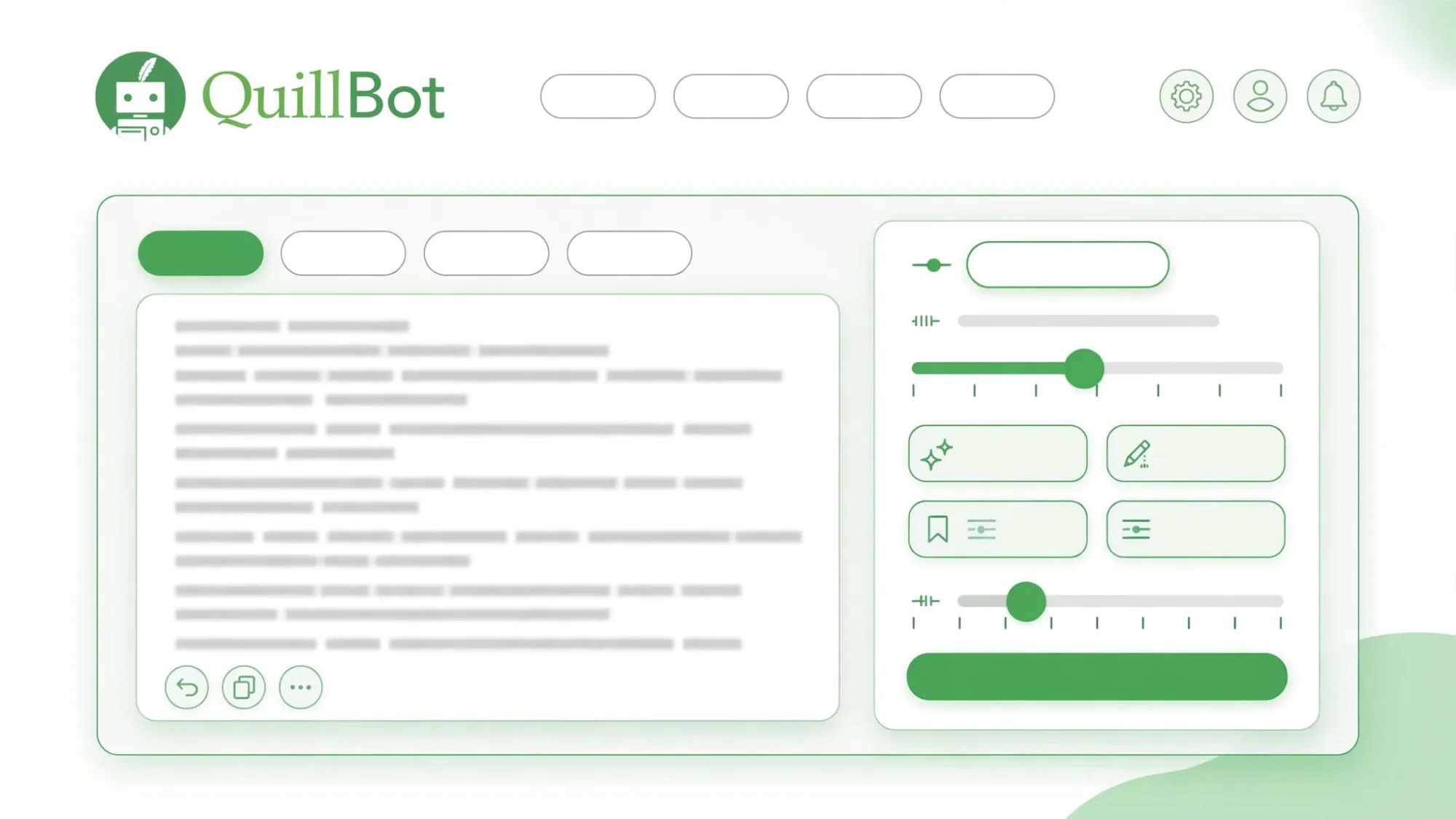
QuillBot's free plan paraphrases up to 100 words at a time. You get two modes, Standard and Fluency, plus basic grammar checks. The official pricing page lists no daily cap, so short passages can be reworked again and again.
Strengths
- Nine paraphrasing modes on Premium, from Formal to Creative, plus custom modes you build yourself
- A slider controls how many words get changed, so you can keep a light touch
- Premium adds a plagiarism checker with a monthly allowance of 25,000 words
- Works through browser extensions and a Word add-in, not just on its own site
Trade-offs
- The free plan's 100-word limit means long drafts must be pasted in pieces
- Modes change wording, not thinking — a weak sentence can come back weak in new clothes
Bottom line
For everyday rewording of your own drafts, QuillBot is the most complete package here. The free plan covers short passages well, and Premium is fairly priced if you reword text every day.
2. Wordtune — Best for Polishing Single Sentences
Price: Free Basic plan · Advanced plan $6.99 per month, billed annually · Unlimited plan $9.99 per month, billed annually
Free tier
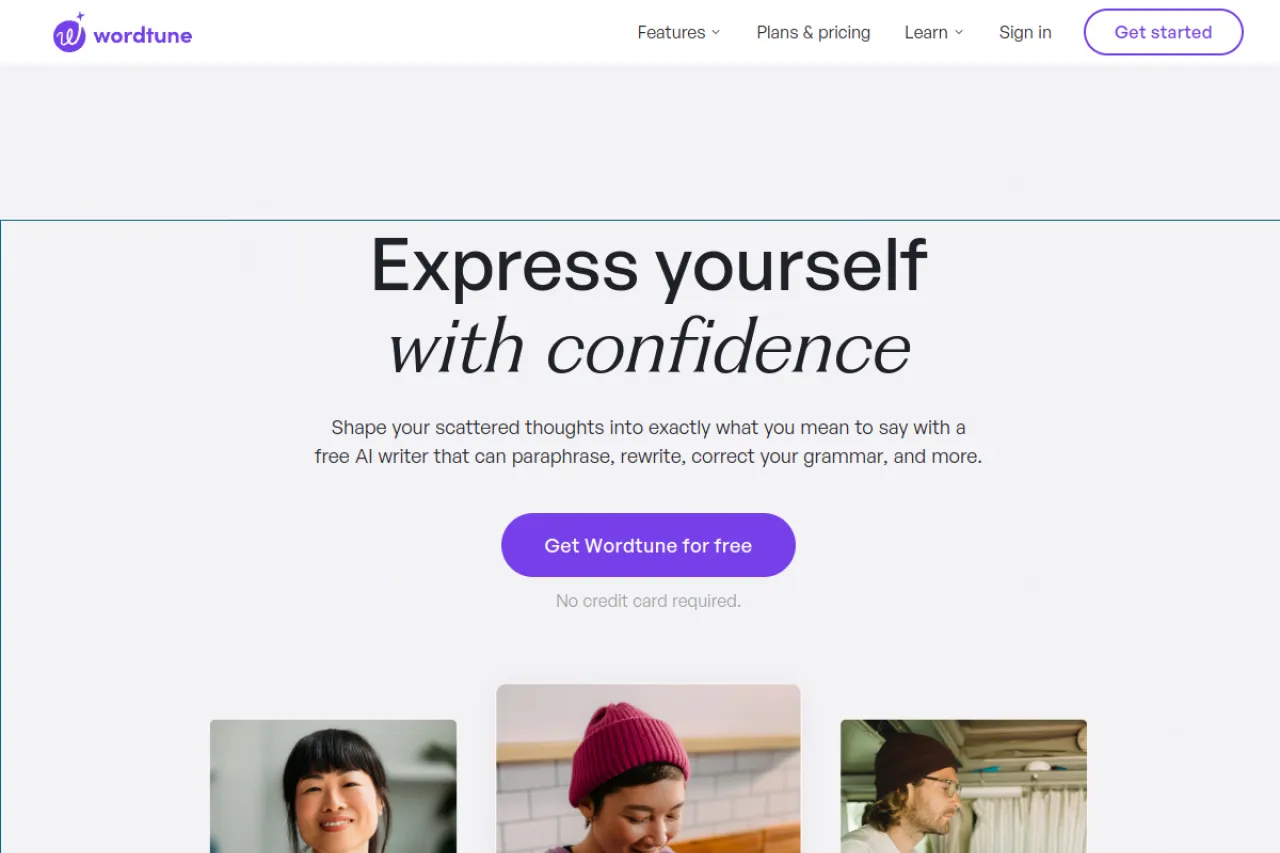
The free Basic plan gives 10 rewrites and AI suggestions per day, plus 3 AI summaries per month. Spelling corrections and grammar checks are unlimited, even on the free plan. The Advanced plan raises rewrites to 30 per day; it costs $6.99 per month, billed annuall
Strengths
- Each highlight returns several rewrite options, not just one — you pick the line that sounds like you
- Casual and Formal tones, plus Shorten and Expand, sit in the same small menu
- Works where you already write, through browser extensions and an online editor
- A built-in summarizer shrinks long articles and documents into short briefs
Trade-offs
- Ten free rewrites a day runs out fast in a long editing session
- It rewrites sentence by sentence, so it is slow on whole documents
Bottom line
Wordtune suits writers who polish their own sentences one at a time and want choices. If you mostly fix wording in emails, posts, and essays, its free plan may be all you need.
3. Scribbr AI Paraphraser — Best for Students Rewording Short Passages
Price: Fully free · No paid plan for this tool
Free tier
Everything. Scribbr's paraphraser is 100% free, with no sign-up and no ads. Each input can hold up to 125 words, and you can use it as often as you like. Scribbr's paid proofreading and plagiarism services are separate products.
Strengths
- No account, no cost, no ads — open the page and start
- Two modes, Standard and Fluency, plus a slider for how much wording changes
- You can upload a Word file, Google Doc, or PDF instead of pasting
- Clicking any word in the result opens a list of synonyms to fine-tune the output
Trade-offs
- The 125-word limit per input makes long texts slow, piece-by-piece work
- Only two modes, so there is less control than QuillBot offers
Bottom line
For a student who needs a quick, free reword of a short passage — with the source cited, as Scribbr itself reminds users — this is the simplest tool on the list. It asks for nothing and gives a clean result.
4. Ahrefs Paraphrasing Tool — Best for Quick Short Rewrites on the Web
Price: Fully free · No paid plan for this tool
Free tier
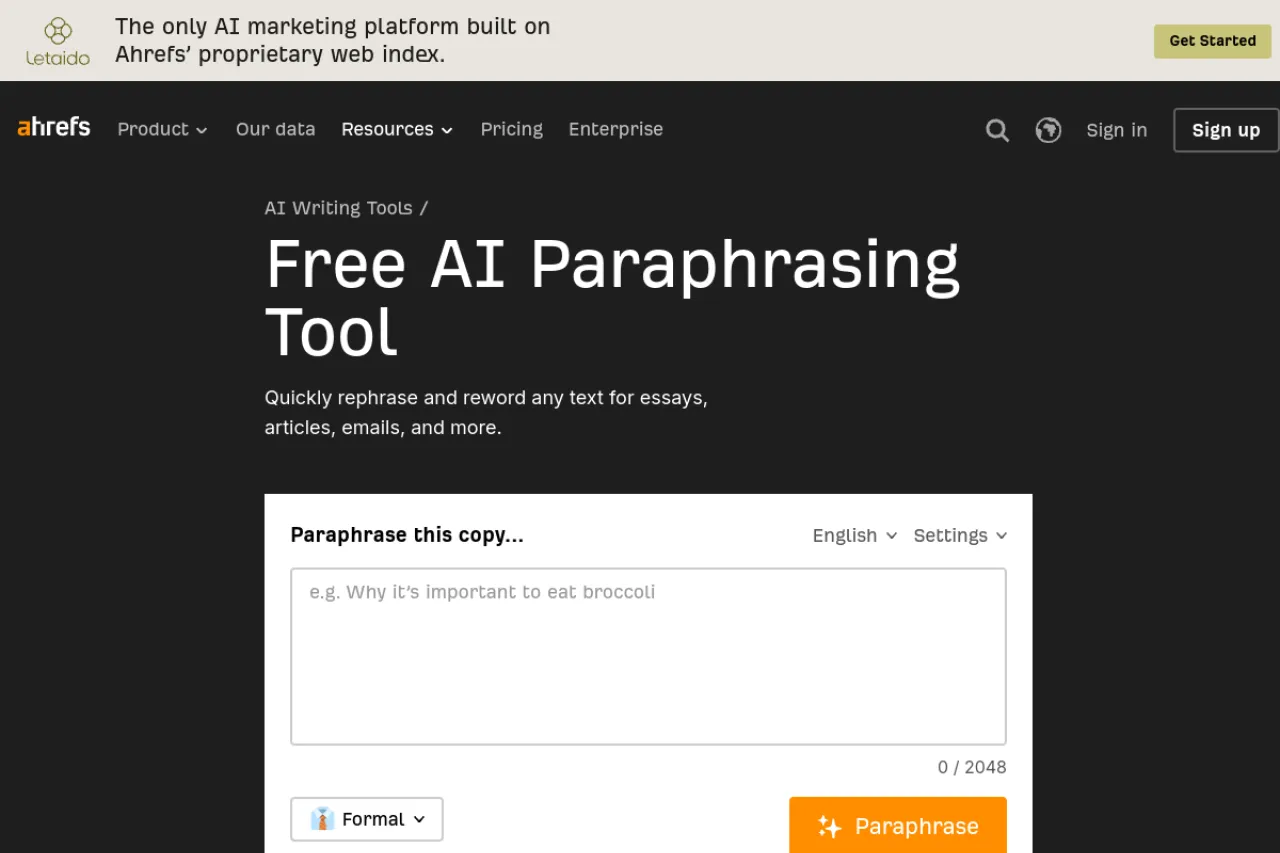
The Ahrefs Paraphrasing Tool is free on Ahrefs' writing tools pages. The input box accepts up to 2,048 characters at a time, and a tone selector adjusts the writing tone. Ahrefs earns its money from separate SEO software; this small tool has no paid tier.
Strengths
- No account wall in front of the tool — paste, pick a tone, rewrite
- The 2,048-character box fits a few paragraphs at once, more than most free tools allow
- It sits inside a large set of free Ahrefs writing tools, like a rewording tool and a summarizer
Trade-offs
- It is a light tool: one rewrite per tone choice, with no modes or synonym control
- The character cap still rules out whole articles or chapters
Bottom line
If you write for the web and need a fast second version of a short paragraph, this free tool does the job with zero setup. For deeper control over wording, use QuillBot or Wordtune.
5. Grammarly — Best for Catching Mistakes While You Write
Price: Free plan · Pro from $12 per month, billed annually
Free tier
Grammarly's free plan checks spelling and grammar as you type and shows the tone of your text. It includes 100 AI prompts per month. One catch matters here: rewriting full sentences is not in the free plan — that is a Pro feature.
Strengths
- Catches mistakes everywhere you type — browser, documents, and email — not just in one editor
- Pro rewrites whole sentences in one click and can adjust the tone of a passage
- Pro also adds plagiarism and AI-text detection, so copied text gets flagged instead of hidden
- A free trial of Pro is offered, so the rewrite features can be tried before paying
Trade-offs
- Paraphrasing is not its main job — it is an editor first, so modes and synonym control are limited
- The useful rewrite features sit behind the Pro subscription
Bottom line
Pick Grammarly when your real problem is errors, not wording. On Pro it doubles as a light rewriter, but a dedicated paraphraser gives you more control over how a sentence changes.
6. WordAi — Best for Bulk Rewriting of Articles You Own

Price: No free plan · 3-day free trial · Starter from $9 per month, billed annually
Free tier
There is no free plan. WordAi offers a free 3-day trial, then paid plans. The Starter plan costs $9 per month, billed annually.
Strengths
- Rewrites whole articles at once, and can rewrite many articles in bulk
- A slider sets how far the rewrite may drift from the original, from conservative to adventurous
- An API lets teams plug the rewriter into their own systems
Trade-offs
- WordAi advertises a feature meant to pass AI detectors. Spinning copied text to dodge plagiarism or detection checks is still plagiarism — the words change, the theft does not, and readers can usually tell
- Bulk-spun English often comes out weak or slightly wrong, so every output still needs a careful human edit
Bottom line
WordAi only makes sense for high-volume rewriting of text you own or are licensed to reuse, like your own old articles. For school or client work built on other people's writing, stay away — that is exactly the misuse this tool gets bought for.
7. Spin Rewriter — Best for Many Versions of One Article
Price: No free plan · 5-day free trial · $47 per month, or $77 per year at the sale price shown on the official page
Free tier
There is no free plan. A 5-day free trial is offered on the yearly plan, and the official pricing page says canceling inside the trial means no charge. The yearly list price is $197, shown at $77 per year during the sale on that page; a lifetime option costs $497.
Strengths
- Rewrites unlimited articles, with bulk rewriting for many files at once
- Mass export can create up to 1,000 versions of one article
- It can output spintax — text marked up with word choices, so other software can generate still more variants
- A side-by-side view compares the original and the rewrite
Trade-offs
- Spinning someone else's article to pass it off as new is plagiarism, full stop — and spun text often reads oddly, with wrong words slipped into the wrong places
- The sales page leans on discounts and expiring offers, so check the final checkout price with care
Bottom line
Spin Rewriter is a volume tool for your own content library, nothing more. Used on copied text it produces weak, error-prone English and an honesty problem no discount can fix.
8. ProWritingAid — Best for Deep Editing of Long Drafts
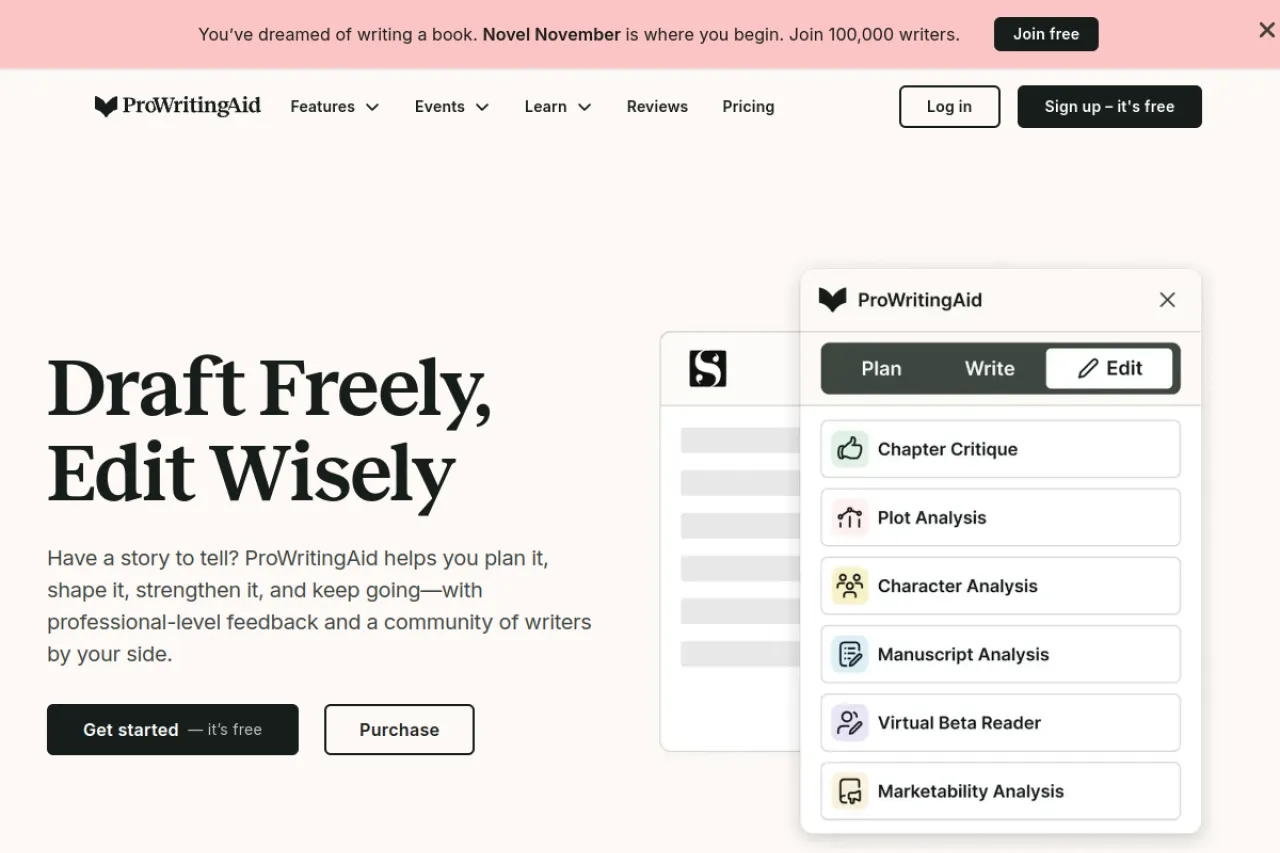
Price: Free version · Premium from $10 per month, billed annually
Free tier
The free version checks up to 500 words at a time — the official site says it can only analyze the first 500 words of a document. Rephrases are limited to 10 per day on the free version; Premium makes them unlimited.
Strengths
- More than 25 reports check style, pacing, repeated words, and hard-to-read sentences across a whole draft
- The Rephrase tool offers new versions of a sentence when you highlight it and ask
- A lifetime license at $399 removes subscriptions for good
- It plugs into Word, Google Docs, Scrivener, and browsers
Trade-offs
- It is an editor, not a paraphraser — rewording is one small feature among many
- The 500-word free limit is too small for chapters, so long work needs Premium fast
Bottom line
For a book or a long report that is fully yours, ProWritingAid earns its place: it improves your sentences and shows you why they were weak. For quick one-off rewords, the free tools above are faster.
Your situation → best pick
| Your situation | Best pick |
|---|---|
| Your own draft sounds clumsy and you reword it often | QuillBot |
| You want several ways to say one sentence, inside your editor | Wordtune |
| You are a student and need a free reword with no account | Scribbr AI Paraphraser |
| You need a fast rewrite of a short web paragraph | Ahrefs Paraphrasing Tool |
| Your main problem is grammar mistakes as you write | Grammarly |
| You own many articles and need bulk rewrites | WordAi |
| You want many versions of your own article in one go | Spin Rewriter |
| You are editing a book or a long document | ProWritingAid |
FAQ
Is paraphrasing plagiarism?
Not by itself. Paraphrasing is fine when you truly restate an idea in your own words and credit the source. It becomes plagiarism when the wording stays close to the original, or when you present someone else's idea as your own thinking. New words alone do not make borrowed work yours.
Can a paraphrasing tool make text undetectable?
No. No tool can honestly promise that. Detectors keep changing, and teachers and editors also spot disguised copying by reading it — the style shifts, the facts wobble, and the voice is not yours. Chasing an undetectable score is chasing the wrong goal. Write in your own words and cite your sources instead.
What is the best free paraphrasing tool?
For daily rewording, QuillBot's free plan is the best free starting point: it handles up to 100 words at a time in two modes. If you want no account at all, Scribbr's paraphraser is fully free with a 125-word limit per input. Ahrefs offers a free tool for short text up to 2,048 characters.
Is it OK to paraphrase my own writing?
Yes. Rewording your own draft is ordinary editing, and it is one of the best uses of these tools. You already own the ideas, so there is nothing to disguise. A paraphraser can help you untangle a clumsy sentence, vary repeated wording, and say the same point more clearly.
How do I paraphrase a source the right way?
Read the passage until you understand it. Then close it and write the idea from memory, in your own sentence shape. Compare your version with the original to check the facts, fix anything that still sounds copied, and add a citation that names the source. That habit keeps you honest and accurate.
Do I still need to cite a source after paraphrasing it?
Yes, always. A paraphrase changes the words, not the ownership of the idea. The idea still came from the source, so the source gets the credit. Follow the citation style your school, journal, or client asks for. Skipping the citation is the most common way a fair paraphrase turns into plagiarism.
The honest closing
The safe rule is simple. Paraphrase your own drafts as much as you like — that is just editing. For other people's work, read the source, close the page, write the idea from your own understanding, and cite it. No tool on this list can turn copied text into honest work, and none of them should be asked to. Choose the tool that fits your job, keep your citations in place, and your writing stays both clear and clean. You can browse more writing tools in the Draqee tools directory.