
Copying data between apps by hand wastes hours every week. An automation tool does that work for you. It watches for an event, like a new form entry, then takes the next step on its own. Three names come up again and again in the zapier vs make vs n8n debate. All three connect your apps and run workflows with little or no code. They differ in how they charge, how much control they give you, and where they run. Quick Answer: Zapier is the best pick for beginners — it has the simplest setup and the largest app library of the three. Make is the best pick for power users on a budget — its free plan is ten times larger, and its visual canvas handles branching flows with ease. n8n is the best pick for self-hosting — its free Community Edition runs on your own server, with no execution limit set by n8n. There is no single winner for everyone, though. A two-step job and a twenty-step flow are very different kinds of work. So read the free plans closely, because each tool counts your work in a different way.
How we checked
We opened the official website and pricing page of each tool and read the plan details there. We wrote down what each free plan includes, what the first paid step costs, and how each tool counts your usage. We did not open paid accounts, and we report no speed or uptime scores, because no official page proves them. Every price below was read off the tool's own pricing page — no number comes from another site.
Comparison: the 3 tools at a glance
| Tool | What you get free | Best for | Paid from |
|---|---|---|---|
| Zapier | 100 tasks a month, two-step Zaps only, Tables and Forms included | Beginners and simple two-app jobs | $19.99 per month, billed annually (Professional) |
| Make | 1,000 credits a month and the visual builder, with routers and filters | Power users with complex flows on a budget | $12 per month, billed annually (Core) |
| n8n | Community Edition on your own server, no execution limit from n8n; no free cloud plan | Technical users who want to self-host | €20 per month, billed annually (Starter) |
Zapier — Best for beginners who want the simplest start
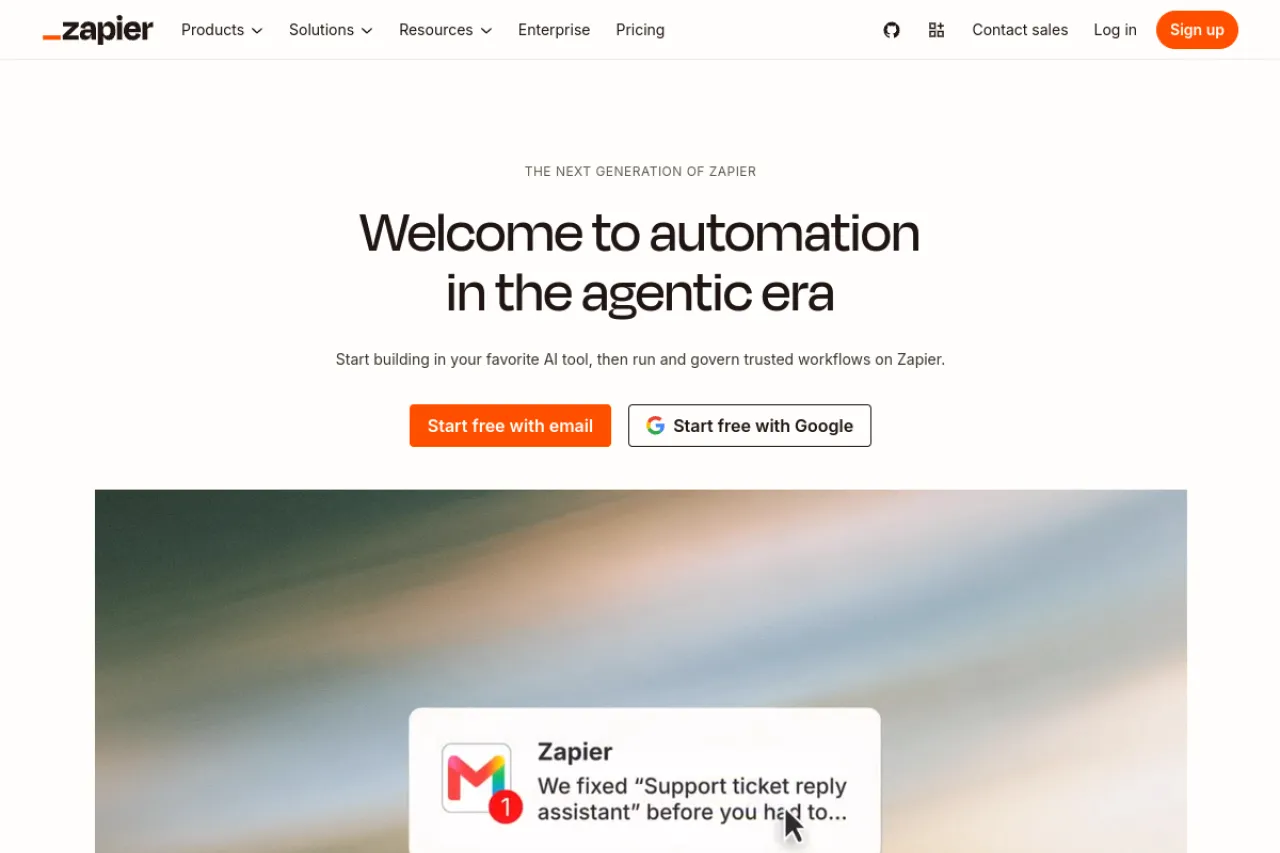
Price: Free plan · Professional from $19.99 per month, billed annually
Free tier
The free plan gives you 100 tasks a month. A task is one action a Zap — Zapier's word for a workflow — finishes with success, like adding a row to a sheet. The trigger, the event that starts the Zap, costs nothing. You can build as many Zaps as you like, but each free Zap has only two steps: one trigger and one action. Tables and Forms, Zapier's built-in data tools, are included, and so is Copilot, its AI helper. Premium apps, the paid-only connectors, need a paid plan.
Strengths
- The largest app library here — Zapier says it connects more than 9,000 apps
- The simplest builder of the three: a plain list of steps, with no canvas to learn
- Built-in steps like filters and formatters do not use up your tasks
- Copilot, the AI helper, can draft a Zap from a plain sentence you type
Trade-offs
- 100 free tasks run out fast — one busy two-step Zap can use them all
- Each extra action step costs another task, so long Zaps drain the plan as they grow
Bottom line
Pick Zapier if you want your first automation running today with the least learning. Stay on the free plan while your jobs stay small and simple, and count your tasks before you add more steps.
Make — Best for power users who want control on a budget
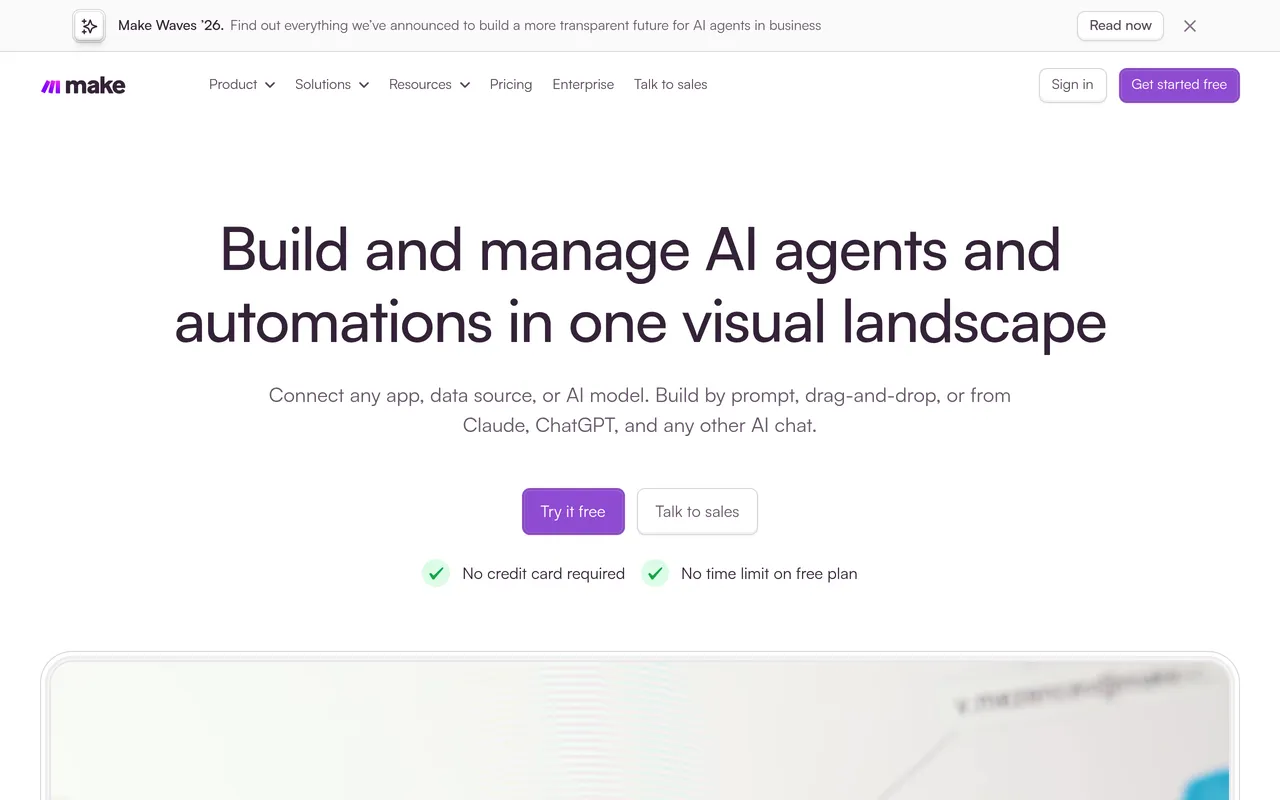
Price: Free plan · First paid plan (Core) $12 per month, billed annually · Pro $21 per month, billed annually
Free tier
Make's free plan gives you 1,000 credits a month. A credit is one action a module performs, such as reading a record or writing a row. Most actions cost one credit. You build scenarios — Make's word for workflows — on a visual canvas that shows the whole flow at once. Routers, the steps that split a flow into paths, cost no credits. When the free credits feel tight, paid plans sell larger credit bundles — Core costs $12 a month, billed annually and Pro $21 a month, billed annually at 10,000 credits a month.
Strengths
- 1,000 free credits a month — ten times Zapier's free task limit
- A visual canvas shows the whole flow at once, with branches you can follow by eye
- Routers and error-handling steps cost no credits, so control steps are free
- Built-in tools can loop through lists and group data inside a single scenario
Trade-offs
- Almost every step costs a credit, so long scenarios and frequent checks drain the free plan fast
- The canvas and its terms take longer to learn than Zapier's simple step list
Bottom line
Pick Make if your flows branch, loop, or move a lot of data, and you want the most free room to build them. Watch the credit meter as you design, because each module you add raises the cost of every run.
n8n — Best for technical users who want to self-host
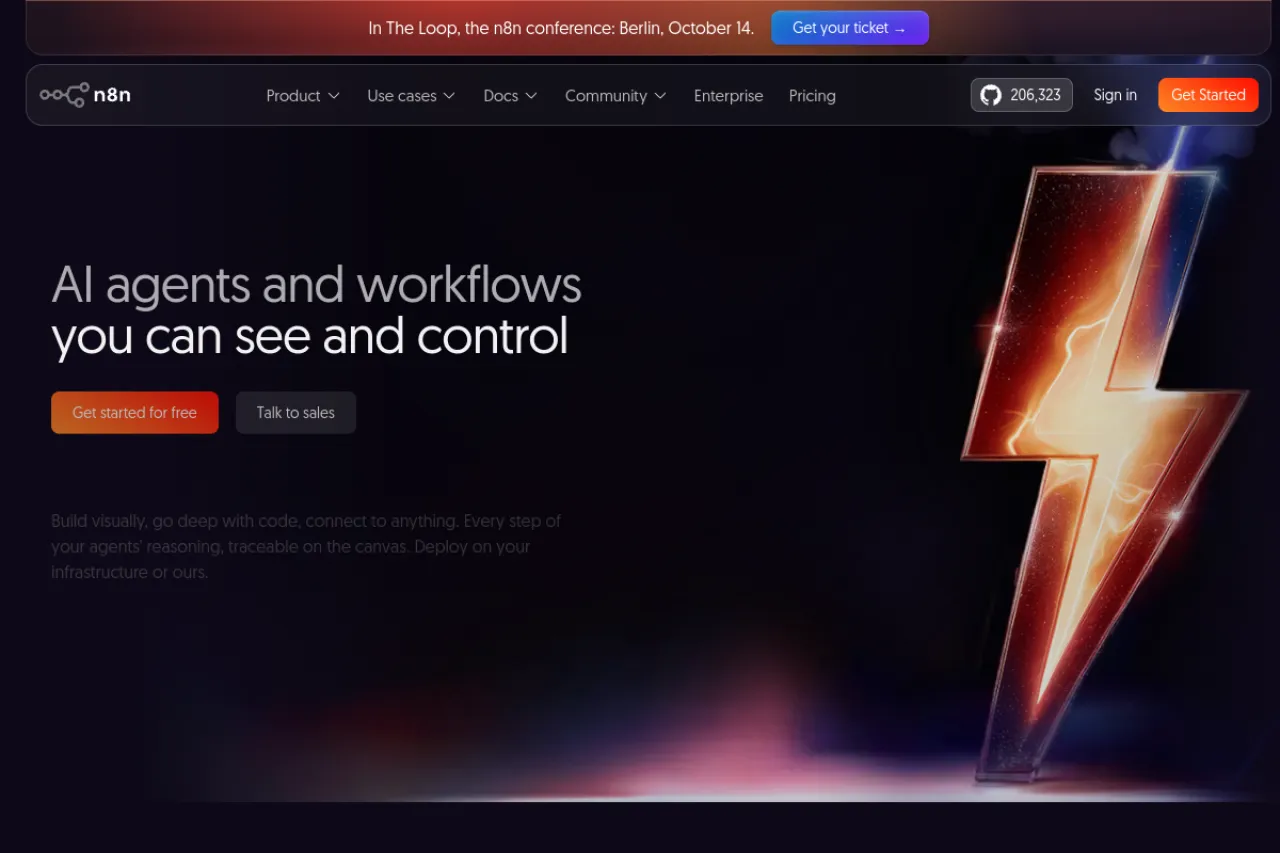
Price: Community Edition free on your own server · Starter €20 per month, billed annually
Free tier
n8n has no free cloud plan. The free route is the Community Edition, the self-hosted version n8n offers on GitHub. You install it on your own server and run it yourself. n8n sets no execution limit there — an execution is one full run of a workflow, start to finish — so your server is the only ceiling. If you would rather not run a server, the hosted route starts with a free trial of Starter, which includes 2,500 executions a month.
Strengths
- One execution covers a whole run, however many steps the workflow has
- The Community Edition costs nothing for the software — you pay only for the server
- You can add your own code steps when a ready-made block is not enough
- Your data stays on your own server when you self-host
Trade-offs
- Self-hosting means you handle setup, updates, backups, and security yourself
- The builder leans on technical ideas like nodes and data mapping, so it is the hardest of the three to learn
Bottom line
Pick n8n if you can run a server and want full control with no per-run meter. If servers are not your thing, its cloud plans remove that work — you just pay per execution instead.
Your situation → best pick
| Your situation | Best pick |
|---|---|
| You are new to automation and want the easiest start | Zapier |
| Your flows branch and loop, and money is tight | Make |
| Each of your workflows has many steps in every run | n8n |
| You need an unusual or niche app connected | Zapier |
| Your data must stay on your own server | n8n |
| You want the most free usage before paying anything | Make |
FAQ
What is the difference between a task, a credit, and an execution?
They are three ways of counting the same work. A Zapier task is one finished action step. A Make credit is one action a module performs. An n8n execution is one whole workflow run, start to finish. So one run with ten steps costs ten credits, several tasks, or a single execution.
Which of the three is cheapest to start with?
All three cost nothing to start. Zapier's free plan includes 100 tasks a month. Make's free plan includes 1,000 credits a month. n8n's Community Edition is free on your own server, though the server itself costs money. Paid steps begin at $19.99 a month for Zapier and €20 for n8n Starter.
Which tool should a complete beginner choose?
Zapier. Its builder is a plain list of steps: pick a trigger, pick an action, turn it on. There is no canvas to learn and no server to run. It also connects more apps than the other two, so the tool you need is most likely already there, ready to use.
Is n8n really free?
Yes, with one condition. The Community Edition costs nothing to download and run, and n8n sets no limit on how often your workflows run. The condition is the server: you must provide one, keep it online, and look after updates and backups yourself. n8n Cloud, the hosted version, has no free plan.
Which tool connects the most apps?
Zapier, by a wide margin. Its site says it connects more than 9,000 apps. Make and n8n connect fewer apps directly. Both still let you reach almost any service that offers an API — a standard way for programs to talk — through a custom connection step, though that takes more skill to set up.
What happens when I reach my free limit?
Your automations pause until the next billing period starts, unless you add more room. Zapier pauses your Zaps at the task limit. Make stops your scenarios when credits run out, and you can buy extra credits or upgrade. On n8n Cloud, runs stop at the plan's execution cap until you move up.
The honest closing
None of these tools is the best at everything. Zapier wins on ease and app choice. Make wins on free room and control. n8n wins when you want your own server and no per-run meter. Start with the free plan that fits your hardest workflow, not your simplest one, and learn to count usage in the tool's own units before you pay. You can browse more automation tools in the Draqee tools directory.