
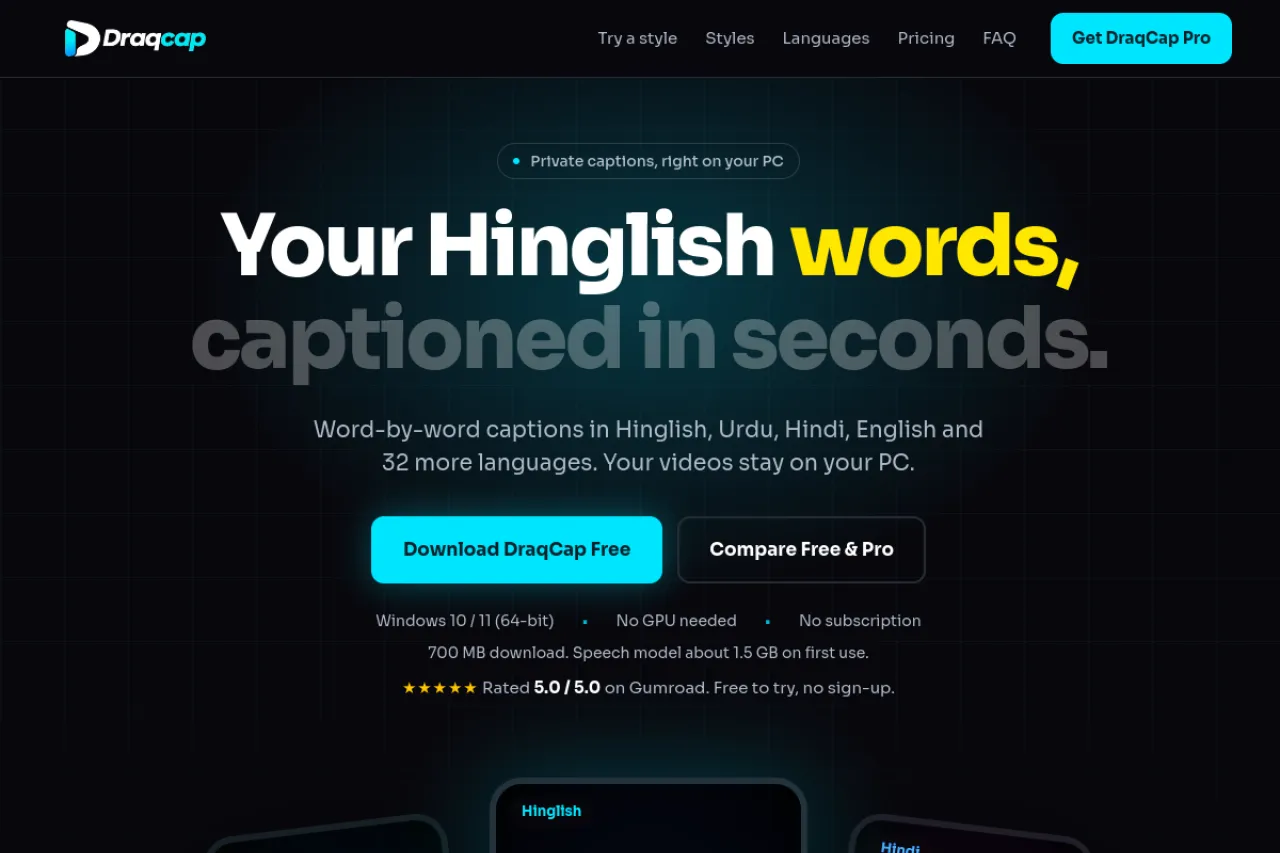
We just launched DraqCap on Draqee. It is a local auto-captioning app for Windows that writes captions word by word, in 36 languages, in native script or Roman letters. If you make reels, tutorials, or talking-head videos, you can now caption them in the same Hinglish people actually type, without uploading your videos anywhere.
Why We Built It
Most caption tools treat Roman Urdu and Hinglish as an afterthought. They force your words into scripts or spellings you would never use. DraqCap was built the other way round. It captions in the language you speak and the letters you type, so Hinglish reads like Hinglish, Urdu reads like Urdu, and Hindi reads like Hindi. Your videos stay on your PC the whole time, because captioning happens locally, not on a server.
What You Get
DraqCap writes captions timed to each spoken word, so text lands exactly when it is said. You can pick from 56 caption styles, from clean subtitles to karaoke words that light up as they are spoken. The editor lets you fix, split, or merge any line, and change fonts, size, position, spacing, and colours. A timeline and waveform help you place each line, and you can run multiple caption tracks in one video.
It runs on Windows 10 or 11, 64-bit only, on a normal CPU with no GPU needed. An NVIDIA GPU only makes it faster. The download is about 700 MB, and the speech model, about 1.5 GB, downloads on first use. You need about 4 GB of free storage. There is no Mac version yet.
One honest note: no caption app gets every word right. Names, music, accents, and overlapping voices cause mistakes. That is why the editor is there. You can fix any line before you export, and the beta languages, Punjabi, Sindhi, Pashto, Nepali, Assamese, and Malayalam, may need a few more fixes than the main ones.
Free and Pro
The free version exports MP4 video up to 2 minutes long, with background music mode included. Pro is a one-time payment of $15 that unlocks any length, Clean voice, SRT, VTT, ASS, and TXT files, your own fonts, and saved styles. A Pro key works on 1 computer at a time and can move to another computer 3 times a year.
Try It Now
You can download DraqCap free from the official DraqCap page, and you can find its full details, features, and FAQs in the Draqee directory listing. Try it on a short video first, pick a style you like, and tell us what to improve. Your feedback will shape what we build next.