
Your day fills up fast. Meetings land on your calendar. Tasks pile up in three different apps, and none of them talks to your calendar. By evening, the important work still sits untouched. The best ai productivity tools attack this mess in different ways. Some rebuild your calendar around your tasks. Some take notes in every meeting for you. Some turn a long task list into one calm daily plan. Quick Answer: Motion is the best overall pick — it puts tasks, projects, docs, and your calendar in one app, and its AI plans your day for you. It has no free plan, only a trial, and paid seats start at $19 per seat a month, billed annually. The best cheap paid step is Reclaim AI — its free Lite plan defends focus time on your existing calendar, and its Starter plan costs $10 per seat a month, billed annually. No single tool wins every job, though. A meeting-heavy day needs a different tool than a task-heavy one. Read what each free plan really gives you, match the tool to your biggest problem, and skip the rest without a second thought.
How we checked
We opened each tool's official website and pricing page. We wrote down what each free plan or trial really includes, what it holds back, and the first paid step. We did not test-drive the apps, and we publish no scores — the plan pages are the only source. Every paid price below was read off the tool's own pricing page. One change from our first list: Clockwise was dropped because its own site says the product is being shut down. Trevor AI takes its place.
Comparison: the 8 tools at a glance
| Tool | What you get free | Best for | Paid from |
|---|---|---|---|
| Motion | No free plan — free trial only | Rebuilding your whole day around tasks | $19 per seat per month, billed annually |
| Reclaim AI | Free Lite plan: focus time and habits on your calendar, 1-week scheduling range | Defending focus time on Google or Outlook | $10 per seat per month, billed annually (Starter) |
| Fathom | Free plan: unlimited recordings, transcripts, and AI summaries | Meeting notes without a paid plan | $16 per user per month, billed annually (Premium) |
| Notion AI | Free workspace plus a limited Notion AI trial | Notes, docs, and wikis your team already uses | $20 per seat per month, billed annually (Business) |
| Trevor AI | Free plan: task hub, calendar sync, and AI scheduling suggestions | A cheap AI planner for personal tasks | $5 per month, billed annually (Pro) |
| Sunsama | No free plan — free trial, no card asked up front | A calm daily planning ritual | $17 per month, billed yearly |
| Akiflow | No free plan — short trial, card required | Tasks and calendar in one fast planner | $19 per month, billed yearly (Pro) |
| Todoist | Free Beginner plan: 5 projects, quick add, reminders | A simple task list that stays simple | $5 per month, billed annually (Pro) |
1. Motion — Best all-in-one AI planner
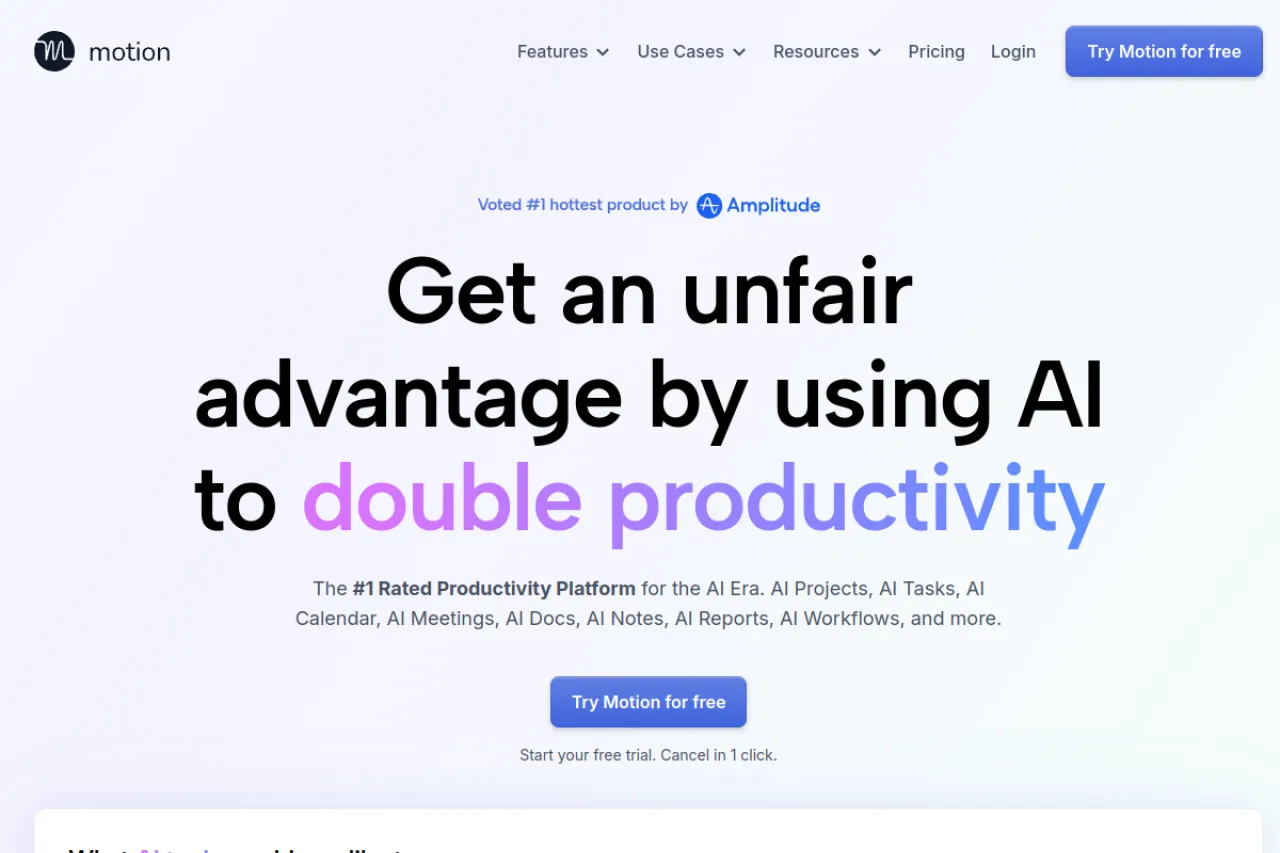
Price: No free plan · Pro AI from $19 per seat per month, billed annually · Business AI $29 per seat per month
Free tier
There is no free plan. Motion offers a free trial instead. Its site says you can cancel the trial in one click, but it does not state how long the trial lasts. Every paid plan includes the full set: AI task planning, projects, calendar, docs, and a meeting notetaker. The Pro AI plan includes 7,500 AI credits per seat each month. Credits are the units Motion charges for AI work, like building a project or drafting a doc. So the trial is your only free look, and it starts the clock right away.
Strengths
- Tasks, projects, docs, and calendar live in one app, so nothing needs syncing between tools
- The AI task planner places tasks on your calendar and re-plans the day when things change
- The meeting notetaker writes summaries and turns action items into tasks for you
- It warns you early when a deadline is at risk, before the day arrives
Trade-offs
- No free plan — after the trial, every seat pays
- AI work runs on monthly credits, and heavy AI use can cost extra
Bottom line
Pick Motion if you want one app to plan your whole day and you accept a paid seat from the start. Use the trial to check whether the automatic re-planning fits how you work.
2. Reclaim AI — Best free pick for defending focus time
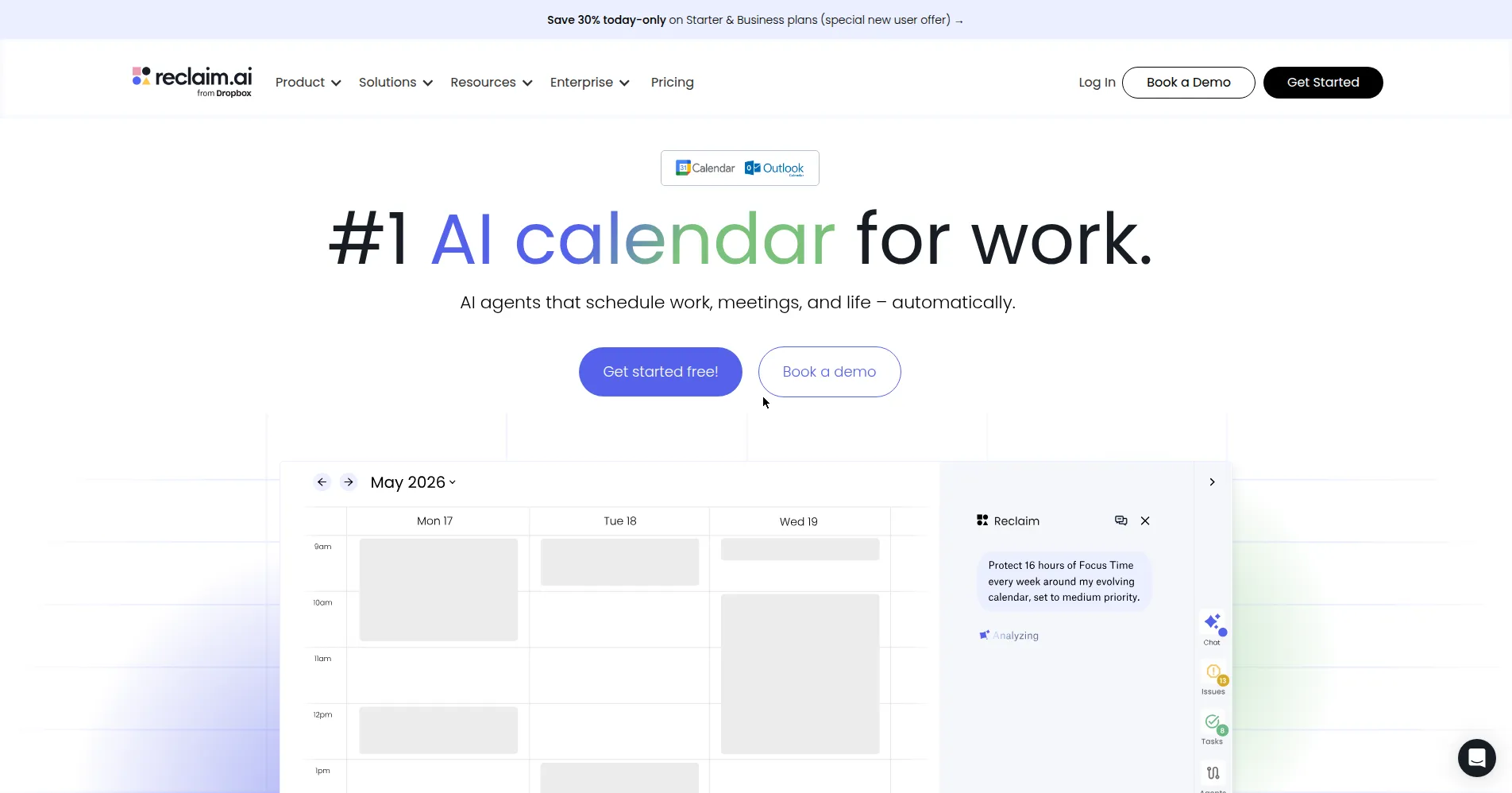
Price: Free Lite plan · Starter $10 per seat per month, billed annually
Free tier
The Lite plan is free forever for one user. Reclaim's own pricing FAQ confirms it costs nothing. It connects 2 calendars and keeps 1 calendar sync. Its smart scheduling looks 1 week ahead. You still get the core ideas: Focus Time blocks that defend time for deep work, Habits that find their own slots, and buffers around meetings. The AI assistant and automatic rescheduling run in limited form. It works on your Google or Outlook calendar, so there is no new calendar app to learn.
Strengths
- Works on top of Google Calendar and Outlook instead of replacing them
- Focus Time blocks and Habits move on their own when meetings land
- Automatic buffers add breathing room before and after meetings
- The free Lite plan is a real plan, not a countdown trial
Trade-offs
- Lite looks only 1 week ahead, so longer planning needs a paid plan
- It only works with Google and Outlook calendars
Bottom line
Start with Lite if meetings keep eating your deep-work time. It costs nothing, and Starter is a small step up when the one-week window feels tight.
3. Fathom — Best free pick for meeting notes
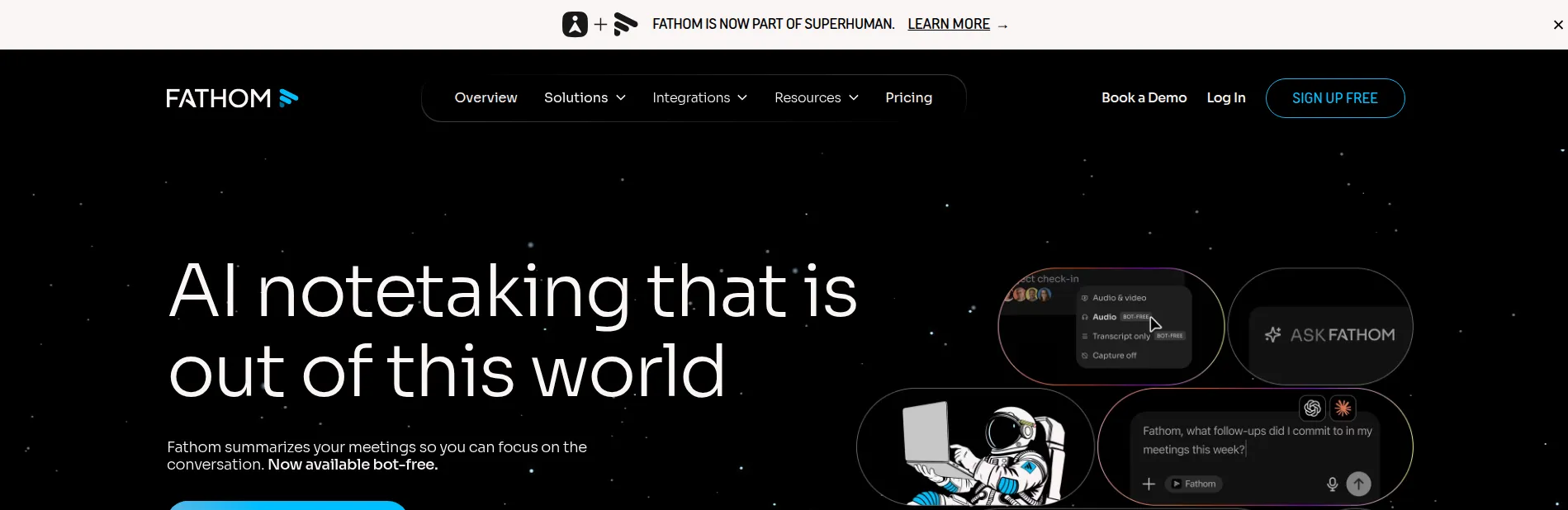
Price: Free plan · Premium $16 per user per month, billed annually
Free tier
Fathom's free plan costs nothing, and it is not a trial. It records and transcribes unlimited meetings. You get instant AI summaries of every call, plus clips, playlists, and search across your calls. You can capture with a meeting bot, or with a bot-free option that is still in beta — beta means the feature is still being tested. The paid extras stay locked. Advanced summary templates, AI-generated action items, and the chat assistant that answers questions about a call are Premium features, with only limited use on the free plan.
Strengths
- Unlimited recordings and transcripts on the free plan — no monthly cap
- Summaries are ready right after the call ends
- Clips and playlists make it easy to share one moment instead of a whole call
- Premium adds action items and a chat assistant for your calls
Trade-offs
- It only helps with meetings — tasks and calendars are not its job
- Team plans need at least 2 users, so a solo user stays on Premium
Bottom line
If your workday is back-to-back calls, Fathom's free plan is the easiest start on this list. Upgrade only when you need action items pulled out for you.
4. Notion AI — Best if your work already lives in Notion
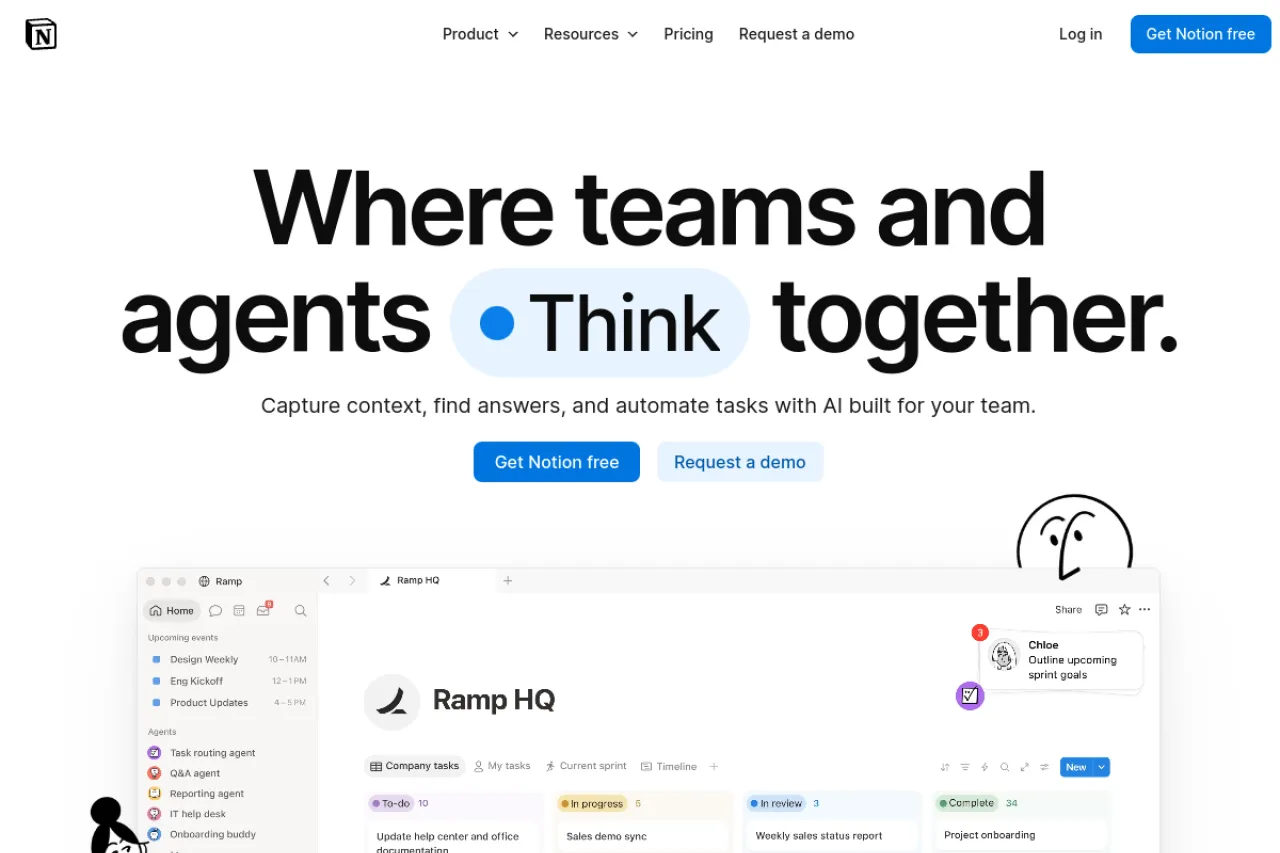
Price: Free plan · Plus $10 per seat per month, billed annually · Full Notion AI needs the Business plan at $20 per seat per month, billed annually
Free tier
Notion's free plan gives one person unlimited pages and blocks. It includes basic forms and sites, the Notion Calendar, and databases for organizing work. Files are capped at 5 MB each, and page history lasts 7 days. The catch for this list: Notion AI on the free plan is only a limited trial. The Plus plan keeps the same limited AI trial. The full AI — the Notion Agent that chats, generates text, and fills in databases, plus AI meeting notes and search across your connected tools — starts with the Business plan. The pricing page quotes Plus at $10 per seat a month billed annually and Business at $20 per seat a month billed annually.
Strengths
- Notes, docs, projects, and wikis share one workspace your team already knows
- The AI works inside your pages, so there is no copying text between apps
- AI meeting notes turn a call transcript into a page in the same workspace
- Databases can sort, filter, and group almost any kind of work
Trade-offs
- Full AI starts at the Business plan — Free and Plus get a limited trial only
- It organizes documents, not your day; there is no automatic calendar scheduling
Bottom line
Pick Notion if your team's work already lives there and you want AI inside it. If you mainly need your calendar planned for you, look at Motion or Reclaim AI instead.
5. Trevor AI — Best cheap AI planner for personal tasks
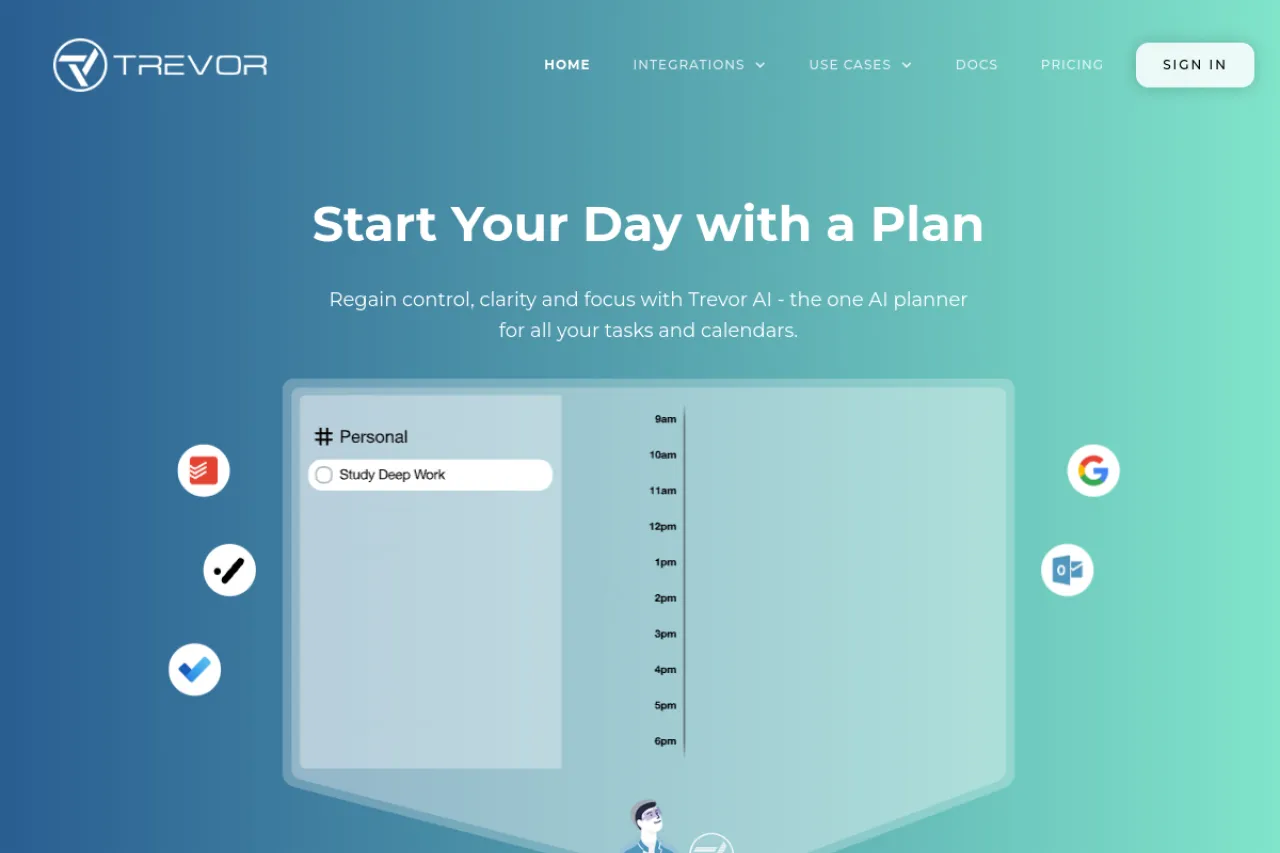
Price: Free plan · Pro $5 per month, billed annually ($6 monthly)
Free tier
Trevor's free plan is a working daily planner, not a demo. You get the task hub for your lists and a smart planner that syncs with your Google or Microsoft calendar in real time. Scheduling tasks is unlimited. The AI predicts how long a task will take and suggests a time slot for it. Focus Mode adds a timer and a short action plan for one task at a time. Pro adds the deeper help: an AI model that learns your habits, the Ask Trevor chat, a smart scheduling queue, and support for multiple calendar accounts.
Strengths
- AI duration guesses and one-click time suggestions take the thinking out of scheduling
- Real-time sync with Google and Microsoft calendars keeps plans honest
- Focus Mode pairs a timer with an AI task breakdown for deep work
- At $5 a month billed annually, Pro is the cheapest paid step we could confirm
Trade-offs
- It is built for personal planning, so team features are thin
- The smartest features, like the personal AI model and the chat, sit in Pro
Bottom line
Trevor suits one person who wants tasks placed on the calendar without paying much. The free plan already does the core trick of suggesting when each task should happen.
6. Sunsama — Best for a calm daily planning ritual
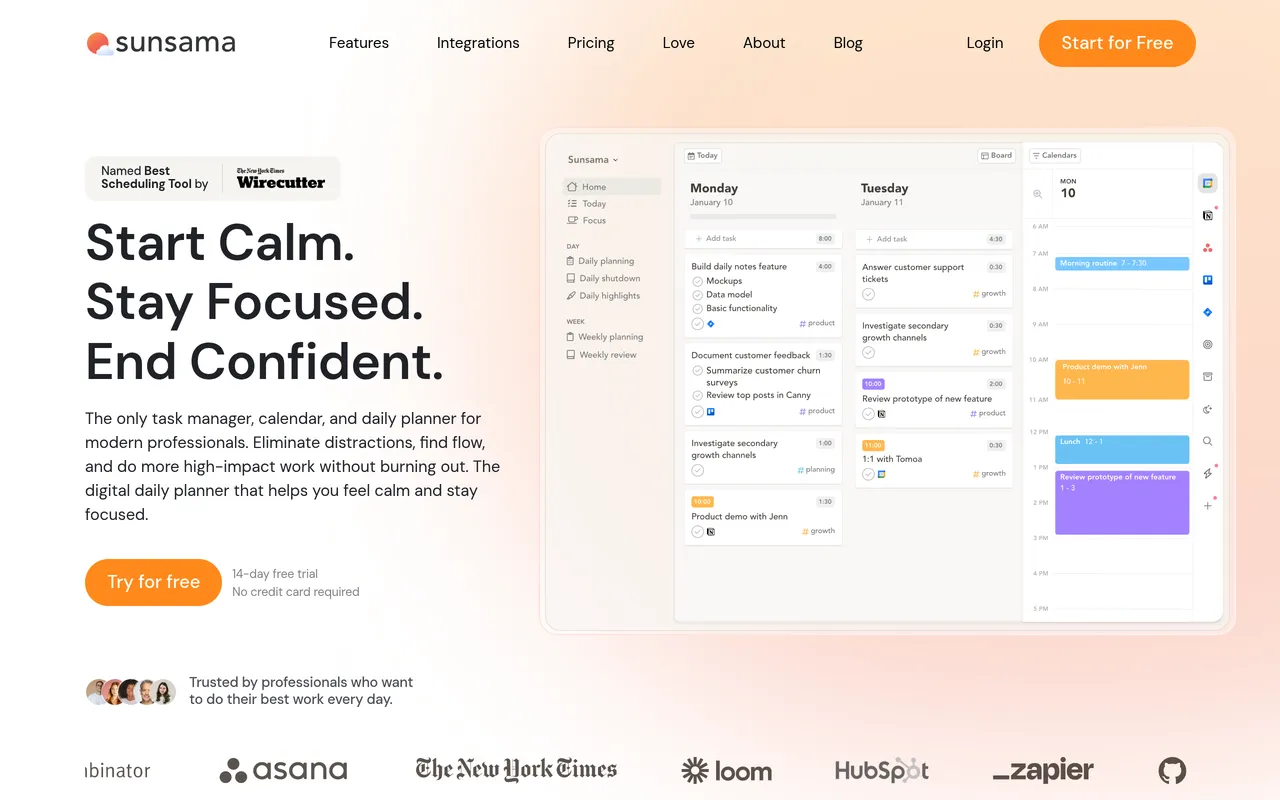
Price: No free plan · $17 per month billed yearly, or $22 monthly · Free trial, no card asked up front
Free tier
Sunsama has no free plan, and its pricing page says so openly. The company argues that free plans are not sustainable. What you get instead is a free trial, and Sunsama does not ask for your credit card until the trial ends. The app itself is a daily planner. Each morning you plan your day, pull tasks in from your other tools, and place them on your calendar as time blocks — time blocks are fixed slots you reserve for one task. It adds a focus mode, time tracking, and an end-of-day shutdown step.
Strengths
- The guided morning plan turns a messy task list into one realistic day
- Timeboxing puts each task on the calendar next to your meetings
- No credit card for the trial, so a forgotten trial cannot bill you
- The shutdown ritual closes the day and shows what actually got done
Trade-offs
- No free plan at all — when the trial ends, you pay or you leave
- At $17 a month billed yearly, it costs more than the simpler planners here
Bottom line
Pick Sunsama if you want a slower, deliberate start to each day and you are fine paying for it. The card-free trial makes the test painless.
7. Akiflow — Best for tasks and calendar in one fast planner
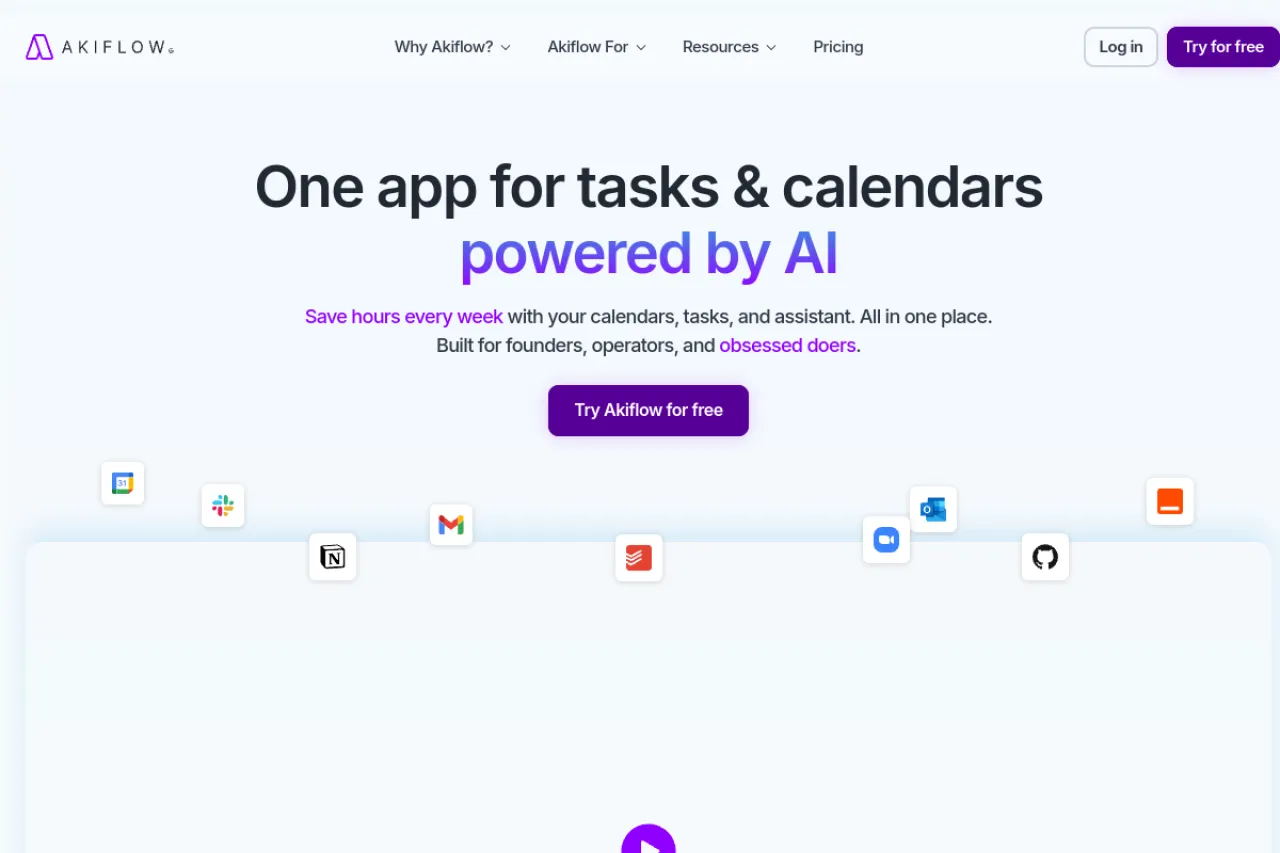
Price: No free plan · Pro $19 per month billed yearly, or $34 monthly · Short trial, card required
Free tier
Akiflow has no free plan. New users get a 7-day trial with full access, but a card is required. The paid plan then starts on its own after the trial, unless you cancel first. There is a single Pro plan rather than tiers. It covers tasks, subtasks, calendar planning, and integrations with the tools you already use. Aki, its AI executive assistant, is included in Pro. The AI meeting assistant — recordings, transcripts, and summaries — is a separate add-on at $19 a month.
Strengths
- One plan with everything included — no tier puzzles to solve
- Aki, the built-in AI assistant, helps run your day inside the app
- Tasks and calendar planning sit side by side, built for speed
- A free one-to-one onboarding call is included with Pro
Trade-offs
- The trial needs a card and rolls into a paid plan if you forget it
- Meeting notes cost extra — the AI meeting assistant is a paid add-on
Bottom line
Pick Akiflow if you want tasks and calendar in one place and prefer one simple plan. Set a reminder for the trial's end on day one.
8. Todoist — Best free pick for a simple task list
Price: Free Beginner plan · Pro $5 per month, billed annually
Free tier
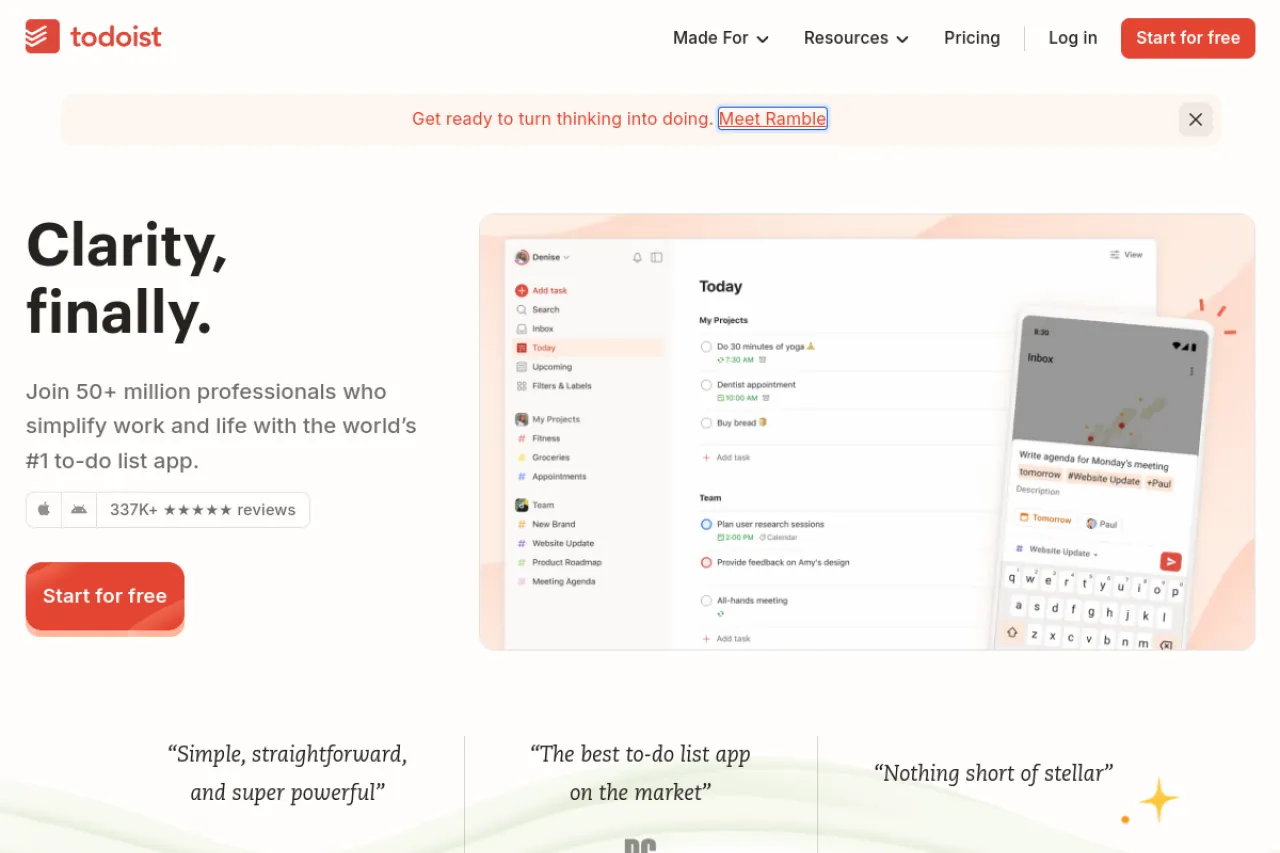
The free Beginner plan is a clean, complete task list. You get 5 personal projects, task reminders, list and board layouts, and 3 filter views. Smart Quick Add is the star: you type a task in plain words, and Todoist reads the dates and times inside your sentence. It also connects to your email and calendar. Ramble lets you speak tasks instead of typing them, with limited sessions on the free plan. The AI Task Assist, the calendar layout, task durations, and deadlines wait for the Pro plan. On its pricing page, Pro costs $5 per month billed annually — $60 a year.
Strengths
- Quick Add understands plain language, so capturing a task takes seconds
- Email and calendar integrations feed tasks in from where they start
- Ramble turns spoken tasks into written ones when your hands are busy
- The free plan has no time limit — it is a plan, not a trial
Trade-offs
- Five projects fill up fast once work and home both need space
- The AI help and the calendar view sit behind the Pro plan
Bottom line
Pick Todoist if you want a fast, simple list with light AI help. It is the easiest free start here — just note the 5-project cap before your lists grow.
Your situation → best pick
| Your situation | Best pick |
|---|---|
| You want one app to run tasks, projects, docs, and calendar | Motion |
| Meetings keep eating the time you need for deep work | Reclaim AI |
| Your day is back-to-back calls that all need notes | Fathom |
| Your team's notes and docs already live in one workspace | Notion AI |
| You want an AI planner for your own tasks, kept cheap | Trevor AI |
| You want a calm, guided plan at the start of each day | Sunsama |
| You want tasks and calendar merged in one fast app | Akiflow |
| You just want a simple list that understands plain words | Todoist |
FAQ
What is the best free AI productivity tool?
It depends on the job you need done. Fathom gives unlimited meeting recordings and AI summaries free. Reclaim AI's Lite plan defends focus time at no cost. Trevor AI schedules tasks with AI suggestions free. Todoist keeps a simple list free. Pick the one that matches your main problem.
Which AI tool plans my day automatically?
Motion plans your day most fully. Its AI places tasks on your calendar and re-plans when things change, but it has no free plan. Trevor AI suggests time slots for tasks on its free plan. Reclaim AI defends focus time and habits around the meetings already on your calendar.
Do these tools replace my calendar?
Most do not. Reclaim AI and Trevor AI sit on top of Google or Outlook calendars and keep them in sync. Motion runs its own calendar view but pulls your Google, Outlook, and iCloud calendars into one place. Your events stay where they are — the AI works around them.
Which tool is best for meeting notes?
Fathom is the clearest pick for notes alone. Its free plan records unlimited meetings and writes instant AI summaries. Motion includes a notetaker inside its paid plans. Notion AI writes meeting notes into your workspace, but only on the Business plan — it is not in the free trial.
Are the free plans here really free, or just trials?
Four are real free plans: Reclaim AI Lite, Fathom, Trevor AI, and Todoist Beginner — none of them expires or asks for a card. Notion's workspace is free, but its AI is a limited trial. Motion, Sunsama, and Akiflow offer trials only. Sunsama's trial needs no card; Akiflow's trial does.
What is the cheapest paid step for AI scheduling help?
Trevor AI Pro, at $5 a month billed annually, is the cheapest paid step we could confirm on an official site. It adds a personal AI model and the Ask Trevor chat. Reclaim AI Starter, at $10 per seat a month billed annually, is next for calendar defense.
The honest closing
No tool on this list fixes a workload that is simply too big. What the right one does is smaller: it puts your tasks and your time in the same picture, so the trade-offs show up before the day runs away. Start free where you can. Pay only when a limit actually bites. You can browse more options in the Draqee tools directory.