Adobe Color
Free color-wheel tool for palettes, themes, and contrast checks.
Upvotes
0
Pricing
Free
Category
Art & Design Tools
In the database since
Oct 2026
Overview
About Adobe Color
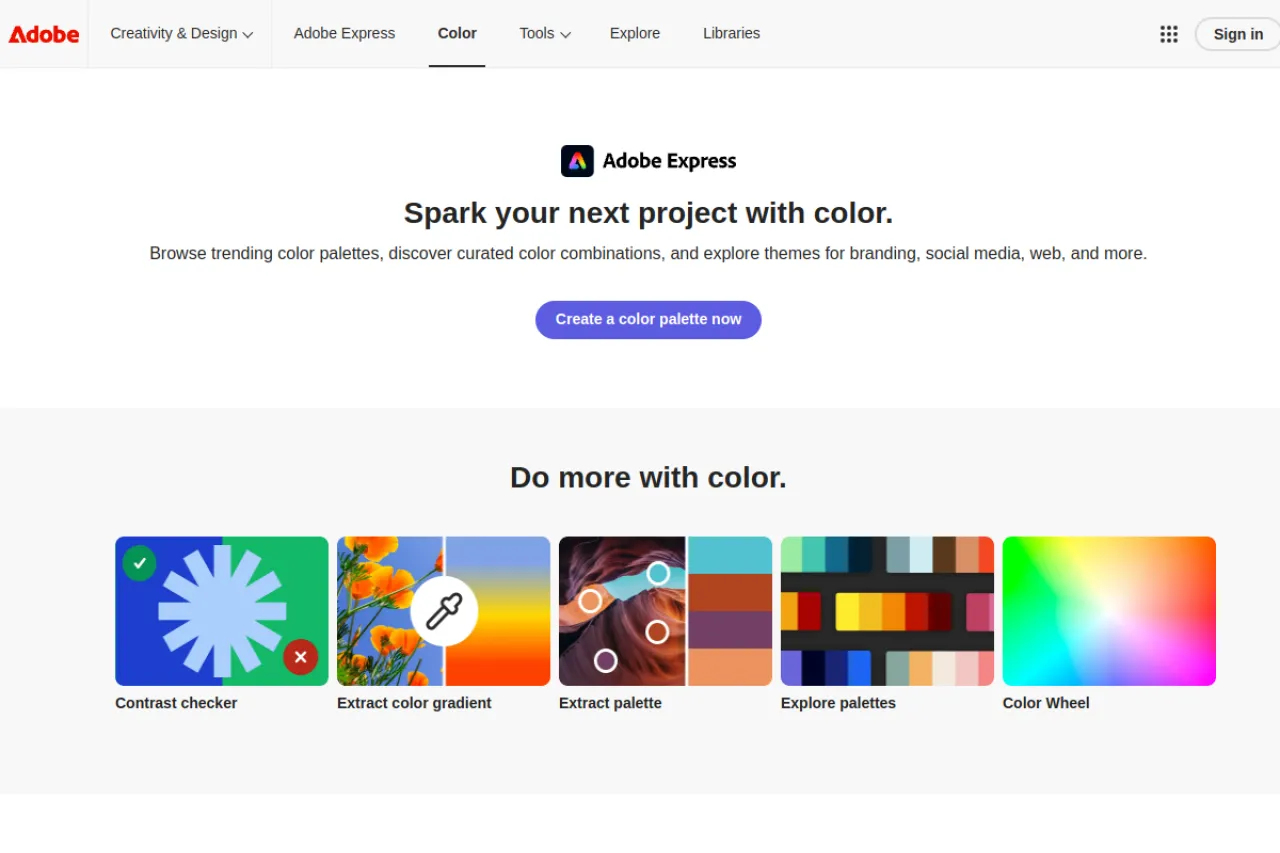
Adobe Color is an online tool for building color palettes. A palette is a set of colors that work well together in a design. The color wheel lets you pick a base color, then harmony rules — like complementary or triadic — suggest matching colors automatically. You can explore trending themes from the community, or extract a palette from any photo you upload. Contrast checks test whether text stays readable on your chosen colors. An Adobe ID is optional and only needed to save palettes.
Key Features
1. Interactive Color Wheel
Drag around the wheel to pick colors, with live previews of how the palette looks together.
2. Harmony Rules
Color rules like analogous and complementary auto-place matching colors for beautifully balanced and professional palettes.
3. Explore Trending Themes
Browse palettes shared by the creative community to find fresh color ideas for your project.
4. Extract From Photos
Upload any photo, and Adobe Color pulls a lovely palette straight from its dominant colors.
5. Accessibility Contrast Checks
Test text and background pairs against contrast standards so your designs stay readable for everyone.
6. Free With Optional Adobe ID
The tool is free to use. An Adobe ID is only needed if you want to save palettes to libraries.
Frequently Asked Questions (FAQ)
What is Adobe Color used for?
Adobe Color is used to create and explore color palettes. Designers, artists, and developers pick colors for websites, art, and branding.
How do harmony rules work?
You set a base color and pick a rule like complementary. The wheel places the other colors at positions that theory says look good together.
Can I get colors from a photo?
Yes. Upload an image, and the tool extracts a palette from the photo's main colors, which is great for matching a mood.
What is the contrast checker for?
It checks whether text on a background meets readability standards. This helps designs stay accessible to people with low vision.
Do I need an Adobe account?
No, not to use the tool. An Adobe ID is only needed to save palettes into your personal libraries.
Conclusion
Adobe Color is the go-to free palette builder. The wheel, harmony rules, and photo extraction make color choice easy, while contrast checks keep designs readable. It suits designers and creators who want better colors without guesswork. It is a bookmark-worthy tool for any designer. Better color choices start with better tools. Open it before your next project.
Keep exploring
Similar AI tools
Ranked by the job they do, their capabilities, and how closely they fit this workflow.