Upvotes
0
Pricing
Freemium
Category
Art & Design Tools
In the database since
Oct 2026
Overview
About Artbreeder
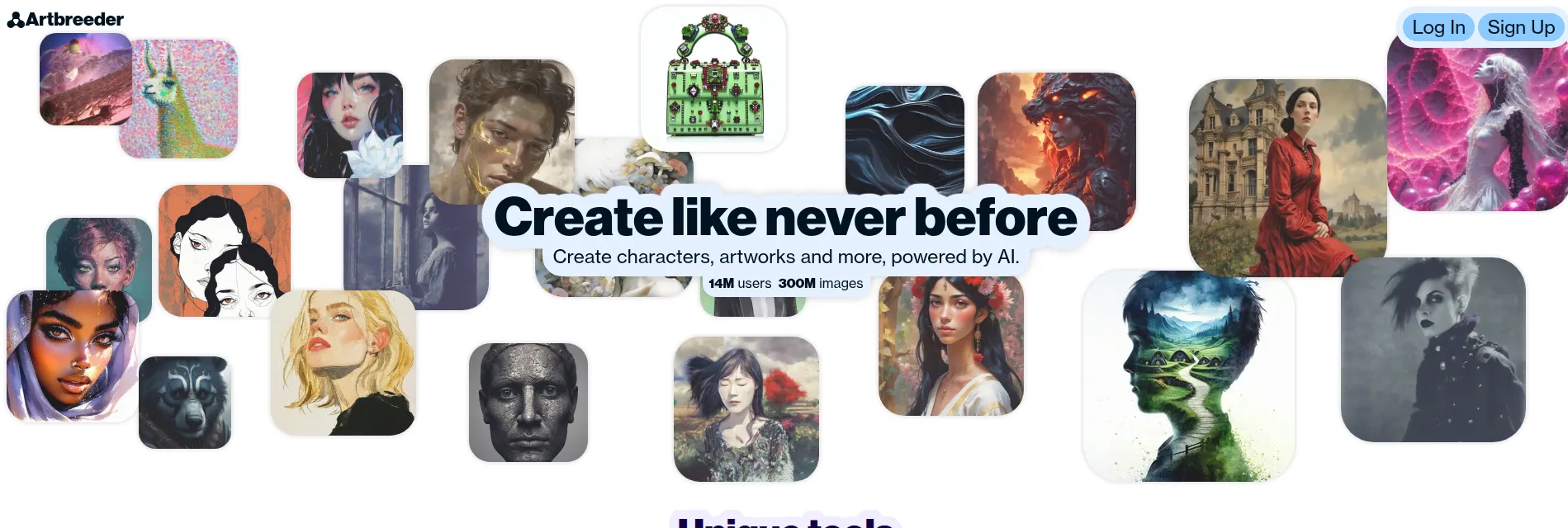
Artbreeder is a collaborative image platform where you breed new pictures by mixing parent images. Choose two or more images, and the tool creates a child image that blends their traits. Sliders let you tune age, style, color, and mood until the result looks right. Every public image can be remixed by other users, so the community keeps building on shared work. It suits portraits, landscapes, anime characters, and album art. You can start from community images, then shape the result with prompts or sliders.
Key Features
1. Splicer
Mix two or more parent images into one child image, then tune genes with sliders for age, style, color, and mood.
2. Collager
Describe a collage in words and Artbreeder turns the prompt into an image you can refine with further edits.
3. Community Remix
Every public image is open for remixing, so you can build on other artists' work and they can build on yours.
4. Portraits & Landscapes
Create faces, scenes, anime characters, and paintings, from realistic portraits to surreal landscapes for posters or covers.
5. Credits & Free Features
Free features include Splicer images and slow Collager generations, while paid credits unlock faster rendering and more images.
6. High-Res Downloads
Paid plans raise download resolution and add private creations, Google Drive sync, and an ad-free workspace.
Frequently Asked Questions (FAQ)
What does "breeding" images mean?
Breeding means combining two or more parent images into a child image that blends their traits. Sliders then let you tune the result toward one parent or a new style.
Can others use my images?
Yes, if they are public. Anyone in the community can remix your public images, and you can remix theirs. Paid plans add private creations that stay out of the public pool.
What can I do without paying?
You can still create Splicer images and slow Collager generations for free, even after credits run out. Faster rendering, higher-resolution downloads, and private projects need a paid plan.
Do I need to write prompts?
No. You can start from existing images and sliders without writing a prompt, and add a written description only when using Collager.
What can I create?
Portraits, landscapes, anime characters, paintings, and album art. The gene sliders suit character design, concept art, and mood boards.
Who is it for?
It is for digital artists, concept artists, and hobbyists who enjoy collaborative creation. It suits anyone who likes experimenting with images rather than starting from a blank page.
Conclusion
Artbreeder stands out because breeding beats prompting when you want happy accidents. Mixing parent images and tuning sliders produces looks words alone would miss. The free features are enough to explore the idea, and paid plans add speed and resolution when you need volume. If playful, collaborative image-making appeals to you, start free and remix something.
Keep exploring
Similar AI tools
Ranked by the job they do, their capabilities, and how closely they fit this workflow.