Adobe Express
Adobe's free design tool with Firefly AI generation
Upvotes
0
Pricing
Freemium
Category
Art & Design Tools
In the database since
Oct 2026
Overview
About Adobe Express
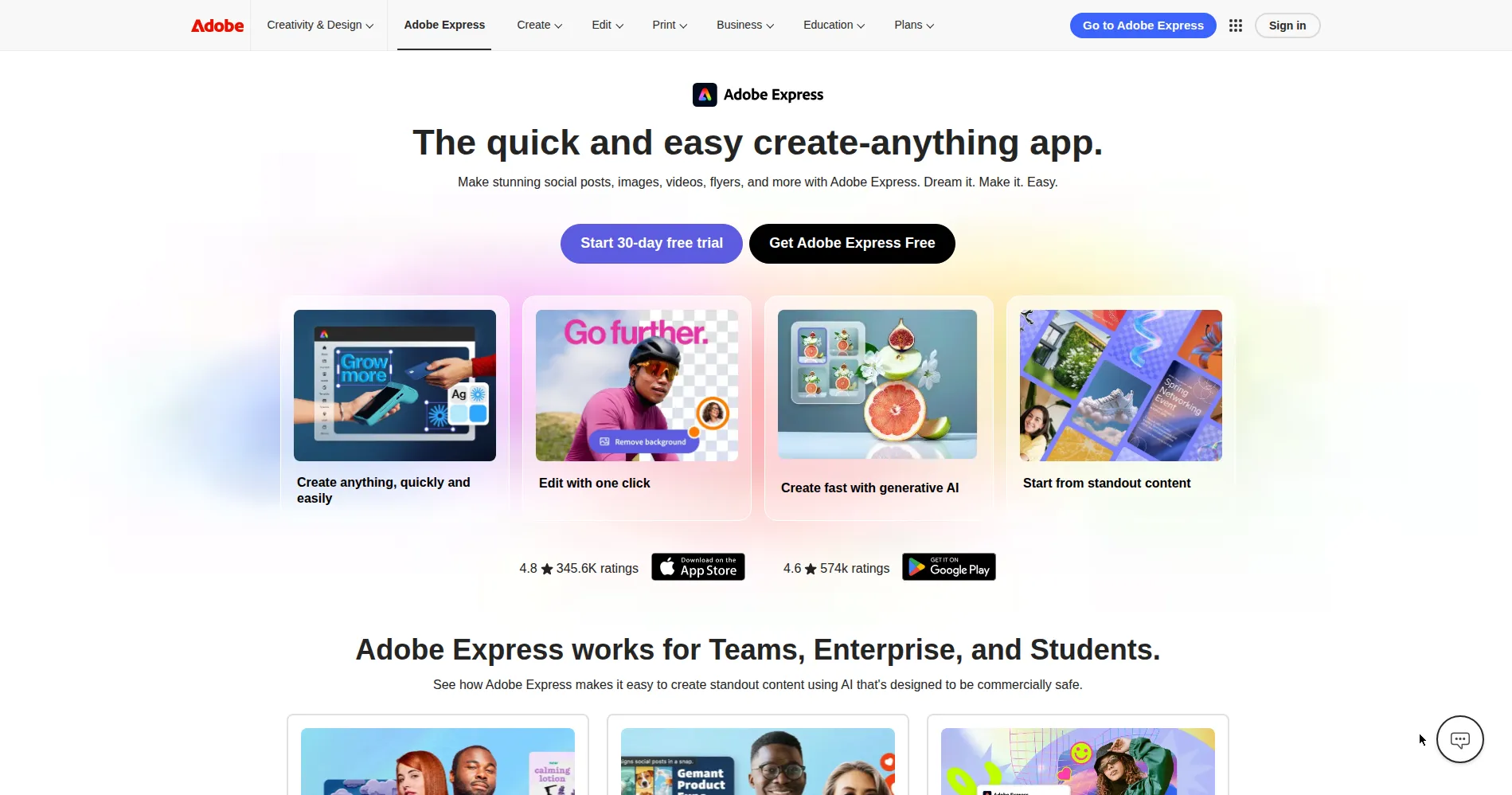
Adobe Express is Adobe's design app for social posts, flyers, videos, and documents. Firefly AI powers text-to-image generation, generative fill, and stylized text effects, and its AI features are designed to be commercially safe. The free plan includes templates and monthly AI credits, and you can work in a browser or on mobile. Check the official pricing page for current plans and limits before you upgrade. It suits creators and small businesses that need polished designs quickly, without learning a complex desktop design program.
Key Features
1. Firefly Text-to-Image
Describe an image in words, and Firefly generates it for you. Firefly is trained on licensed content, so results are designed for commercial use.
2. Generative Fill
Add, remove, or replace objects in a photo with a short description. Express fills the area to match the light and background around it.
3. Text Effects
Turn words into styled lettering, such as neon, moss, or copper effects. Apply an effect in a few clicks, then adjust it for your design.
4. 100K+ Templates
Start from over 100,000 templates for social posts, print, video, and documents. Each template is fully editable, so you can change text, images, and colors.
5. Brand Kit
Keep fonts, colors, and logos consistent across designs with a brand kit. Brand kits are a Premium feature, so check your plan first.
6. Adobe Sync
Open Photoshop and Illustrator files in Express, and edits in those apps stay synced. Your assets stay up to date without re-importing files by hand.
Frequently Asked Questions (FAQ)
Is Firefly AI commercially safe?
Yes. Firefly is trained on licensed content, and Adobe designed its AI features to be safe for business use. Enterprise plans add IP indemnification for extra cover.
How is it different from Canva?
Express integrates with Adobe's apps and offers commercially safe Firefly AI. Canva offers more templates and integrations, so compare both before you choose one.
Does it edit video?
Yes. Basic video tools cover trimming, music, captions, and transitions for short social videos.
Which fonts are available?
Adobe Express includes a large library of Adobe Fonts, with more fonts available on Premium plans.
Can I use it on mobile?
Yes. Adobe Express works in a browser and on mobile, and your projects sync across devices.
Who is it for?
It suits social media creators, small businesses, and marketers who need quick, polished designs without learning a complex design program.
Conclusion
Adobe Express is a design tool for social posts, flyers, videos, and documents. It suits creators and small businesses, and the free plan covers everyday designs well. Premium adds brand kits, more credits, and more templates. Try the free plan first, and upgrade only when you regularly hit its limits. That way, you pay only for features you actually use.
Keep exploring
Similar AI tools
Ranked by the job they do, their capabilities, and how closely they fit this workflow.