Dzine AI
All-in-one creative suite for image generation, editing and AI video.
Upvotes
0
Pricing
Freemium
Category
Art & Design Tools
In the database since
Oct 2026
Overview
About Dzine AI
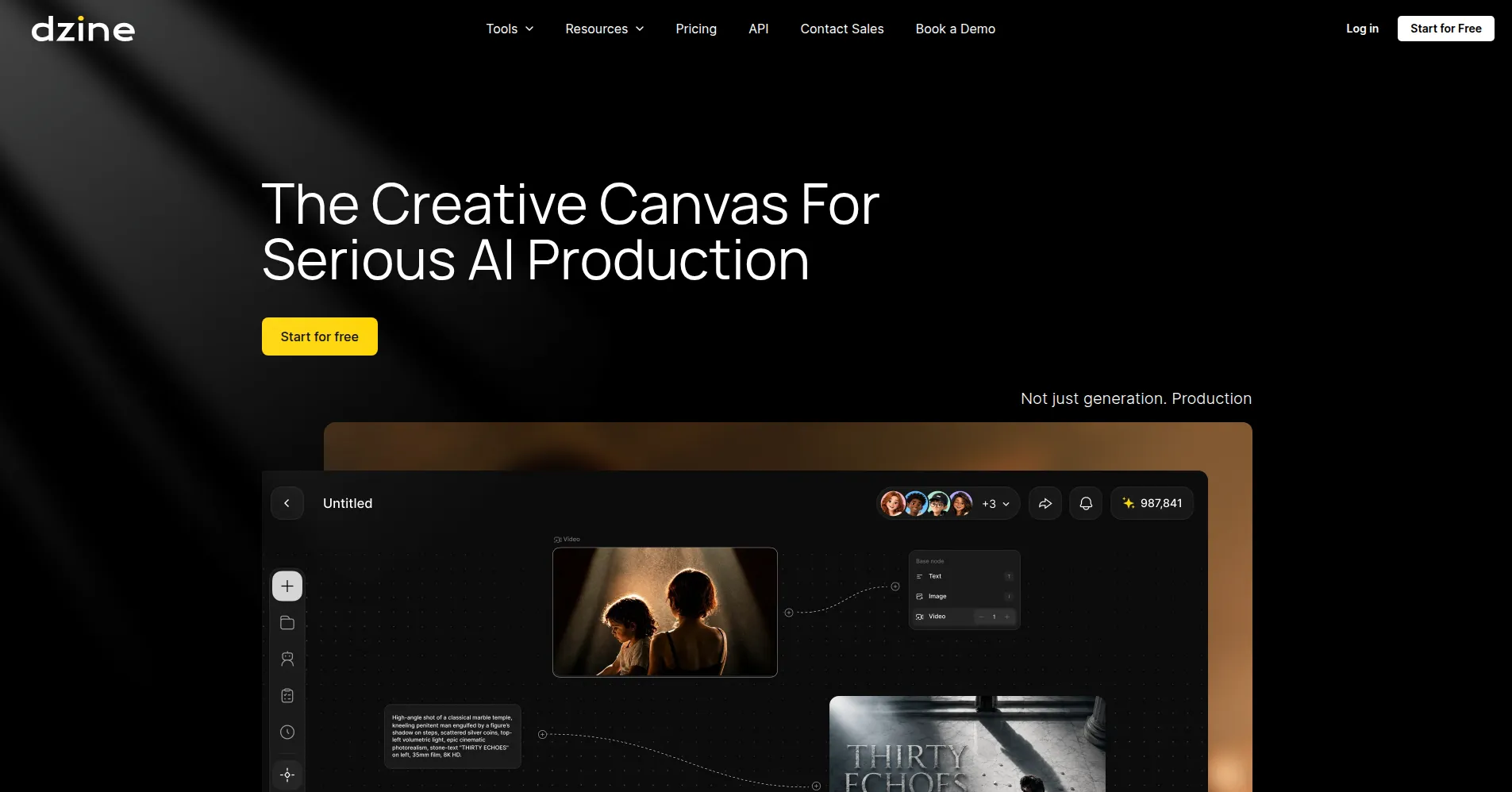
Dzine AI is an all-in-one AI creative suite. It makes images, edits photos, and creates short videos in one workspace. It was known as Stylar AI before. More than five million creators use it, including designers and marketers. The big idea is simple: you keep editing after you generate. You can change a background, swap an object, or relight a scene without starting over. Free accounts get 100 free credits. Paid plans start at $8.99 per month. Check dzine.ai for current prices, since plans can change.
Key Features
1. AI image generation
Describe a scene in words, and Dzine creates an image for you. It offers many AI models that fit different styles and needs.
2. Layered local editing
Change only the part of an image you select. Remove backgrounds, erase objects, relight scenes, or swap faces without regenerating the picture.
3. Consistent character creation
Build reusable character assets from a single reference image so the same person or mascot stays on-model across every shot.
4. AI video creation
Turn still images into video, capture motion for animated performances, sync lips to dialogue, and switch between takes, shot sizes, and iterations.
5. Image enhancement
Upscale images, sharpen details, and improve overall quality so generations hold up at high resolution or in print.
6. Reference-guided creation
Upload your own photos, products, or style references so the AI follows your composition and visual identity instead of inventing from scratch.
7. Team collaboration and rights records
Work in shared real-time workspaces and manage credit quotas across seats. It logs prompts, models, edits, and approvals to flag copyright risks.
Frequently Asked Questions
What is Dzine AI mainly used for?
Designers, marketers, and content creators use it to generate and polish images and short videos. It suits product shots, social posts, ads, and storyboards.
How is Dzine AI different from Midjourney?
Midjourney focuses on pure text-to-image generation; Dzine pairs generation with layered editing, video tools, character consistency, and team features aimed at production workflows.
Can I edit part of an image without regenerating it?
Yes. Select a region and describe the change you want. The rest of the image stays untouched while the edit is applied.
What are character assets in Dzine?
Reusable character profiles created from a reference image, with multiple views, outfits, and expressions, so the same character appears consistently across different shots and videos.
Can I use my own images as references?
Yes. You can upload your own images to guide style, composition, products, or characters, and the AI follows them instead of inventing from scratch.
What is the "Chain of Title" feature?
It is a verifiable log of references, prompts, model choices, edits, approvals, and contributors for each project, helping teams spot potential rights issues before delivery.
Conclusion
Dzine AI stands out where control matters. It suits people who iterate on AI images and short videos: adjust a product shot, keep a character consistent, or assemble a clip. Paid plans start at $8.99 per month, and free credits let you test first. Creators and small teams get one workspace instead of several apps.
Keep exploring
Similar AI tools
Ranked by the job they do, their capabilities, and how closely they fit this workflow.