Upvotes
0
Pricing
Freemium
Category
Art & Design Tools
In the database since
Oct 2026
Overview
About BlueWillow
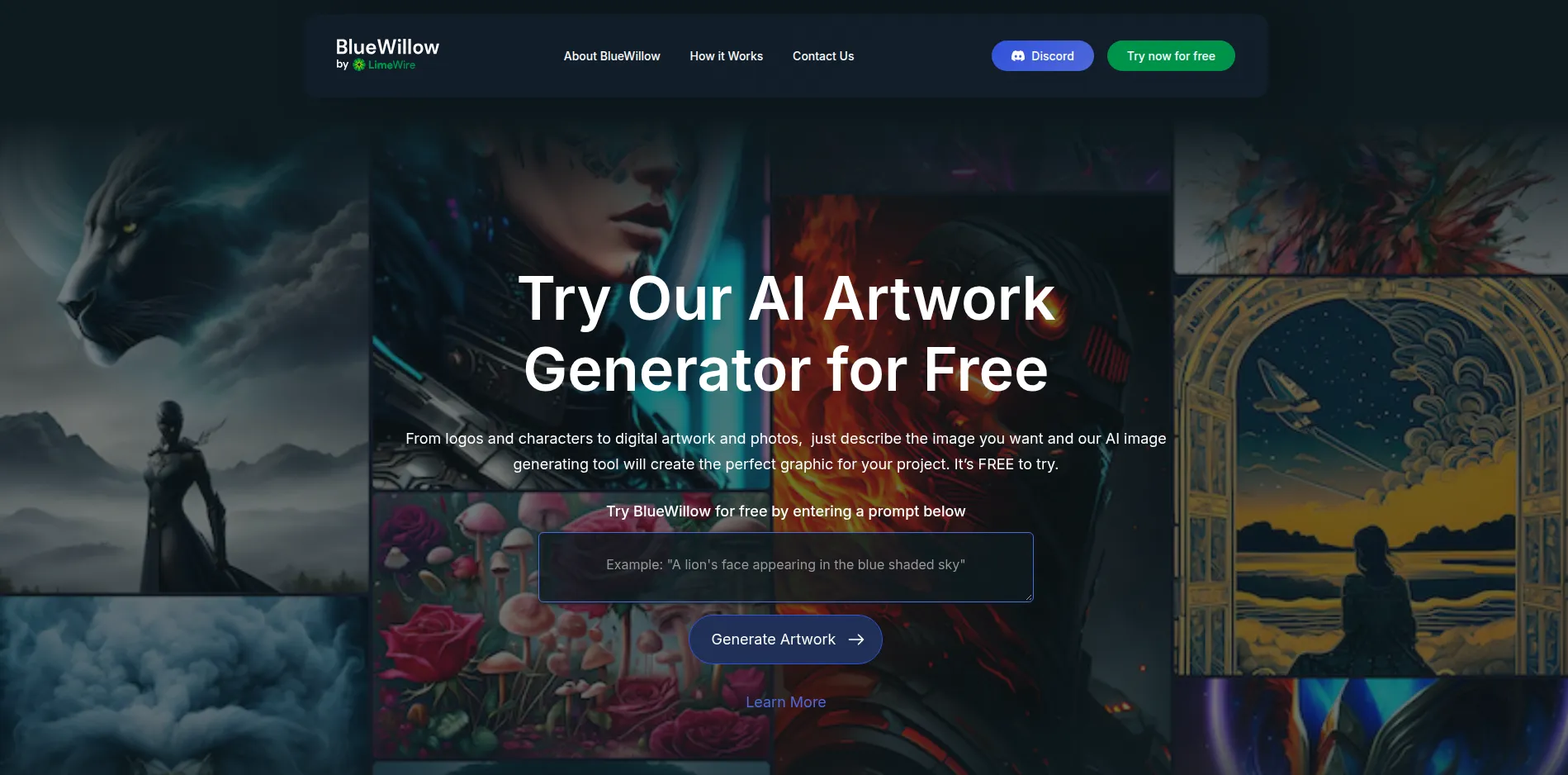
BlueWillow is a text-to-image tool that turns written prompts into pictures. It started inside Discord, where you type /imagine with a prompt, and now also offers a web studio on its site. It suits hobbyists, social media creators, and anyone who wants quick art without design skills or paid software. You need a Discord account for the Discord flow. Check the official site for current limits, since free access and paid options have changed over time. It also handles logos, characters, and digital art well.
Key Features
1. Discord image generation
Join the BlueWillow Discord server and type /imagine followed by your prompt in a rookie channel. No design software or install is needed to start.
2. Four images per prompt
Each prompt returns four images, so you can pick the best one instead of rerunning the same idea again and again.
3. Upscale and variations
Upscale a favourite image for more detail, or make new variations from it with one click and keep refining the result.
4. Multiple AI models
BlueWillow tests several diffusion models, including Stable Diffusion, and uses them to produce strong results for each prompt.
5. Logos, characters, and art
Make logos, characters, digital artwork, graphics, and photos from plain text prompts for posts, projects, or simple branding ideas.
6. Free to try
Start without paying, while paid versions exist for heavier use. Check current limits on the official site before a big project.
7. Community sharing
Share your work in the Discord community, see what other creators make, and pick up prompt ideas from their images.
Frequently Asked Questions (FAQ)
How do I use BlueWillow?
Join the BlueWillow Discord server, open a rookie channel, and type /imagine followed by your prompt. The site also offers a web studio where you enter a prompt and continue from there.
Do I need Discord?
Yes, for the Discord flow you need a Discord account and the app. The web studio on the official site is a separate way to enter a prompt.
What does BlueWillow cost now?
BlueWillow is free to try, and its terms describe both free and paid versions. Check the official site for current limits, since the free offer has changed over time.
How is it different from Midjourney?
Both work through Discord with an /imagine command, but Midjourney requires a paid subscription while BlueWillow is free to try.
Can I use images commercially?
BlueWillow says users own their creations, but check the current terms on the official site before any commercial use.
Who is it for?
Hobbyists, social media creators, and anyone who wants AI art quickly without setup, design skills, or a paid plan.
Conclusion
BlueWillow is a quick way to turn ideas into images, either through Discord or its web studio. It suits casual creators who want fast results without paying first. Its free offer and paid options have changed before, so check the official site for current limits before you plan a large project around it. It is best for casual creative work.
Keep exploring
Similar AI tools
Ranked by the job they do, their capabilities, and how closely they fit this workflow.